EasyManua.ls Logo

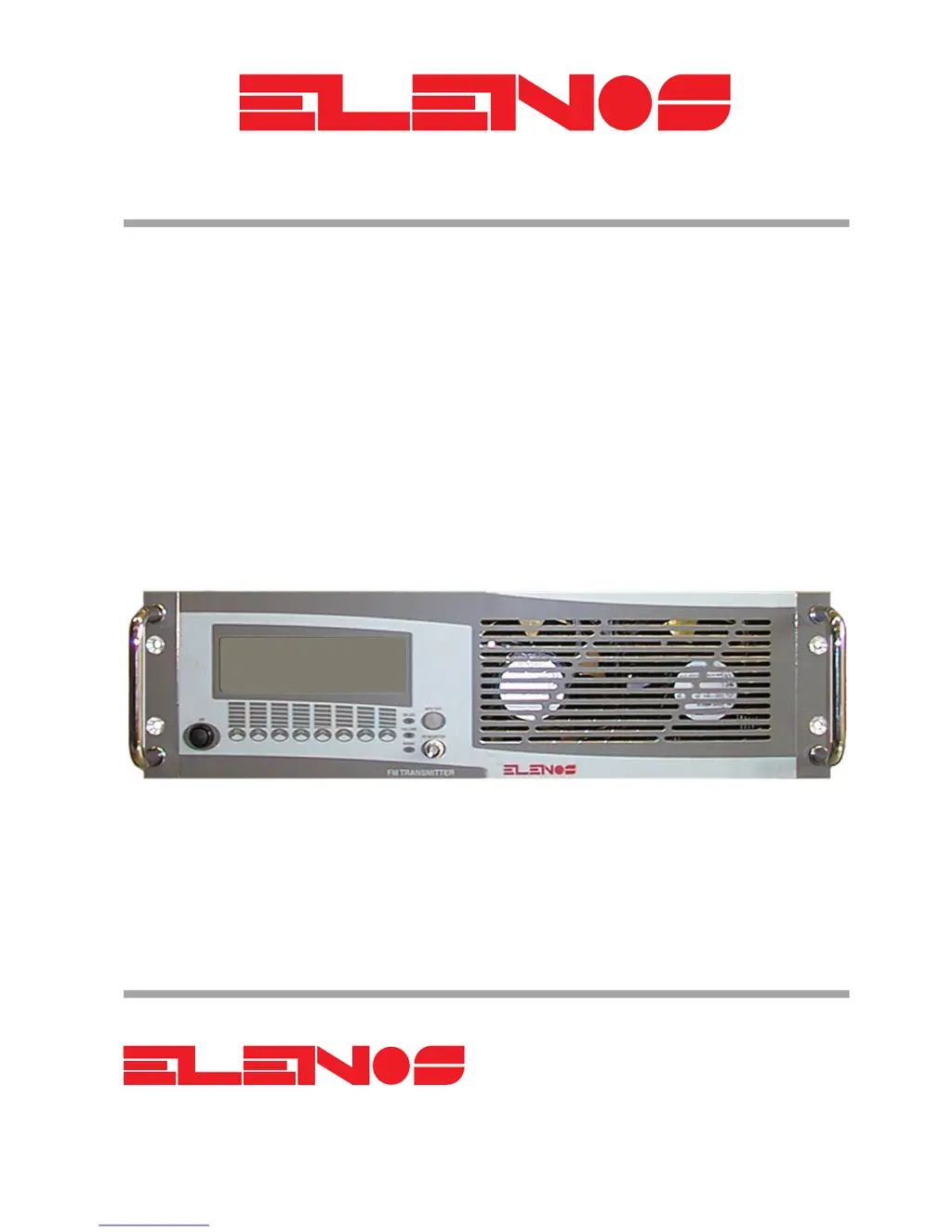
Elenos ETG300DR - User Manual

Default Icon
124 pages
Print Icon
To Next Page IconTo Next Page
Loading...
ETG300
ETG300DR
ETG250
ETG250DR
USER AND MAINTENANCE MANUAL
TECHNICAL
ANNEX
Via G. Amendola 9 - 44028 Poggio Renatico (FE) - Italy
Phone. +39 0532 829 965 - Fax +39 0532 829 177
E-Mail: info@elenos.com
Internet address: www.elenos.com
Edition 1
Rev. 1 - 14/05/2001
Cod. MAN0075
BROADCAST EQUIPMENT COMPANY

Table of Contents

Questions and Answers

  • K
    Kyle Soto DDSAug 6, 2025
    What to do if Elenos ETG300DR Transmitter does not reach required power level?
    • S
      Steven RamirezAug 6, 2025
      If the Elenos Transmitter unit does not reach the required power level, first ensure that the unit is not in Stand-By mode. Access the RF menu and enable “RF On”. Also, check the connection of the antenna or amplifier, ensuring its integrity.
  • M
    Megan CurtisAug 11, 2025
    How to troubleshoot if Elenos ETG300DR will not power up?
    • A
      Amanda BanksAug 11, 2025
      If the Elenos Transmitter unit will not power up, connect or replace the power cable. If the issue persists, replace the power supply fuses located on the rear panel. If the “MAIN” front panel LED is not lit, it indicates an auxiliary power supply fault.
  • J
    jessicamillerAug 17, 2025
    What to do if there is absence of modulation on the output and on the display of Elenos ETG300DR?
    • M
      Melissa MckayAug 17, 2025
      If there is an absence of modulation on the output and on the display of your Elenos Transmitter, first connect or replace the audio cable. Additionally, verify that the modulation is enabled from the audio menu.
  • M
    Mr. Andrew WrightAug 21, 2025
    How to troubleshoot if modulation does not reach the required value on Elenos ETG300DR?
    • V
      Victoria CobbAug 21, 2025
      If the modulation does not reach the required value on your Elenos Transmitter, increase the audio input level. Also, ensure that the ALC threshold is programmed correctly by setting the correct threshold.
  • V
    Valerie WiseAug 27, 2025
    How to fix absence of stereo modulation on Elenos ETG300DR?
    • J
      John PerezAug 27, 2025
      If there is an absence of stereo modulation on your Elenos Transmitter, enable the stereo carrier from the user setup menu. Also, connect or replace the audio cable. Finally, insert stereo board and/or stereo encoder.
  • M
    megan91Sep 1, 2025
    What to do if there is absence of RDS transmission on Elenos ETG300DR?
    • R
      Roger MooreSep 1, 2025
      If there is an absence of RDS transmission on your Elenos Transmitter, switch on RDS from the user setup menu. Reprogram the RDS board. Insert RDS board, if it is missing.

Summary

2. INSTALLATION

3. USER INSTRUCTIONS

3.1. User Interface

Interacting with the unit's interface and analog signal inputs.

3.2. Telemetry Connection and Operation

Connecting for telemetry via GSM modem or PC using Hyper Terminal.

3.3. Powering Up

Procedure for powering on the unit and system check during startup.

3.4.1. Main Menu

Description of the main menu functions and displayed parameters.

3.4.3. Audio Menu

Adjusting input signal level and monitoring audio parameters.

3.4.4. RF Menu

Adjusting output power and monitoring RF parameters.

3.4.5. Frequency Menu

Setting and monitoring the operating frequency of the unit.

3.4.10. RDS Encoder Programming

Software setup for programming the RDS encoder.

3.5. Checking Performance

Procedures for verifying unit performance using external measurement equipment.

4. GENERAL DESCRIPTION

4.4. Power Supply Section

Description of the unit's switch-mode and transformer power supply systems.

5. ELECTRICAL SCHEMATICS

5.1. Auxiliary Power Supply

Schematic diagram and parts list for the auxiliary power supply.

5.2. Switching Power Supply

Schematic diagram and parts list for the switching power supply.

5.3. Mother Board

Schematic diagram and parts list for the mother board.

6. TROUBLESHOOTING

7. TECHNICAL SPECIFICATION

Elenos ETG300DR Specifications

General IconGeneral
Power Output300 W
Frequency Range87.5 - 108 MHz
ModulationFM
Efficiency>70%
Cooling SystemForced air cooling
Weight10 kg
RF Output ConnectorN-type
Input Voltage100-240V AC

Related product manuals