16
3.6.3 Deleting a sale from accumulation
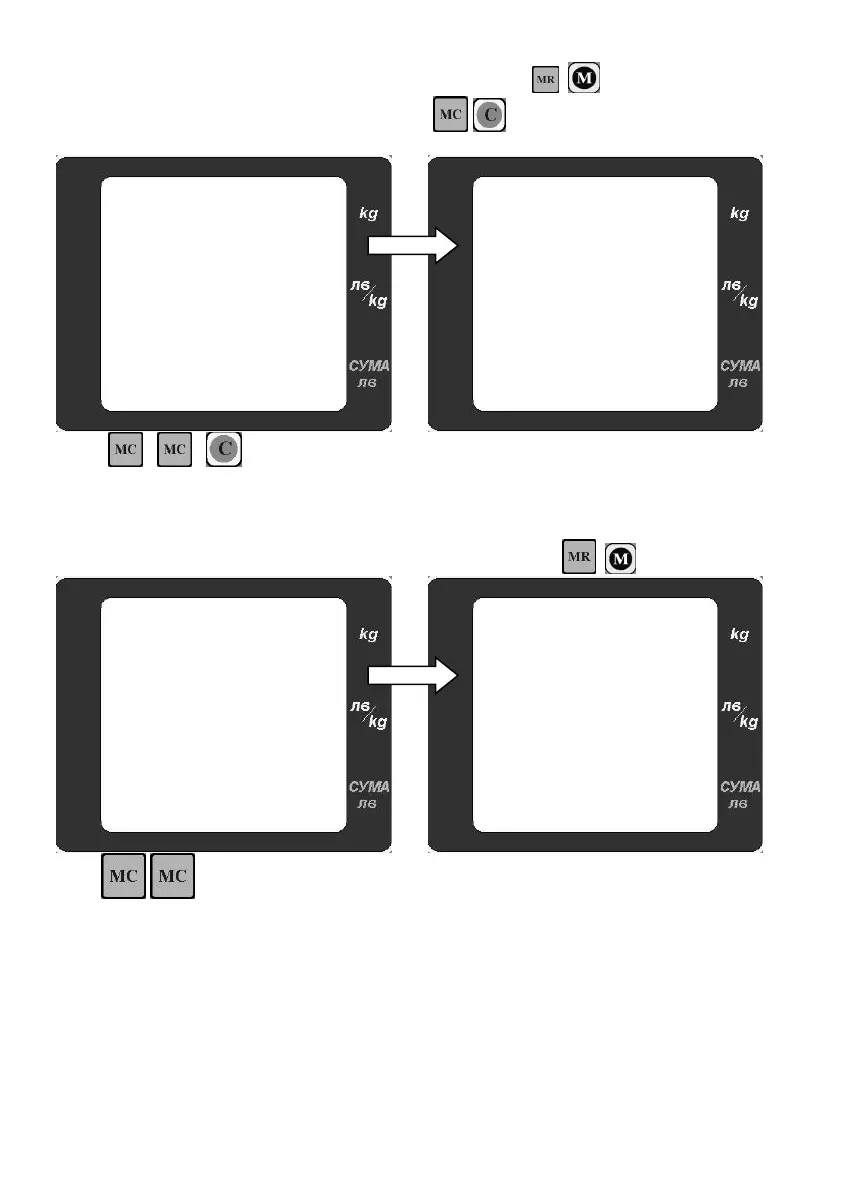
From the accumulation list you can delete any of the sales. Use ( for model LF,BF) to go to
the desired sale you want to delete. Double press ( for LF,BF) to delete the desired sale.
Deleting a sale 1:
Press , ( for model LF,BF) to
delete the sale
As a result the display shows the next
accumulated sale. Now the number of sales is
only 1
3.6.4 Deleting accumulation
After accumulation is finished, the current accumulation is displayed by ( for model LF,BF):
Press to delete all accumulations
The scale returns to normal weighing mode.
The arrow indicating that there is accumulation is
off
Remark: The maximal number of accumulations is 15 sales. When reaching the maximal number of
accumulations; the total of the accumulation is displayed and needs to be deleted.
.


 To Next Page