20
3.8.3 Printing group label
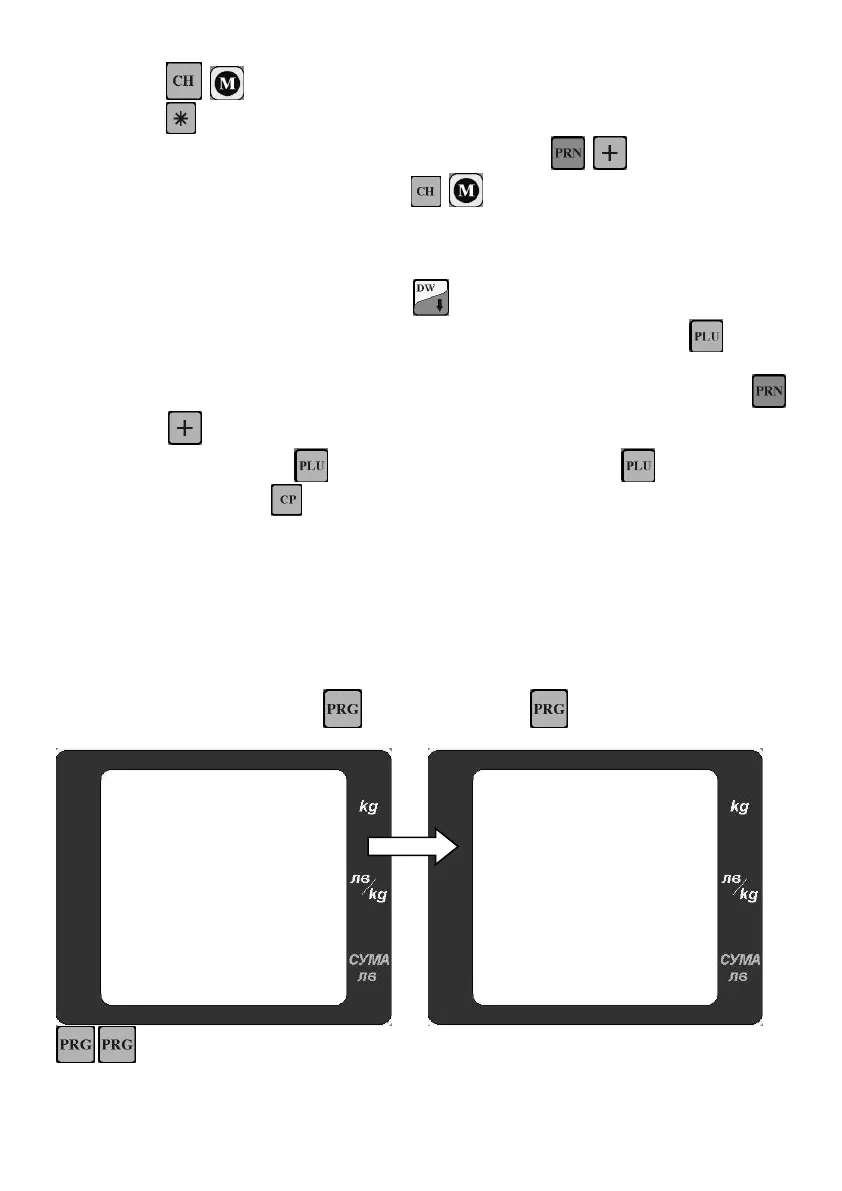
Use ( for LF,BF) to enter into Group mode
Use switch between accumulation of weight and quantity
From the desired mode weighing/quantity print a label with ( for LF,BF)
Clear accumulations with double press ( for model LF,BF)
3.8.4 Pre-labeling
Activate this function form service mode2
From weighing mode double press
The display shows “PLU000” - enter the desired PLU number followed by
Display for price shows “Е 0.000” – this means that scale is in pre-label mode (manual
input of price). Enter the desired weight by the keyboard and print a label with
( for model LF,BF).
To the PLU, press enter new PLU number and confirm with
To exit menu –
4 SERVICE MODE
Service mode 1 – programming PLU, Battery check, scale parameters
Service mode 2 – Decimal point, Labelling parameters, Activating/Deactivation function of the scale.
4.1 Service mode1
To enter this mode double press . Once in the menu use to move forward in menu


 To Next Page