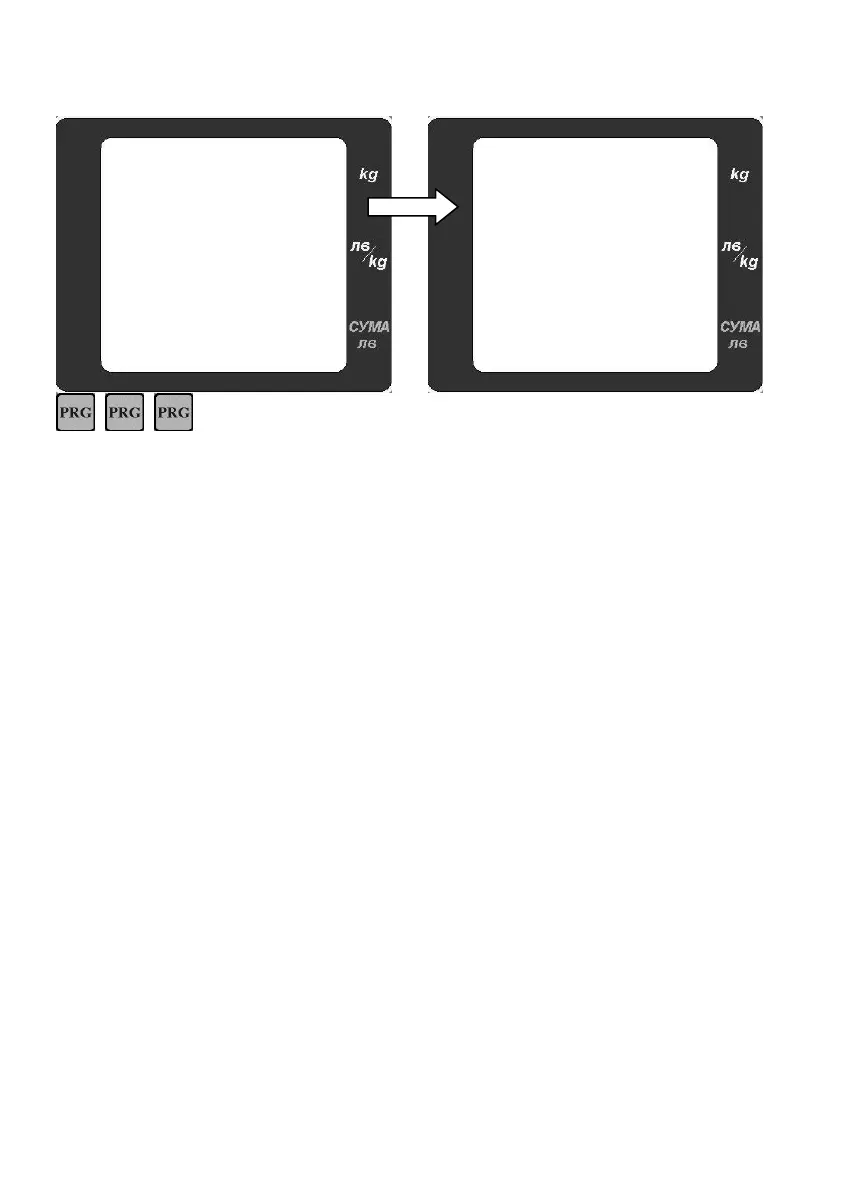
- to enter battery voltage
condition. When power adapter is connected to
scale and battery is charging the sign „ – „ is
changing constantly:- =
After the message “batLO”, the display is turning off automatically. When working without adapter the
dropping of the voltage is displayed by a battery icon in the left part of the display. The company
recommends turning on the adapter in order for the battery to be charged!
The deep discharging of the battery shortens its life dramatically!!! After the adapter is turn on, the
voltage of the battery is raising and the battery icon disappears. Continue the charging till the battery
voltage reaches close to 6,8V with the adapter turned on.


 To Next Page