17
3.6.5 Register of sales
When accumulation function is activated all sales are saved in a register of sales. In this register are
accumulated all stored PLU and free price input sales. All free price input sales are stored as PLU
(MAX +1).
Note: Sales by pcs are registered only as sums. There is no register for pcs sold!
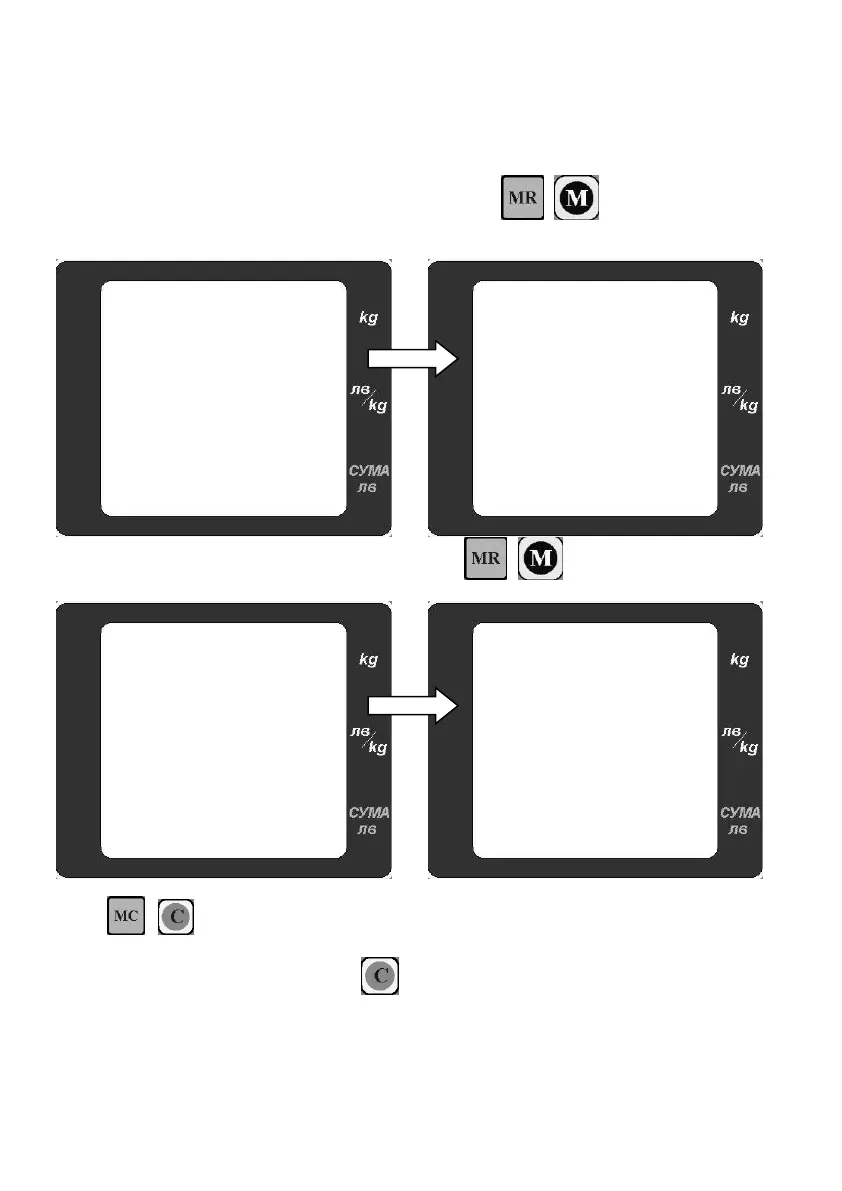
With closed accumulation account and deleted account press ( for model LF,BF) you can
open register of sales. The display shows total accumulations: Weight, turnover for all accumulation
accounts.
The first line shows the total weight, the bottom
line shows the current total turnover.
Use ( for model LF,BF) to see the
PLU numbers which have accumulation sums.
To delete the register of sales double
press . ( for model LF,BF)
During deleting of the register the scale make a
long sound signal and display shows CLEAR.
Note: To exit the menu at any time press or CP.


 To Next Page