EasyManua.ls Logo

Elite CSW-200 - User Manual

Elite CSW-200
33 pages
Print Icon
To Next Page IconTo Next Page
Loading...
CSW-200
CSW-200
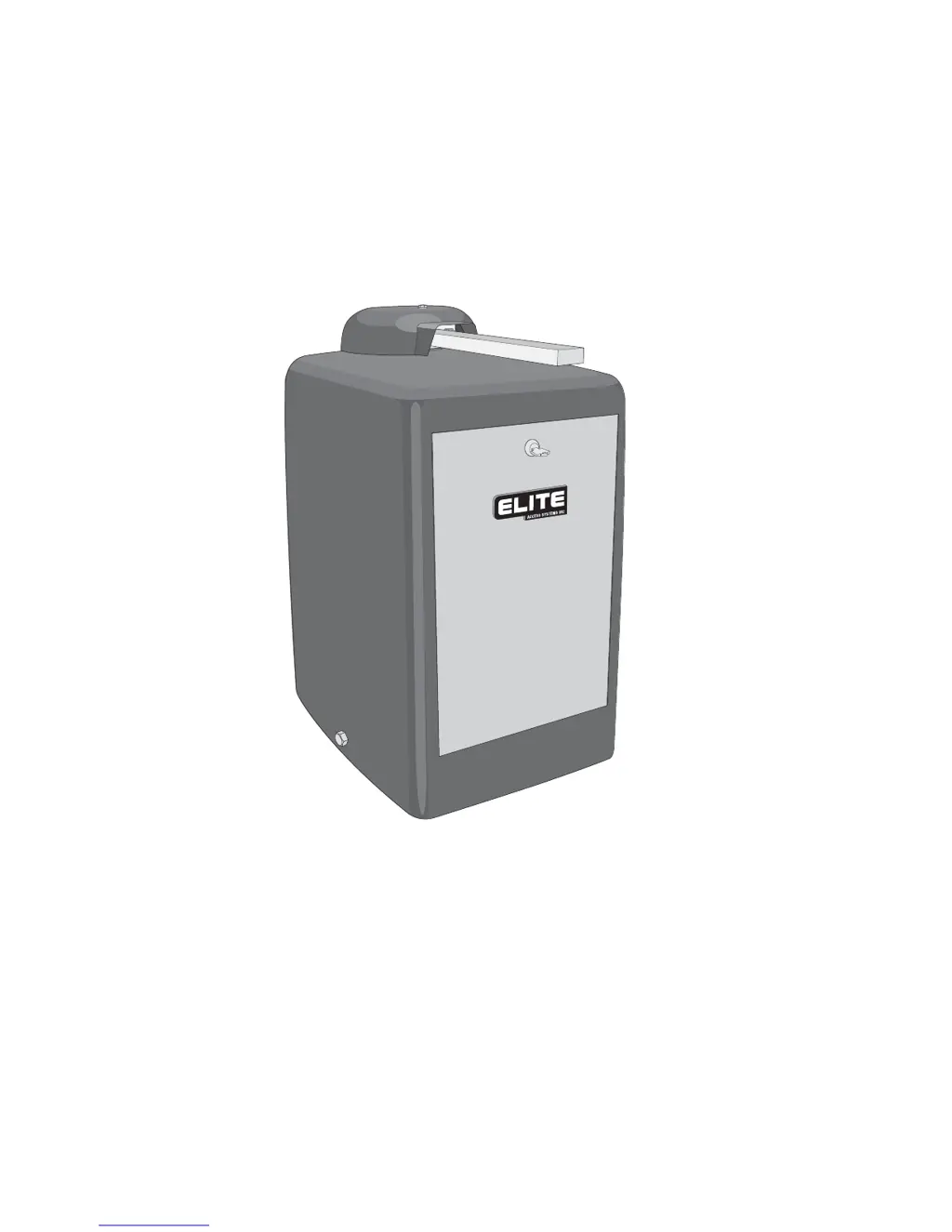
High Traffic Commercial Swing Gate Operator

Questions and Answers

  • P
    patrick72Aug 15, 2025
    What to do if the Elite Gate Opener audio alarm is on?
    • A
      Alicia EwingAug 15, 2025
      If the audio alarm is on, it typically means the Elite Gate Opener has encountered two consecutive obstructions while attempting to close or open. To resume normal operation, use any re-new command (except for a radio command) and check for any obstructions.
  • B
    benjamin81Aug 18, 2025
    Why is the reverse sensor LED on my Elite CSW-200 Gate Opener on?
    • M
      Michelle WaltonAug 18, 2025
      If the reverse sensor LED is illuminated, it could be due to two reasons. First, the Elite Gate Opener might have detected an obstruction during its movement; remove any obstructions. Alternatively, the reverse sensor might be overly sensitive. In that case, slightly turn the reverse sensor pot counter-clockwise and test again.
  • D
    Dennis StokesAug 22, 2025
    What to do if the alarm sensor LED is on on my Elite Gate Opener?
    • C
      Caitlin MorseAug 22, 2025
      The alarm sensor LED might be on because the Elite Gate Opener has encountered an obstruction while moving; make sure to remove any obstructions. It could also indicate that the alarm sensor is too sensitive. Try adjusting the alarm sensor pot by turning it counter-clockwise a bit and then testing the gate again.
  • A
    Anthony PittmanAug 25, 2025
    Why is the system on LED flashing on my Elite CSW-200 Gate Opener?
    • D
      Donald TorresAug 25, 2025
      A flashing system on LED indicates that either a limit switch is faulty, or the motor thermal fuse has popped out. First, test the limit switches and wire connections, and fix any faults. If that's not the issue, reset the motor.
  • A
    annabaldwinAug 28, 2025
    What to do if loop LED is on with no vehicle on the Elite Gate Opener?
    • L
      Linda MezaAug 28, 2025
      If any loop LED is on even when there's no vehicle in the sensing area, there are several potential causes. - The loop detector may need to be reset. If you're using Elite Plug-in Loop detectors, try changing the sensitivity setting and then reverting to your original setting. - The wire loop might be disrupted; verify and correct the connections. - The loop detector might need to operate on a different frequency; set a different working frequency. - The loop detector could be too sensitive; decrease its sensitivity.
  • V
    Valerie LewisAug 30, 2025
    Why are overload and power LEDs on on my Elite Gate Opener?
    • A
      Amber JacksonAug 30, 2025
      If the overload LED and power LED are both on, it could be due to excessive current draw at terminal 10; try reducing the load from accessories connected to terminal 10. Alternatively, there may be over-voltage at the 120 VAC line input, so verify your electrical power supply.
  • B
    burgesscarrieSep 3, 2025
    What does it mean when timer and command LEDs are blinking with reverse sensor LED on for Elite CSW-200 Gate Opener?
    • K
      Karen BlackwellSep 3, 2025
      If the timer LED and command processed LED are blinking, and the reverse sensor LED is on, it means the Elite gate has reopened because it encountered an obstruction while closing. Any re-new command will resume normal operation. Check for obstructions. You can stop the alarm by using the stop button.
  • D
    Dr. Robert Benson DDSSep 5, 2025
    How to fix overload LED on and power LED off on Elite Gate Opener?
    • S
      Steven Baker IIISep 6, 2025
      If the overload LED is on and the power LED is off, it indicates a short circuit. It could be at terminals 8 and 10; remove the short circuit. It may also be a short circuit in any of the loop detectors on the board; remove the defective loop detector. If neither of those is the cause, there may be a short circuit in the control board, and you should send the board for repair.
  • J
    Jason KnightSep 8, 2025
    What does command processed on mean on Elite Gate Opener?
    • R
      raymond58Sep 8, 2025
      The 'Command Processed On' indication is a normal response of the Elite gate operator and does not necessarily indicate a problem; it usually means there is a command hold active.
  • C
    Cody WrightSep 12, 2025
    What does it mean when timer and command LEDs are blinking on Elite CSW-200 Gate Opener?
    • D
      Diane JacksonSep 12, 2025
      The timer LED and command processed LED blinking is a normal response of the Elite gate operator. It does not necessarily indicate a problem; it means there is a command holding the gate open. Check inputs for command.

Summary

UL Listings and Installation Instructions

Installation Requirements and Safety

Details installation requirements and safety precautions for gate operators.

Critical Safety Warnings

Lists essential safety warnings for operating and maintaining the gate operator to prevent injury.

Concrete Pad and Gate Attachment

Gate Arm Installation

Adjustments and Settings

Output Shaft and Clutch Adjustment

Step-by-step instructions for adjusting the output shaft and clutch for proper gate operation.

Power and System Configuration

120 V Power Connection

Instructions for connecting 120V power, including wire gauge requirements based on distance.

Clutch and Safety Signage

Clutch Adjustment for Heavy Gates

Detailed steps for adjusting the clutch, specifically for gates over 300 lbs or 12 ft long.

Sensor and Timer Configuration

Reversing Sensor Sensitivity

Instructions and cautions for adjusting the sensitivity of the two-way reversible sensor.

Master;Slave System Configuration

Master;Slave and Control Options

Terminal Input Overview

Input Connections Diagram

A comprehensive diagram showing various terminal input connections for gate operation.

Emergency Operation

Safety Bolt and Manual Release

Instructions for releasing the gate using the optional safety bolt and manual emergency procedures.

Power Backup and Alarm Management

Entrapment Systems

Secondary Entrapment Wiring and Mounting

Details on wiring and mounting secondary entrapment sensors like photocells.

Troubleshooting LEDs

LED Indicator Troubleshooting Guide

Explains various LED indicators and provides examples for diagnosing gate operator problems.

Comprehensive Troubleshooting

Overload LED Troubleshooting

Causes and solutions for overload LED status indicating electrical issues.

Detailed Parts List and Maintenance

Gate Operator Maintenance Checklist

A checklist of essential maintenance tasks to ensure proper gate operator function and longevity.

Elite CSW-200 Specifications

General IconGeneral
BrandElite
ModelCSW-200
CategoryGate Opener
LanguageEnglish

Related product manuals