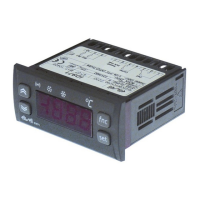
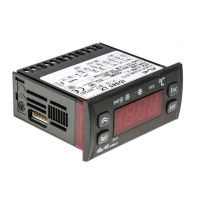
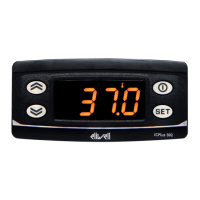
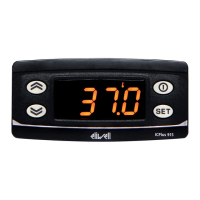
USER INTERFACE
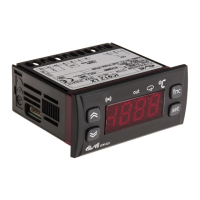
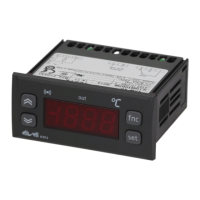
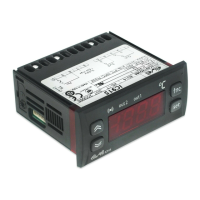
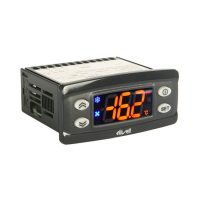
The user has a display and four keys for
controlling status and programming of the
instrument.
DISPLAY
KEYS AND MENUS
At start-up the instrument performs a
Lamp Test; for five (5) seconds the display
and the leds blink, in order to verify their
integrity and correct operation; afterwards
it will appear the label “Lod” (Loading) for
ten (10) seconds. The instrument has two
main menus: the “Machine Status” and
“Programming” menu.
ACCESSING AND USING MENUS
The resources are arranged in a menu that
can be accessed by pressing and quickly
releasing the “set” button (Machine Status
menu) or holding down the “set” button
for more than 5 seconds (Programming
menu).
To access the contents of each folder indi-
cated by the relevant label, just press the
“set” button once.
You can now scroll through the contents
of each folder, modify it or use its func-
tions. If you do not use the keyboard for
over 15 seconds (time-out) or if you press
the “fnc” button once, the last value
shown on the display is confirmed and
you are taken back to the previous screen
MACHINE STATUS MENU
(See Machine Status Menu Diagram)
To access the Machine Status menu, press
the “set” button and quickly release it.
The “SP1” label appears.
(If alarms are active, with the exception of
faulty probes/probe errors, the “AL” label
appears).
By using the “UP” and “DOWN” buttons
you can scroll through the other folders in
the menu: the folders are indicated below
in the order they appear:
-SP1: Set point 1 setting folder or
-AL: alarm folder (if alarms present, with
exception of faulty probes/probe errors);
-Pb1: probe 1 value folder;
IC 912 LX Pt100°R
electronic controller with single output
and regulation in Réaumur degrees
MACHINE STATUS MENU DIAGRAM
Scrolls through the menu items UP button
Increases the values
Parameter programmable
(par. H31)
DOWN button
Scrolls through the menu items
Decreases the values
Parameter programmable
(par. H32)
fnc button ESC function (quit)
Parameter programmable
(par. H33)
Set point button 1-Accesses Machine Status Menu
(SET POINTS, ACTIVE ALARMS,
PROBE READING) and labels/values;
1-Accesses Programming Menu
(PARAMETERS, COPY C ARD) and
relative labels/values;
3-Confirms commands
4-Activates the functions*

 Need help?
 General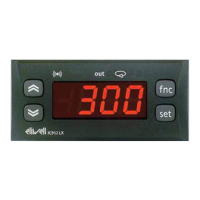

 To Next Page