18
PROBLEMS AND SOLUTIONS
The machine indicates on both the displays any malfunction with the following
messages:
ERROR CODE MEANING
SENSOR ERROR Error sensor assembly:
• Clean the drag unit.
• Verify that the connection wire runs from the
motherboard CN1 connector.
If the error persists, call Electrocoin Aftersales
PRINTER ERROR Printer error:
• Verify that there is paper into the printer
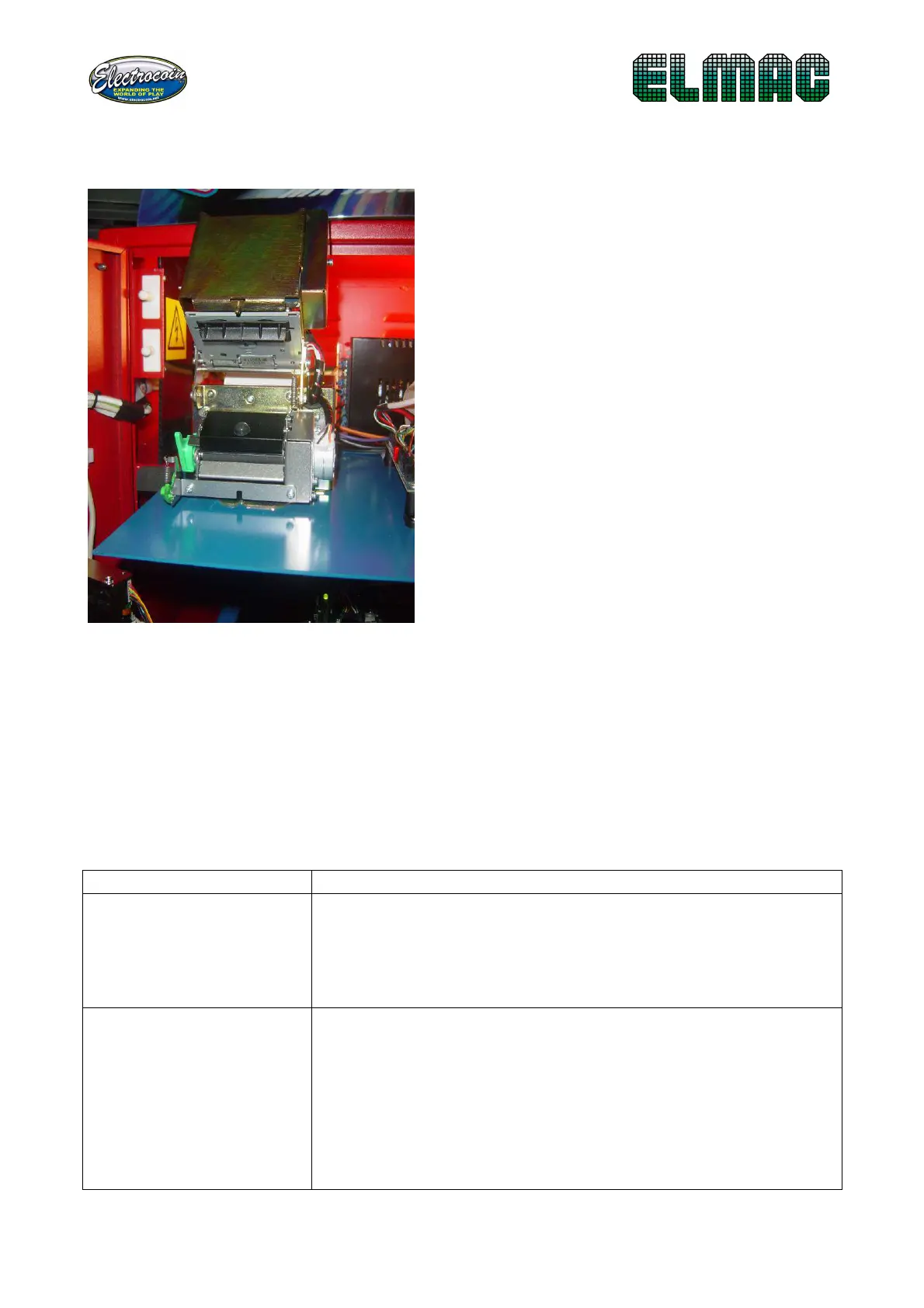
• Verify that the block paper lever is in print-
position (Fig.6)
• Verify the connection from motherboard (CN5)
and printer
• Verify the power wire of the printer (CN10)
If the error persists, call Electrocoin Aftersales


 To Next Page