4
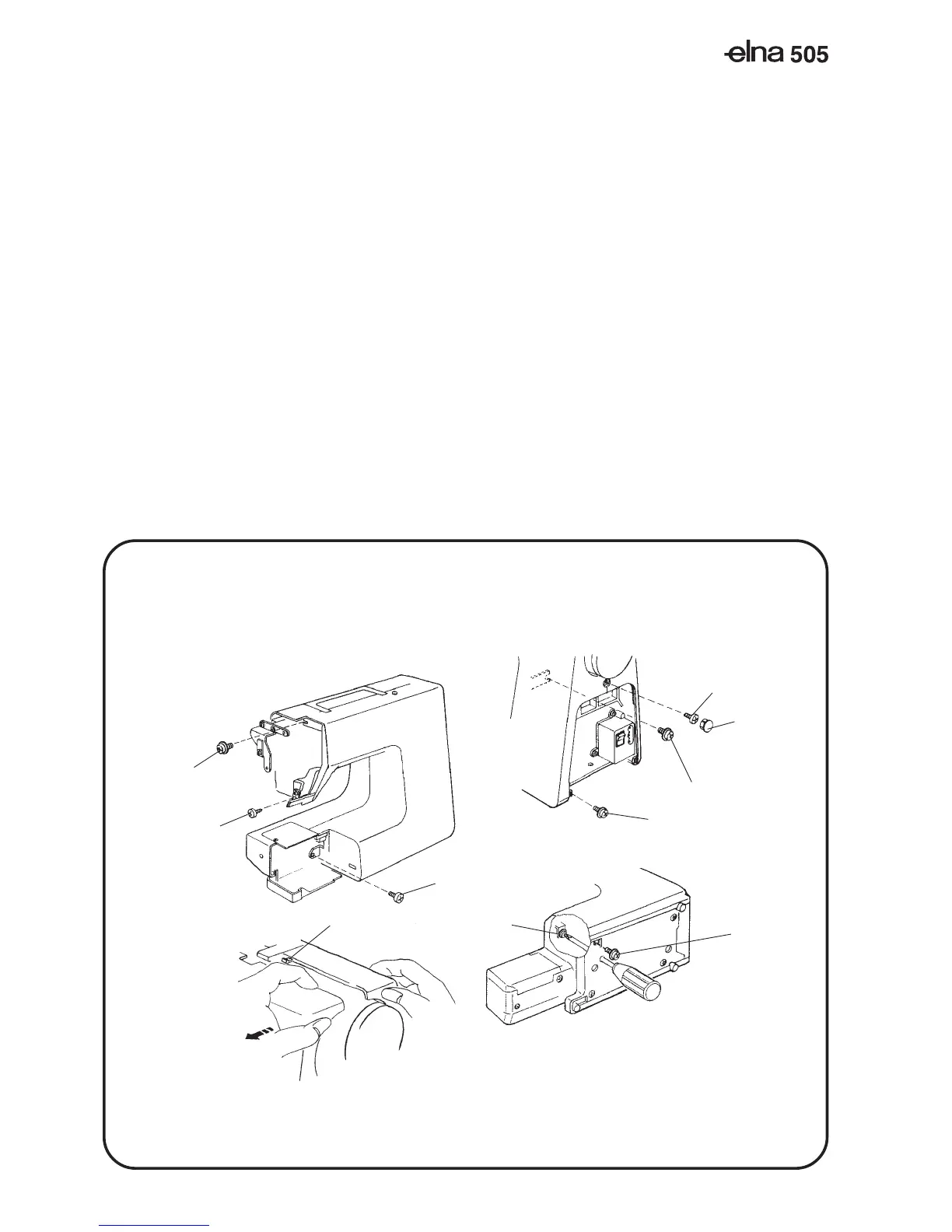
(A)
(B)
(E)
(D)
(F)
(G)
(H)
(J)
(C)
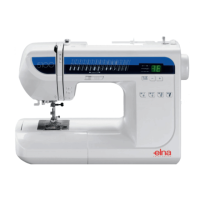
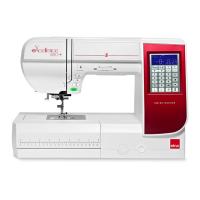
FRONT COVER
TO REMOVE:
1. Remove the face cover, and remove the belt cover (see page 1-2).
2. Loosen setscrews (A), (B), (C), (D), (E), and (F), remove setscrews (G) and (H), then remove the
front cover.
NOTE: Unhook the tab (J) from the rear cover when removing the front cover.
TO ATTACH:
3. Mount the front cover in reverse procedure of the removing.
Cap
SERVICE ACCESS (4)



 To Next Page