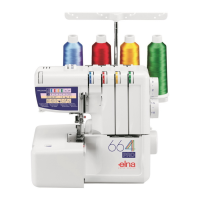
EXTENSION TABLE
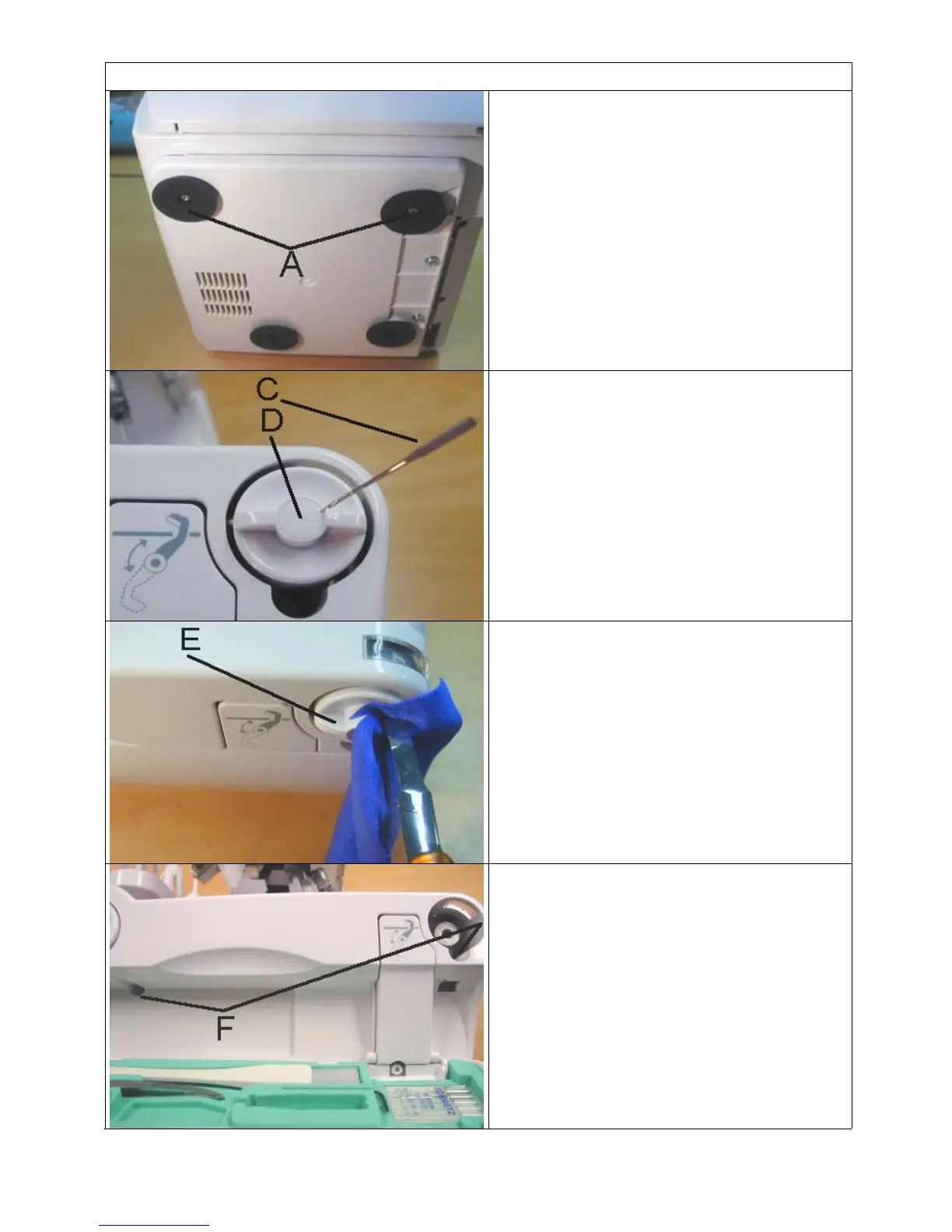
1. Loose the two screws A.
1. Remove the screw cap D with a
needle.
1. Pull out the cutter dial. Protect with
small fabrics the cutter dial when the
cutter dial is pinched and pull them
out.
Replace the cutter dial.
1. Place the cutter dial so that the button
can turn and all numbers from 5 to 7
are facing to the red arrow on the
window.
2. Tighten the cutter dial and place the
screw cap.
1. Unscrew the two screws F.
2. Push the base plate downwards and
remove the extension table.
2



 To Next Page