25
q
m The screen will be back to the key position adjustment
screen.
Press the memory key to apply the setting.
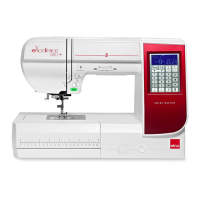
Key position calibration
If the function keys seem out of alignment, calibrate the
key position as follows.
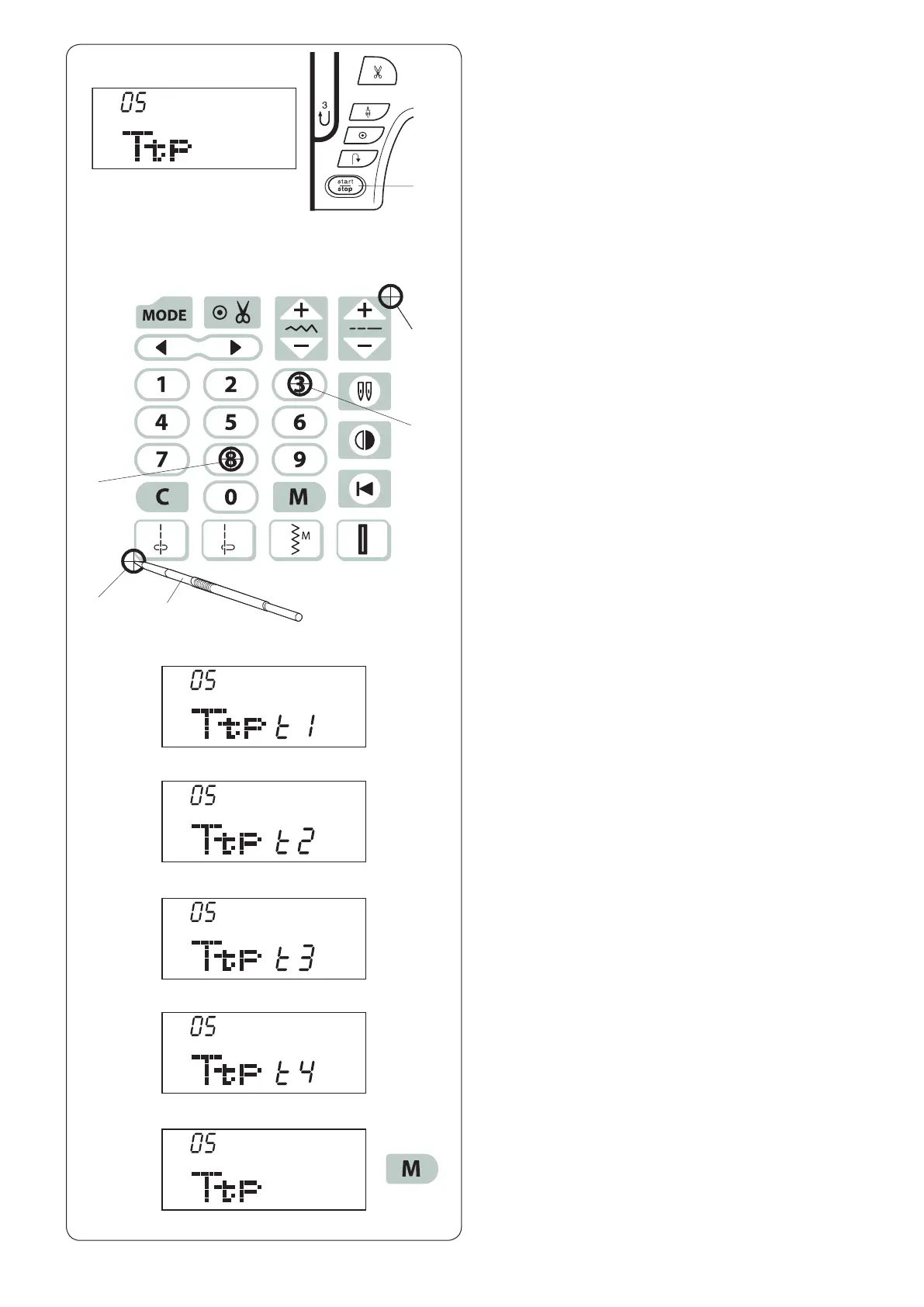
z Enter the machine setting mode. Press the mode key
4 times to enter the key position calibration.
x Press the start/stop button q.
c The key position adjustment screen appears and
“t1” is shown on the right side of the screen. With the
touch panel stylus w, press e on the touch panel of
your machine.
v “t2” will be shown on the LCD screen. Press r on the
touch panel.
b “t3” will be shown on the LCD screen. Press t on the
touch panel.
n “t4” will be shown on the LCD screen. Press y on the
touch panel.
z x
c
v
b
n
m
e
r
y
t
(t1)
(t2)
(t4)
(t3)
w



 To Next Page