53
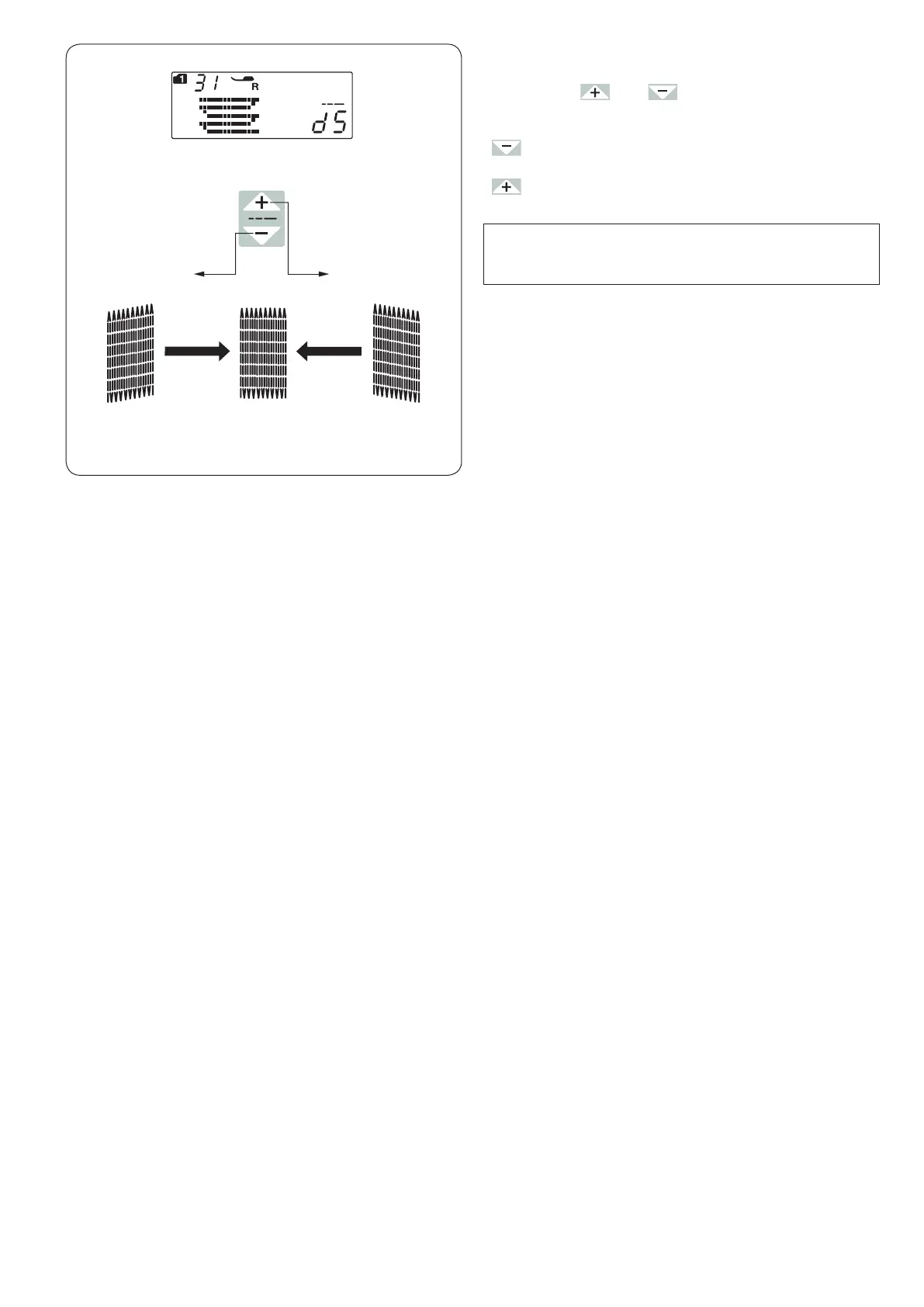
To adjust the evenness of darning stitches
You can correct unevenness of darning stitches by
pressing the “ ” or “ ” key of the stitch length
adjusting key.
If the left corner is lower than the right side, press the
“ ” key to correct it.
If the right corner is lower than the left side, press the
“ ” key to correct it.
NOTE:
The evenness can be adjusted within d1 to d9
(default setting is d5).
d1–d4 d6–d9












 To Next Page