Turning the Elnapress
on and setting the
temperature
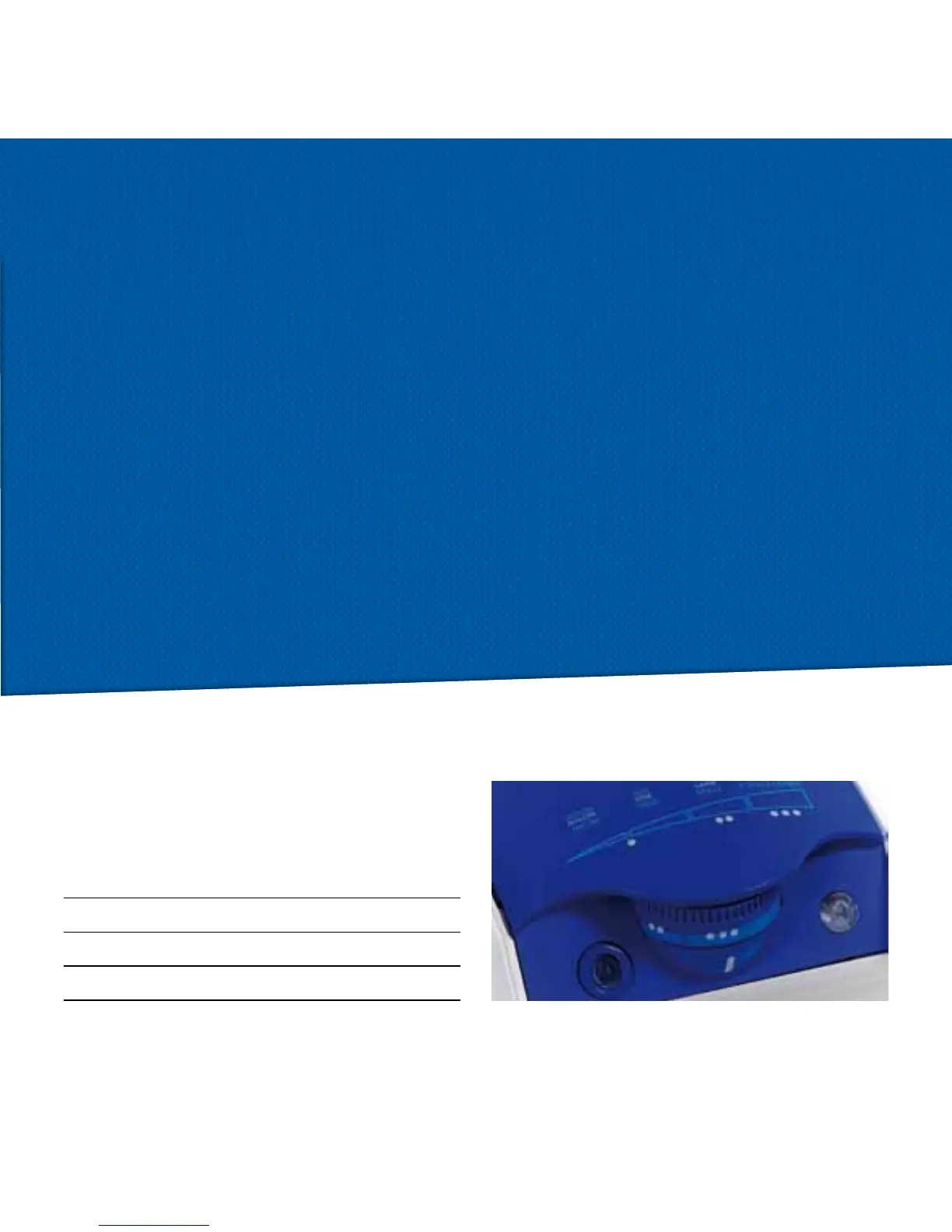
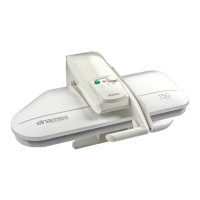
Once you have opened the Elnapress, press the
ON/OFF switch to switch the press on. The green
and red LED will illuminate to indicate that the
Elnapress is in the process of heating.
Turn the temperature control dial to the desired
setting. When the correct temperature has been
reached, the red light will go off.
To switch off the Elnapress, press the ON/OFF
switch, and the red and green LED lights will go off.
The temperature cannot be adjusted if the press is
closed.
Ironing temperatures
Prior to pressing a garment, check the ironing instruc-
tions on the garment’s care label.
•Nylon
•Silk
••Wool
•••Cotton
Safety features
If the Elnapress is switchen on and closed for more
than 10 seconds, the buzzer sound and the power
supply is automatically switched off. When the
Elnapress is opened again, the power supply is auto-
matically switched back on.
If the Elnapress is left on, in its open position and
unused for more than 15 minutes, the power supply
is automatically switched off.
To turn it on again, simply press the ON/OFF switch.
9


 To Next Page