Chapter 2 –Installation
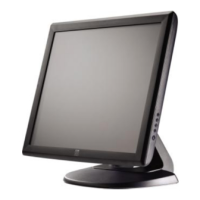
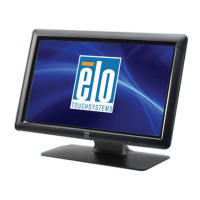
Unpacking the Touchmonitor
Open the carton and verify the following items are present:
Touchmonitor with protective sheet for its face
Elo TouchTools CD
Quick Install Guide
Japanese language regulatory information pamphlet
DVI cable
VGA cable
USB cable
Audio cable
AC-DC power adapter
North America, Europe/Korea, United Kingdom, Taiwan, China, Korea, & Japan power cables
3-pin to 2-pin adapter for Japan power cable
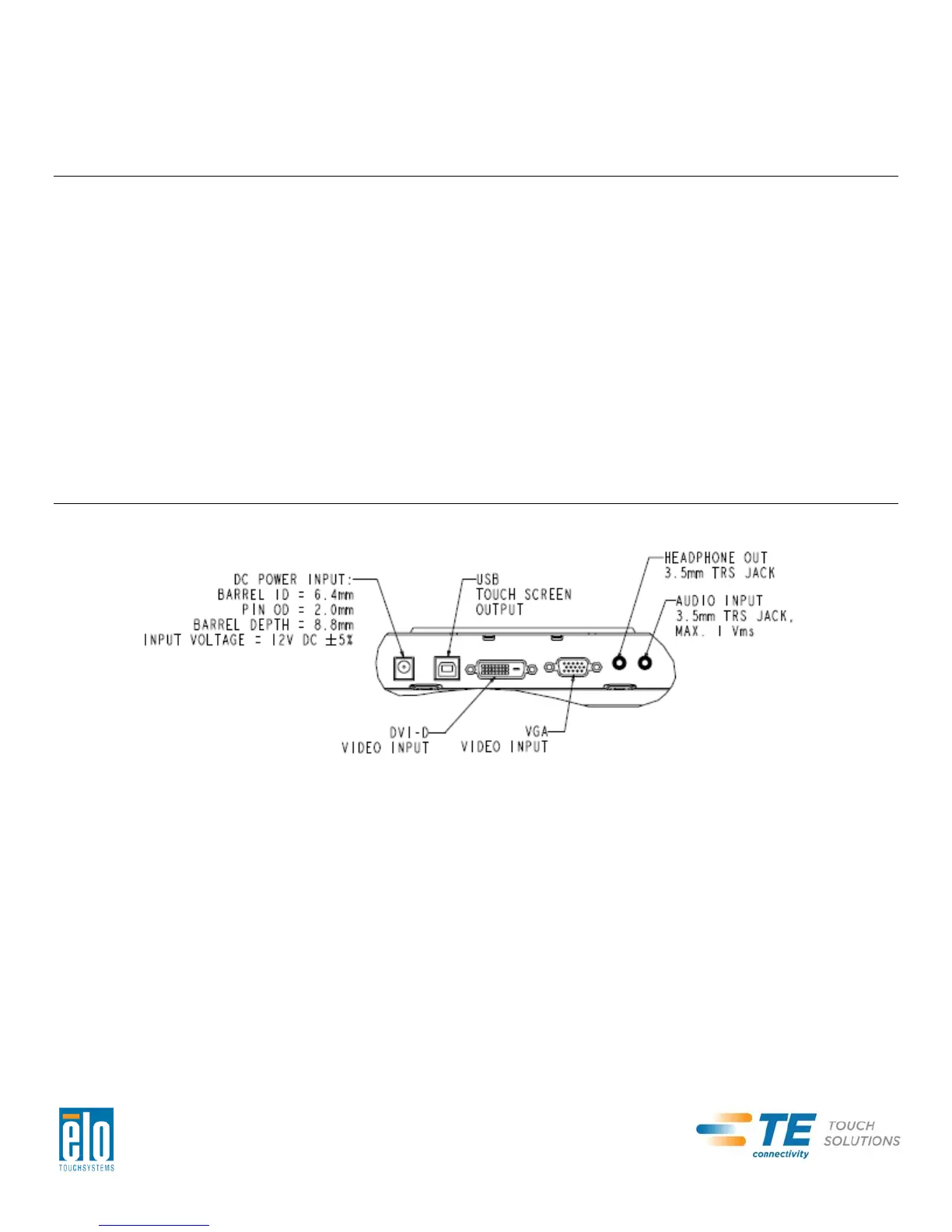
Connector Panel & Interfaces
Remove the cable cover on the back of the unit to access the touchmonitor’s connector panel.
User Manual – 2201L
SW601363 Rev B - Page 5 of 22


 To Next Page