|
After installing the drivers
15
|
ELSA GLADIAC
|
EN
and the model designation, you will have to enter the frequency ranges for
the horizontal and vertical scan frequencies and specify the diagonal size of
your monitor.
Check your entries for the image frequencies carefully, as otherwise you
might damage your monitor. Look these up in your monitor manual or consult
the monitor manufacturer.
After you have registered and installed the monitor under Windows, you can
set the desired color depth, the optimum resolution and an ergonomic refresh
rate.
ELSA SmartRefresh and ELSA SmartResolution
Click the Details button in the 'Settings' to open a dialog where you can
adjust the refresh rates and video timings individually. In addition you can
change the resolution in steps of 32 pixels. The graphics mode fine-tuning
tool is especially for screens in portrait or wide-angle format, or with the 4:3
aspect ratio. In such cases it is clearly advantageous to have the option of
freely-selectable values.
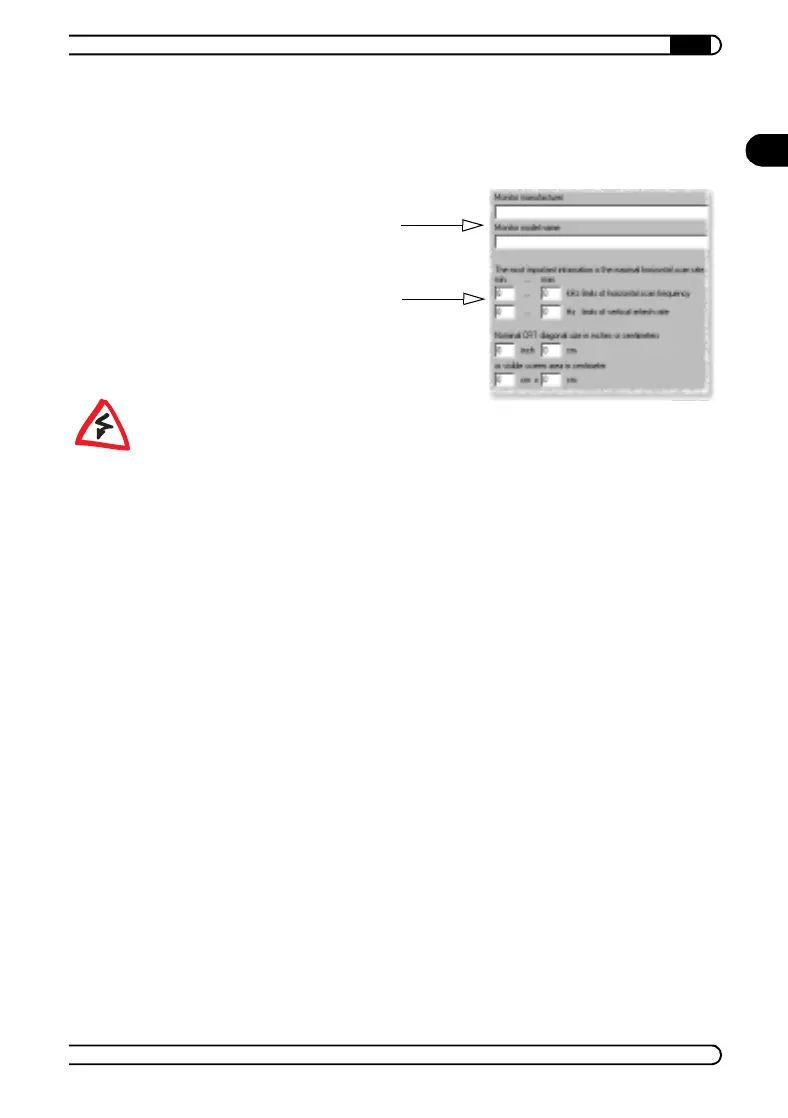
If your monitor type is not listed in
the monitors database you can enter
the monitor manufacturer and model
type here.
The vertical and horizontal frequency
ranges and the diagonal size of the
screen are the important settings.
21663_DE_0300.book Seite 15 Montag, 10. April 2000 12:22 12



 To Next Page