EasyManua.ls Logo

Elsist MISSION 3000 - User Manual

Default Icon
26 pages
Print Icon
To Next Page IconTo Next Page
Loading...
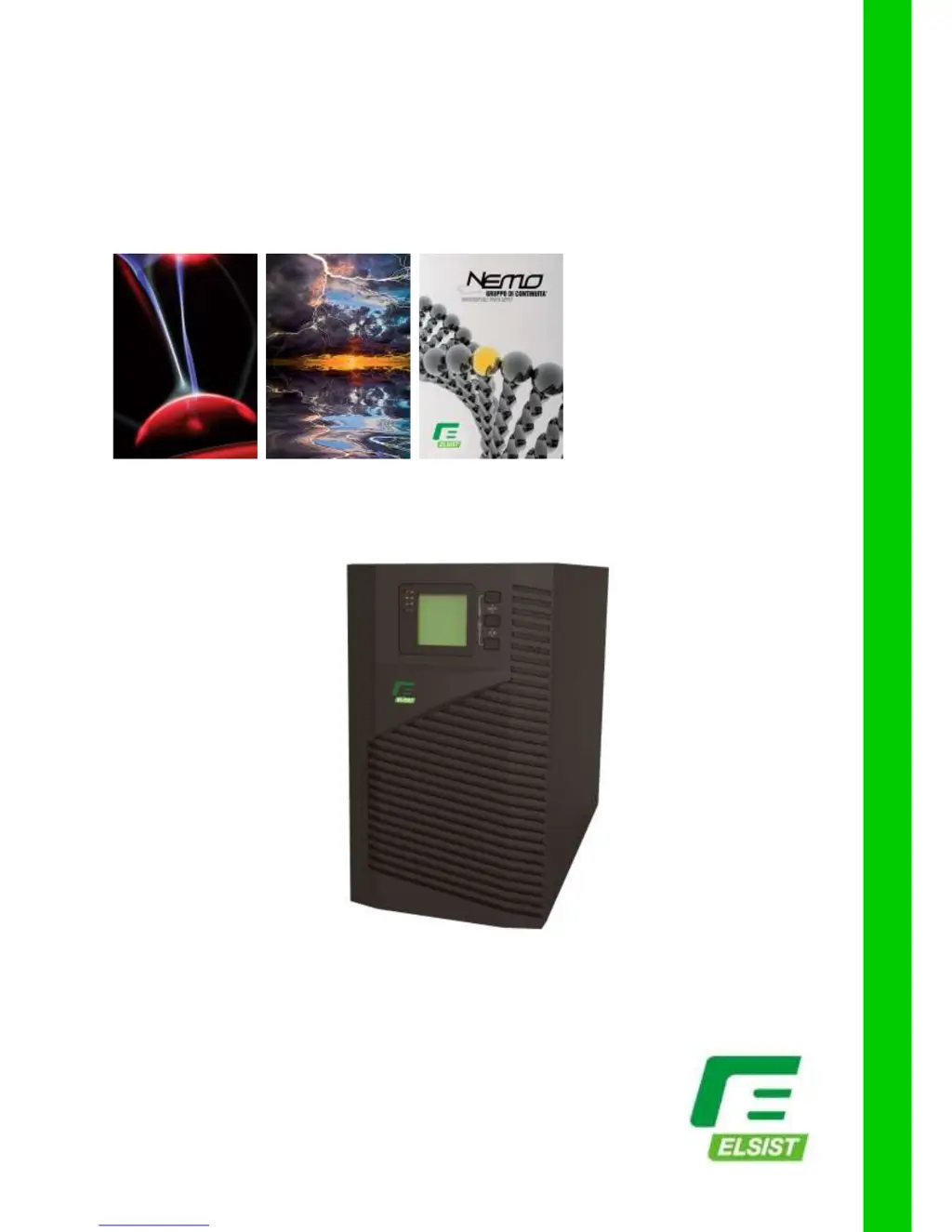
Uninterruptible Power Systems
Mission 1K-2K-3K
Single Phase UPS
INSTRUCTION MANUAL

Questions and Answers

  • B
    brooke07Aug 8, 2025
    What to do if my Elsist MISSION 3000 UPS has short back up time?
    • L
      lisaalvaradoAug 9, 2025
      A short backup time in your Elsist UPS can occur for several reasons. The battery might not be fully charged; in this case, keep the UPS connected to mains power for more than 8 hours to recharge it. The UPS might be overloaded, so check the connected devices and remove any unnecessary ones. The battery could also be old; if replacement is needed, contact the franchiser to get the correct battery and assembly.
  • N
    Natalie CarrollAug 14, 2025
    Why my Elsist MISSION 3000 UPS doesn’t startup after pressing the ON key?
    • K
      Kathleen LeeAug 14, 2025
      If your Elsist UPS doesn't start after pressing the ON key, there might be several reasons: * You may not be pressing the correct combination of keys; ensure you press the two keys simultaneously. * The UPS might not have a battery connected, or the battery voltage is low with too many loads connected; connect the battery properly, turn off the UPS, remove some loads, and then try starting the UPS. * If the above steps don't work, a fault may have occurred inside the UPS, and you should contact your supplier for servicing.
  • J
    Joseph JonesAug 20, 2025
    What to do if mains is normal, but Elsist MISSION 3000 UPS has no input?
    • A
      Aaron OlsonAug 21, 2025
      If the mains is normal but your Elsist UPS has no input, it could be due to the UPS input breaker being open. Try pressing the breaker to reset it.
  • J
    John KnightAug 26, 2025
    How to fix flashing 'INPUT' letters on Elsist MISSION 3000 UPS LCD display?
    • E
      Emily CarpenterAug 26, 2025
      If the “INPUT” letters on the LCD of your Elsist UPS are flashing, it indicates an incorrect connection of the mains live and neutral wires, or that the mains power is out of the acceptable range. Re-connect the input power cable, ensuring a correct connection.
  • M
    megan37Sep 2, 2025
    What to do if battery capacity indicator flashes on my Elsist MISSION 3000 UPS?
    • D
      Danielle GomezSep 2, 2025
      If the battery capacity indicator is flashing on your Elsist UPS, this indicates a low battery voltage or a disconnected battery. Check the UPS battery, ensure it is well connected, and replace it if damaged.

Summary

Safety Instructions

Safety Guidelines

Provides essential safety instructions for UPS operation, installation, and maintenance.

Safety Symbols

Explains the meaning of safety symbols used in the manual for hazard identification.

Product Introduction

Product Appearance

Details the external features and views of the UPS unit.

Principle and Models

Describes the UPS operating principle and lists available product models.

Installation

Unpacking, Inspection, and Notes

Covers unpacking procedures, inspection steps, and important installation notes.

Input and Output Connections

Guides on connecting the UPS to the mains power and output loads.

External Battery Connection

Instructions for connecting external batteries for extended backup.

Panel Display, Operation, and Running

Faceplate Controls and Illumination

Details on front panel buttons, LED indicators, and LCD display functions.

LED Indicators and LCD Display

Explanation of LED functions and LCD screen elements for status monitoring.

UPS Operation Procedures

Instructions for turning the UPS on/off and performing self-tests.

Parameter Setting Overview

Guide to configuring various UPS parameters like ECO mode, voltage, and battery settings.

Parameter Inquiry

How to check UPS status and parameters like voltage, load, and temperature.

Run Modes

Describes different UPS operating modes: Line, Battery, ECO, and Fault.

Maintenance and Troubleshooting

Battery Maintenance

Recommendations for maintaining UPS batteries to ensure longevity and performance.

Troubleshooting Guide

Provides solutions for common UPS faults and error messages.

Standards and Product Performance

Details EMC/Safety standards and key performance specifications of the UPS.

Communication Interface and EPO

Information on RS232, USB, intelligent slots, and Emergency Power Off function.

Emergency Power Off (EPO)

Instructions on how to use and configure the Emergency Power Off function.

Elsist MISSION 3000 Specifications

General IconGeneral
Apparent Power3000 VA
Active Power2700 W
Output WaveformPure Sinewave
Transfer Time0 ms
Input Voltage230 VAC
Output Voltage230 VAC
TopologyOn-line Double Conversion
Input Frequency50/60 Hz
Output Frequency50/60 Hz
Battery TypeSealed Lead-Acid (SLA)
Battery RuntimeDepends on load and battery configuration
Communication InterfaceRS232, USB, SNMP (optional)
Operating Temperature0°C to 40°C
Humidity0-95% non-condensing

Related product manuals