EasyManua.ls Logo

Elsist NEMO 2.0 160 - User Manual

Default Icon
11 pages
Print Icon
To Next Page IconTo Next Page
Loading...
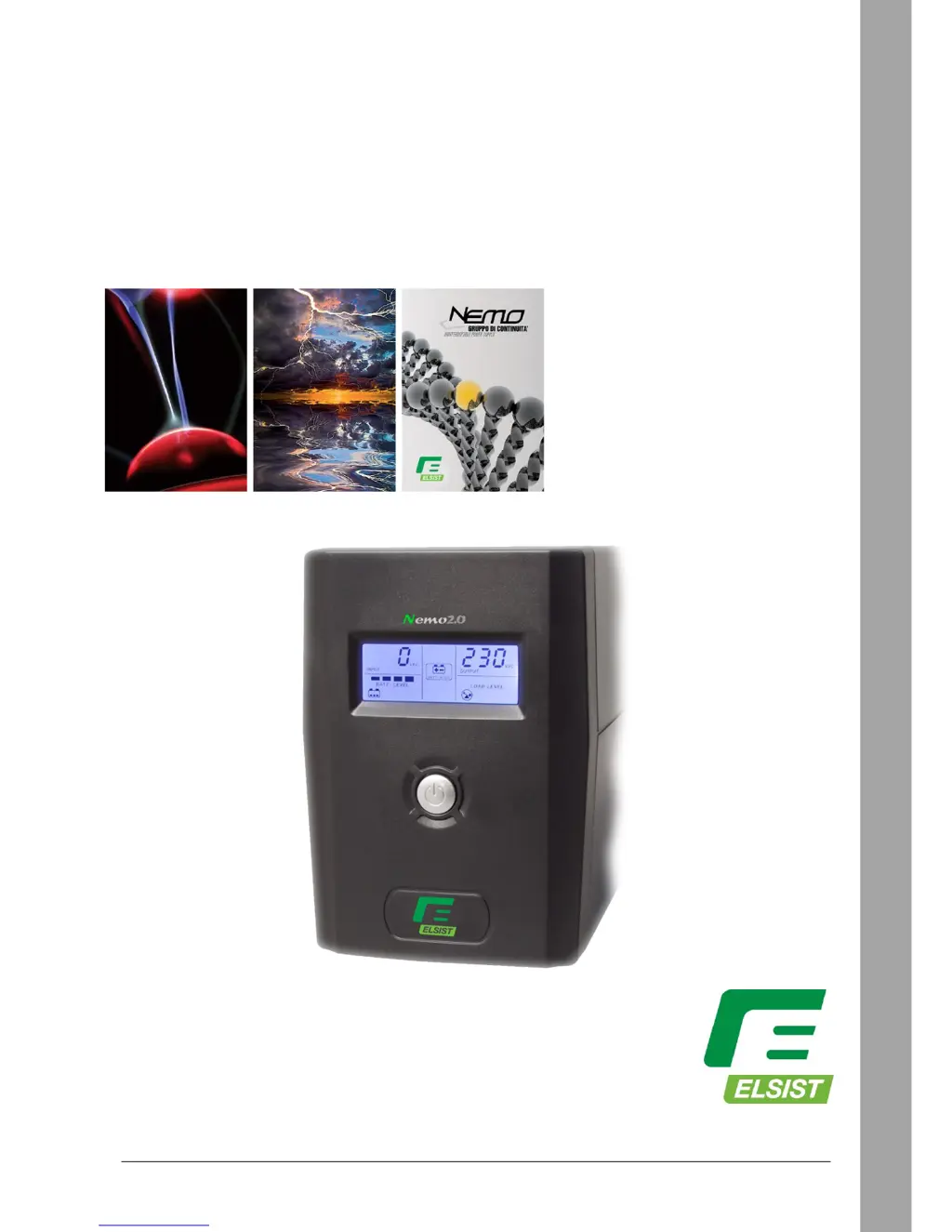
NEMO2.0 65 • 80 • 120 • 160 • 200 • 300 • 400
LINE INTERACTIVE
Rev. 02 27 Gennaio 2017 1
Nemo2.0
65
80
120
160
200
300
400
Single-phase Line Interactive series
Uninterruptible Power Supplies
USER MANUAL

Questions and Answers

  • J
    Jamie ChaneyAug 9, 2025
    Why does my Elsist UPS beep continuously when Mains is present?
    • C
      Colleen SmithAug 9, 2025
      The continuous beep from your Elsist UPS when Mains is present indicates an overload. Verify that the load connected to the UPS does not exceed its rated capacity.
  • L
    Lindsay WarnerAug 16, 2025
    What to do if the battery autonomy time in back-up mode is short in Elsist NEMO 2.0 160?
    • L
      Larry Bell MDAug 16, 2025
      If your Elsist UPS provides a short battery autonomy time in back-up mode, there are several potential causes: * The UPS may be overloaded. Try removing some of the load. * The battery voltage may be very low. Recharge the battery for at least 8 hours. * The battery may have failed due to high ambient temperatures or improper operation. Consider replacing the battery with the same type.
  • M
    Mary BarrAug 25, 2025
    What to do if the battery mode icon is on but Mains is present in Elsist NEMO 2.0 160 UPS?
    • S
      scottsharpAug 25, 2025
      If the battery mode icon is illuminated on your Elsist UPS even when Mains power is present: * First, check that the power cord is correctly plugged in. * If the cord is properly connected, examine the input fuse located in its housing on the rear of the UPS. If the fuse is blown, replace it.
  • M
    maryrussellAug 31, 2025
    How to fix Elsist NEMO 2.0 160 UPS LCD display if it is off?
    • L
      Linda DurhamAug 31, 2025
      If the LCD display on your Elsist UPS is off, consider the following: 1. The battery might be discharged. Recharge it for at least 8 hours. 2. The battery may have failed. Replace it with the same type of product. 3. The On/Off button might not be switched on. Push the ON/OFF button on the front panel.

Summary

Safety Instructions

Product Introduction

Installation and Operation Instructions

UPS Test

Layout and Description

LCD Display

Visible;Audible Signals

Troubleshooting

Accessories

Technical Characteristics

Warranty

Elsist NEMO 2.0 160 Specifications

General IconGeneral
Apparent Power1600 VA
Input Voltage230 V
Output Voltage230 V
Operating Temperature0-40°C
Storage Temperature-15-45°C
TechnologyLine Interactive
Recharge Time4-6 hours
Humidity0-95% non-condensing
ProtectionOverload
Communication InterfaceUSB
CertificationsCE

Related product manuals