9.5 how to install the parameter loader
Install the parameter loader as follows:
1. Copy the file Setup_ParameterLoader_Rx.x.exe, from the file - where Rx.x is the parameter loader version - to a suitable location on the
local computer.
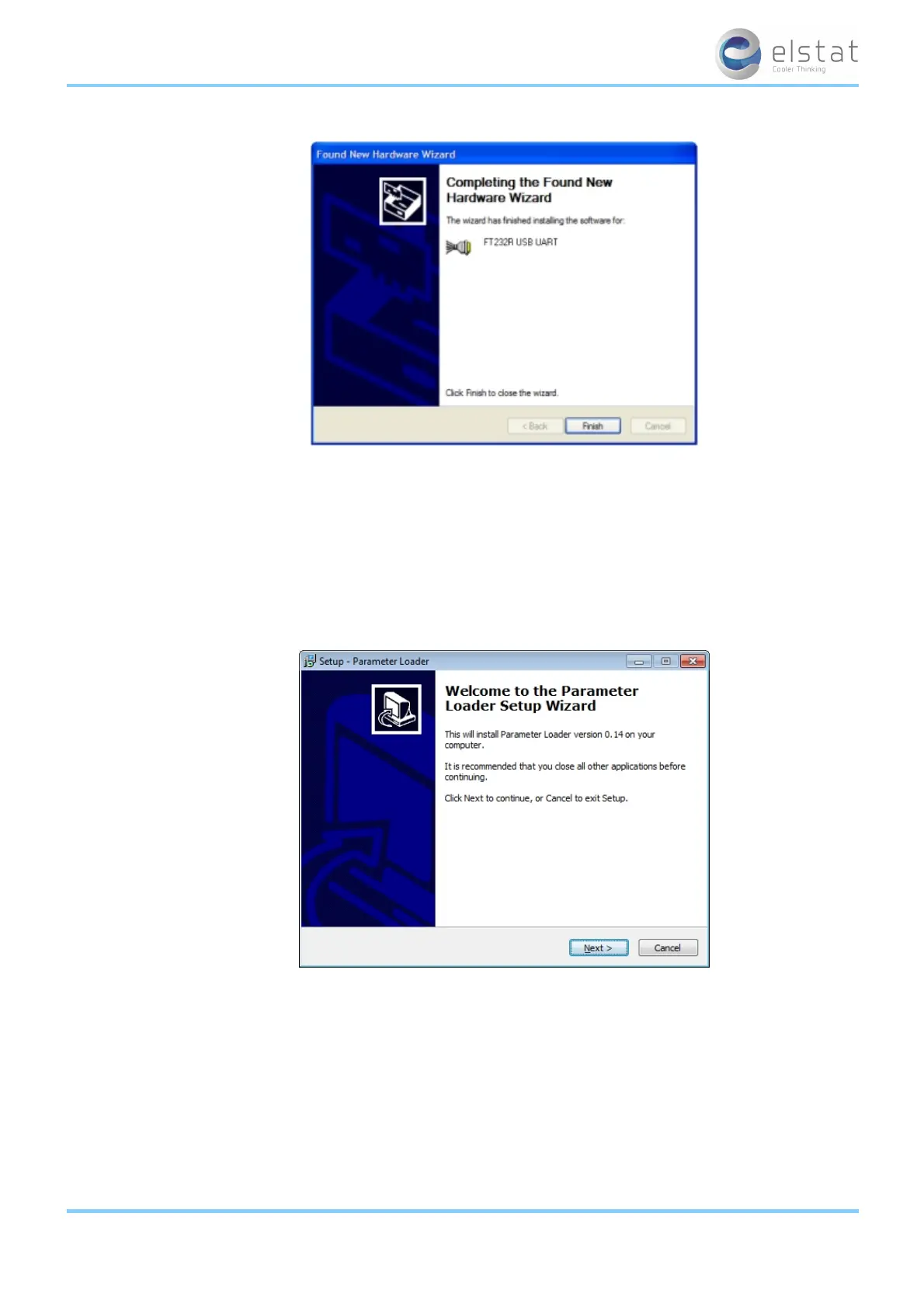
Double-click the file Setup_ParameterLoader_Rx.x.exe to start in the setup wizard.
2.
Click Next to start the installation wizard.
3.
Select the destination location.
Click Next to use the default location or click Browse to define a different location and then click Next.
ems55advanced and ems55Radvanced / General Use
57 of 84



 To Next Page