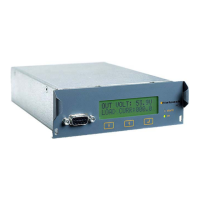
Please note that Load (ADC or DC Amperes) will appear only when rectifier is connected and
supplying load to DC application, i.e charger, etc. If there is no load connected, the ADC will
continue to display zeroes.
3. Additional options of Flatpack2 Control setup
3.1 Hardening WiFi (recommended)
It is highly recommended user to change at least WiFi password from default. This will help to
prevent any unauthorised access to the device via WiFi.
It is also recommended to change SSID from default.
Both operations are performed via 2.4GHz WiFi setup. Connect to Flatpack2 Control web setup
page and scroll down to the following section:
Enter new settings in SSID and SSID Pass fields. Make sure both fields are completed before
clicking Submit. If you wish to change SSID password only and leave SSID to default, enter
FLATPACK2 in the SSID field and new password in SSID Pass field.
WiFi settings can be reset to default by clicking Reset button at any time.
Flatpack2 Control has to be restarted after making any changes in WiFi setup.
3.2 Changing rectifier’s output DC Voltage
DC output Voltage can be changed at Flatpack2 Control web setup page within following
section:
Make sure that Voltage setup instructions are strictly followed.



 To Next Page