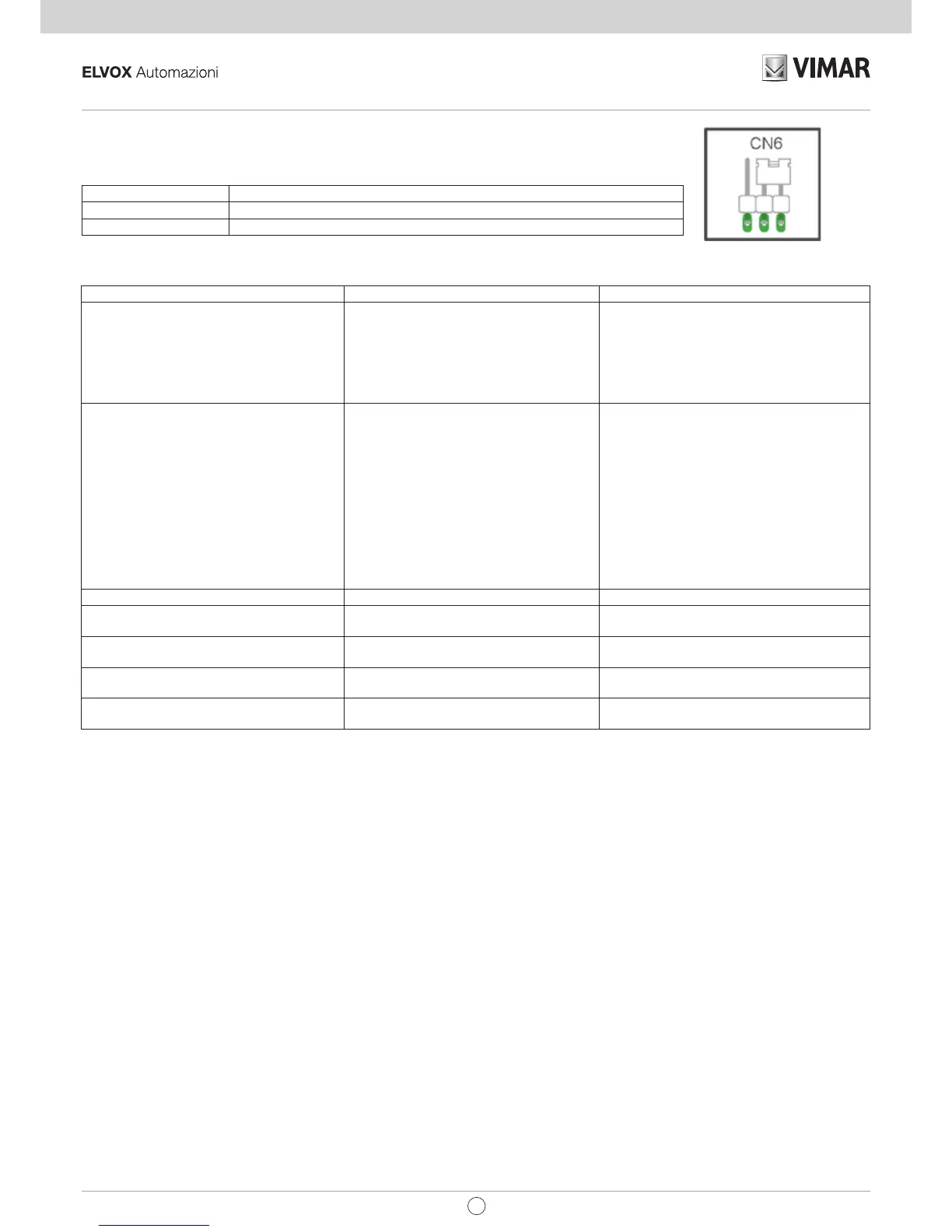
Obstacle detection Description
During closing The gate immediately reverses its movement, to open completely
During opening The gate immediately reverses its movement for 1.5 seconds to then stop
Fig. 14
Operation with an encoder:
9 - Troubleshooting:
Problem Cause Solution
The automatic gate system does not work No mains supply
Blown fuses
Control and safety inputs not working
Check the power line switch
Replace the fuses with others of the same value
Check the diagnosis leds (STOP, STPA and
PHOTO must be on)
You cannot save the remote controls Safety devices open
Batteries of the remote control discharged
Remote control not compatible with the first
one saved
Reached memory saturation
Check the diagnosis leds (STOP, STPA and
PHOTO must be on)
Replace the batteries
The first saved remote control configures the
control panel to save only rolling-code remote
controls or only dip-switch remote controls
Delete at least one remote control or add an
external receiver (maximum capacity 128 remote
controls)
The remote control does not work Batteries of the remote control discharged Replace the batteries
You cannot enter travel programming Safety devices open Check the diagnosis leds (STOP, STPA and
PHOTO must be on)
As soon as the gate starts it stops and reverses Low acceleration on starting
Encoder not detected
Increase the FORCE and SENS trimmer
Check the encoder connector is plugged in
During slowdown, the gate stops and reverses Slowdown speed too low Increase the Sldwn.sp. and Sens trimmer
The gate does not stop with the limit switches
tripping and obstacle detection trips
The limit switch does not work properly Advance the limit switch bracket
EN


 To Next Page