Installation
Page 25
Step 4 - Connecting the accessory cable
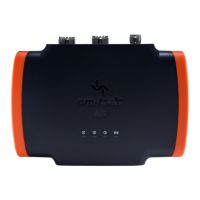
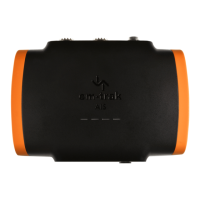
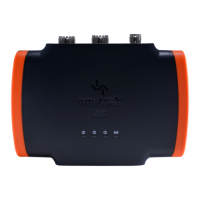
An accessory cable is supplied with the product to provide connections to
power, the external switch, the NMEA0183 data ports and USB. The cable
has a pre-molded connector at one end which should be connected to the
connector on the unit marked 'POWER/0183'.
The other end of the cable has twelve colour coded bare wires ready for
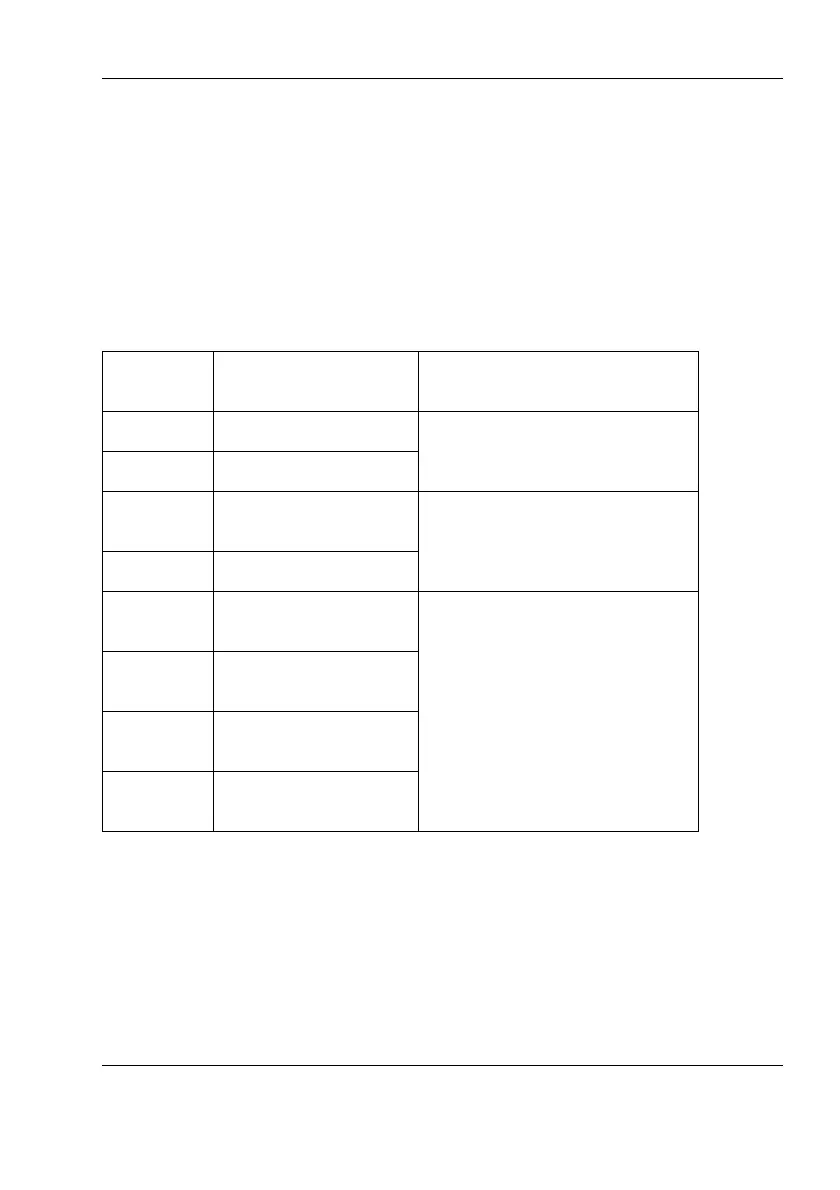
connection.The table below in
Figure 1 lists the function of each colour coded
wire for reference.
Wire col-
our
Description Function
Red Power in + Power supply connections
Black Power in -
Light
Green
Switch connection External switch connections
for silent mode
Orange Switch connection
Brown NMEA0183 port 1
TX+
High speed NMEA0183 out-
put (38,400baud) intended
for connection to chart plot-
tersBlue NMEA0183 port
1TX-
White NMEA0183 port 1
RX+
Green NMEA0183 port 1
RX-


 To Next Page