EasyManua.ls Logo

Em-Trak A200 - User Manual

Em-Trak A200
104 pages
Print Icon
To Next Page IconTo Next Page
Loading...
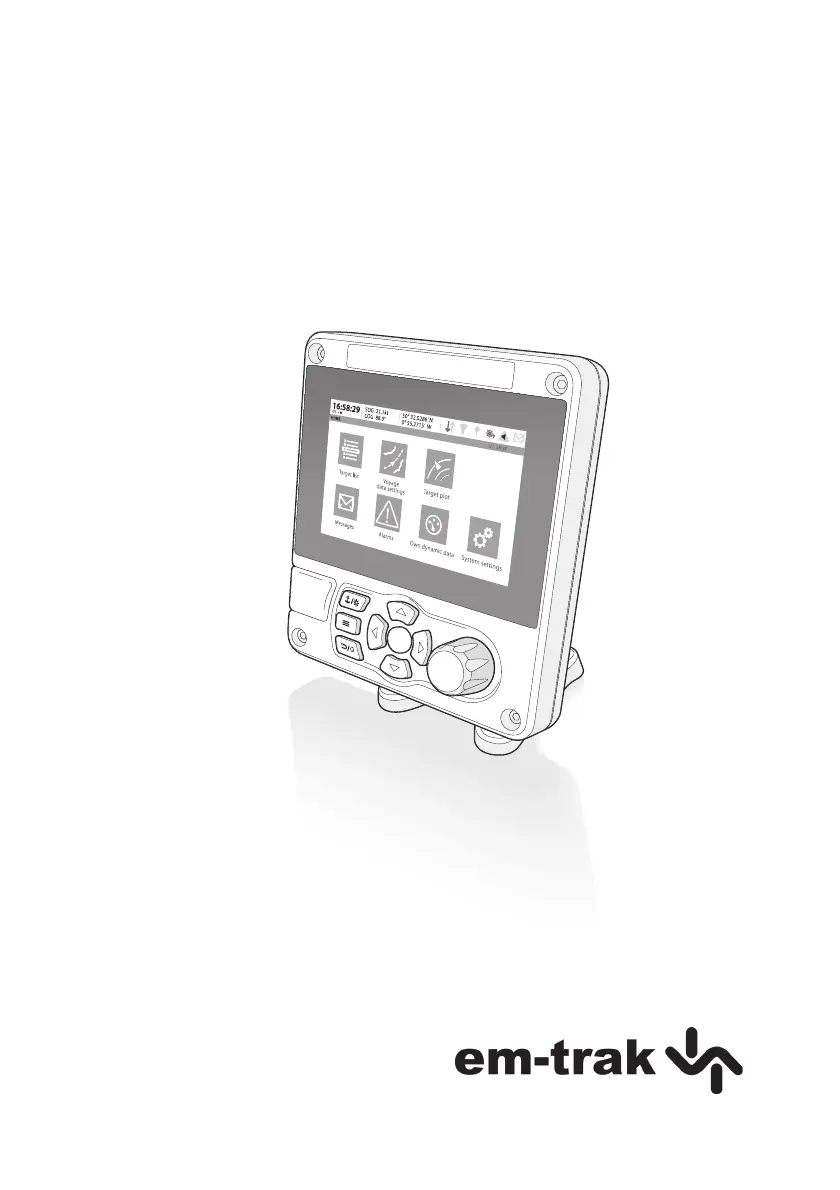
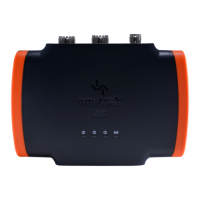
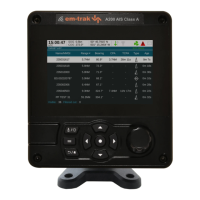
A200 AIS Class A / Inland transceiver
Installation and operation manual

Table of Contents

Questions and Answers

  • J
    Jennifer BrownJul 27, 2025
    What to do if my MMSI is received but not my vessel name on other vessels' chart plotters using my Em-Trak Transceiver?
    • J
      jordan72Jul 27, 2025
      If your MMSI is being received, but your vessel name isn't showing on other vessels' chart plotters, it's likely due to older AIS devices and chart plotters not processing the Class B message (message 24) that provides the vessel name. Software upgrades are available for many older chart plotters which will correct this issue. The other vessel should update its AIS unit and / or chart plotting software to receive AIS message 24.
  • T
    Tammy SimpsonAug 1, 2025
    Why is the red 'Alarm' icon illuminated on my Em-Trak Transceiver?
    • G
      Gabriel PhillipsAug 1, 2025
      The red 'Alarm' icon on your Em-Trak Transceiver may illuminate due to several reasons: * The unit might lack a valid MMSI; ensure your AIS transceiver is correctly configured. * The VHF antenna could be faulty; check its connection and for any damage. * A GPS position fix might be unavailable; verify the transceiver's location allows a clear sky view for the internal GPS antenna, or that an external GPS antenna is properly connected and installed. * The power supply might be outside the allowable range; confirm it's within 10.8VDC to 31.2VDC. You can also check for error and alarm messages in the ‘Alarms’ menu.
  • Z
    zbryantAug 6, 2025
    How to fix VSWR alarm activated or high VSWR on Em-Trak Transceiver?
    • B
      Brian RobinsonAug 6, 2025
      To resolve a VSWR alarm or high VSWR on your Em-Trak Transceiver: * Ensure the VHF antenna is as far as possible from metallic structures and other antennas. * Ensure the VHF antenna is as high as possible. * Ensure the VHF antenna is suitable for AIS, meaning it has a 3dBi Gain, operates within 156-162MHz, and uses high-quality RG213 or RG214 cable. * The VHF antenna cable should be as short as possible, ideally no more than 30 meters (100ft) in length.
  • P
    parkerwandaAug 10, 2025
    What to do if no data is being received by a connected chart plotter from Em-Trak A200?
    • C
      cooperkimberlyAug 10, 2025
      If your connected chart plotter isn't receiving data from the Em-Trak Transceiver, check that the power supply is correctly connected and that it is a 12VDC or 24VDC supply. Also, verify that the connections to the chart plotter are correct.
  • J
    Jessica ShannonAug 16, 2025
    How to fix external sensors not being recognised by Em-Trak A200?
    • B
      brittneymayoAug 16, 2025
      If external sensors are not being recognized by your Em-Trak Transceiver, verify the following: * Check the Compatibility Mode option in the Interface Settings Menu. * Check the Baud Rate setting. * Ensure the wiring is correct.
  • A
    Anna AlexanderAug 20, 2025
    How to fix if the screen is not illuminated on Em-Trak Transceiver?
    • E
      Emily SimpsonAug 20, 2025
      If the screen on your Em-Trak Transceiver is not illuminated, first, check that the power supply is correctly connected and that it is a 12VDC or 24VDC supply. If the power is fine, press and hold the ‘Navigation status / Screen brightness’ button for at least 5 seconds to return the display to maximum brightness.

Summary

Safety and Notices

Safety Warnings

Important safety precautions and warnings for installation and operation of the AIS transceiver.

Installation and Configuration

Installation Procedures

Step-by-step guide for physical mounting, connecting, and grounding the AIS transceiver.

Connectivity, Power, and Security

Guides all external connections, grounding, power, USB setup, and security configurations.

Operation

Menu Navigation and Information

Explains menu navigation and how to interpret data shown on the AIS transceiver screen.

Configuration, Features, and Testing

Covers data configuration, system features like WiFi, testing, and target display.

Inland Mode Operation

Mode Switching and Configuration

Explains how to switch between SOLAS and Inland modes and enter required vessel/voyage data.

Technical Information

Technical Specification

Installation Record

Em-Trak A200 Specifications

General IconGeneral
TypeAIS Transceiver
AIS ClassClass A
Frequency161.975 MHz / 162.025 MHz
Power Output12.5 W
Channel Bandwidth25 kHz
ModulationGMSK
DSC CompatibilityYes
ConnectivityNMEA0183, USB

Related product manuals