Installation
Page 29
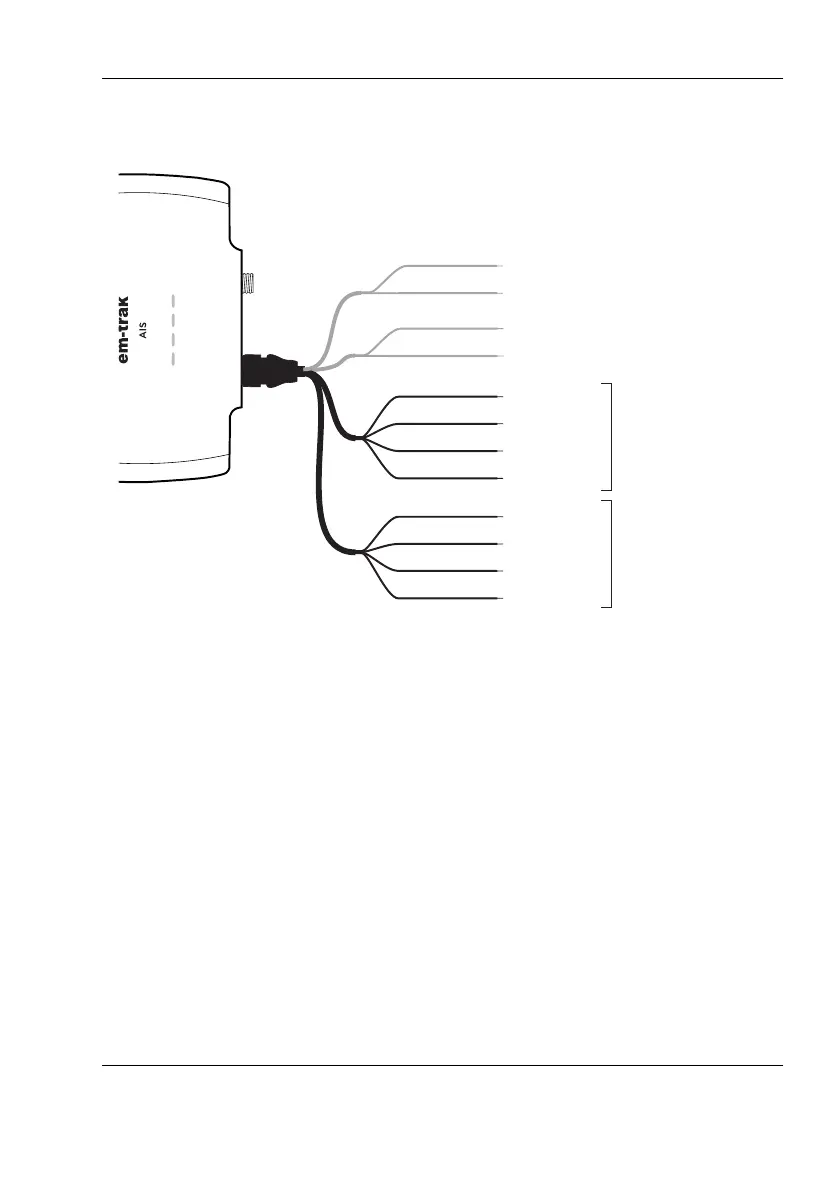
Figure 12 Connecting to the NMEA0183 data port
Step 8 - USB Connection
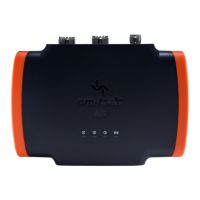
A micro USB cable will be required to connect the transceiver to a PC or
laptop. This item is not supplied but is widely available for purchase.
USB drivers will need to be installed for Windows operating systems
(Windows 7 and up). These are installed automatically by using either
Windows Update or when installing proAIS2. proAIS2 is available for
download from www.em-trak.com/installation
USB drivers are typically not required for MacOS X operating systems.
Transmit +
Transmit –
Power in +
Power in –
Switch connection
Switch connection
Receive +
Receive –
Brown
Blue
Light green
Orange
Red
Black
White
Green
Purple
Pink
Grey
Yellow
Transmit +
Transmit –
Receive +
Receive –
NMEA0183
Port 1
38,400baud
(chart plotter)
NMEA0183
Port 2
4,800baud
(other NMEA0183 device)


 To Next Page