Chapter 4: Upgrading Your Computer
44
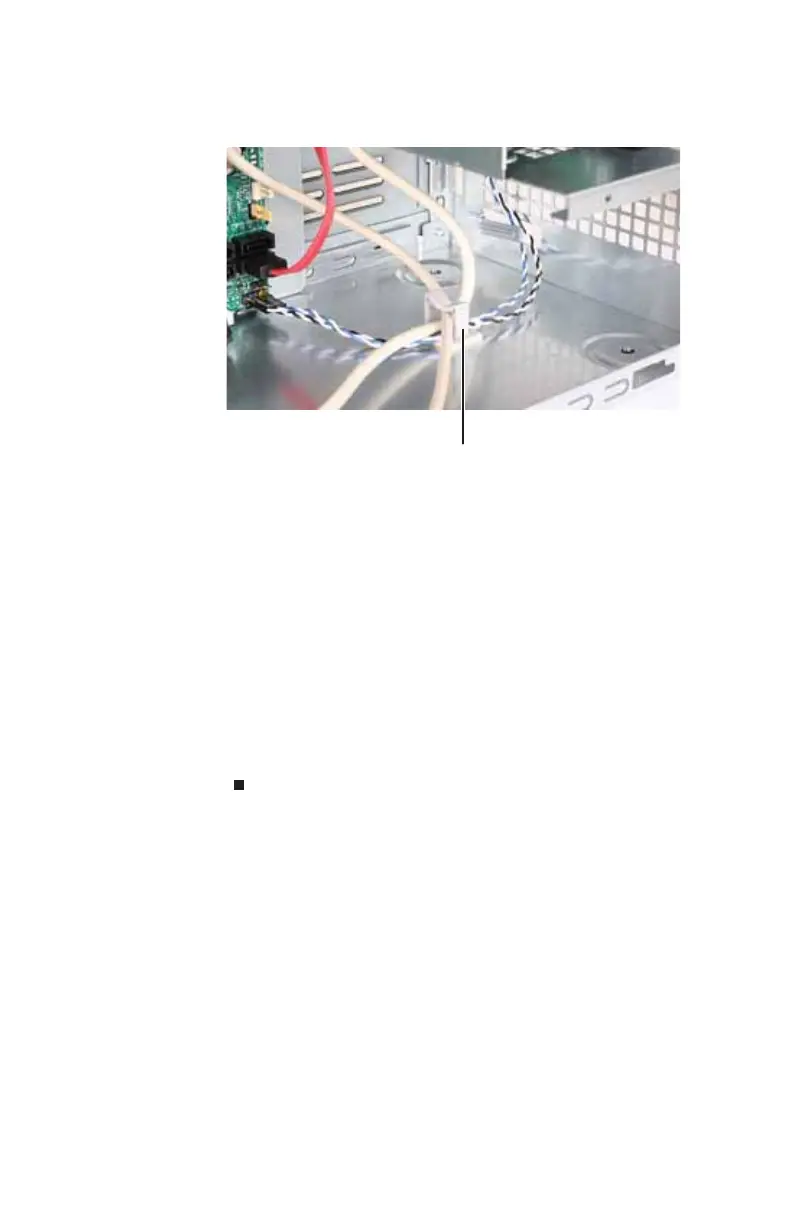
7 Remove the cables from the cable clip on the bottom of
the case.
8 Remove the media panel from your computer.
9 Guide the cables of the new media panel through the
hole in the front of the case, then slide the new media
panel into place.
10 Secure the media panel with the screw you removed
previously, then snap the panel’s bezel into place.
11 Plug the cables into the system board, then secure them
under the cable clip on the bottom of the case.
12 Reinstall the front bezel by following the instructions in
“Replacing the front bezel” on page 35.
13 Reinstall the computer case’s side panel by following the
instructions in “Replacing the side panel” on page 36.
Cable clip
8513152.book Page 44 Wednesday, May 14, 2008 4:57 PM















 To Next Page