Chapter 5: Maintaining Your Computer
62
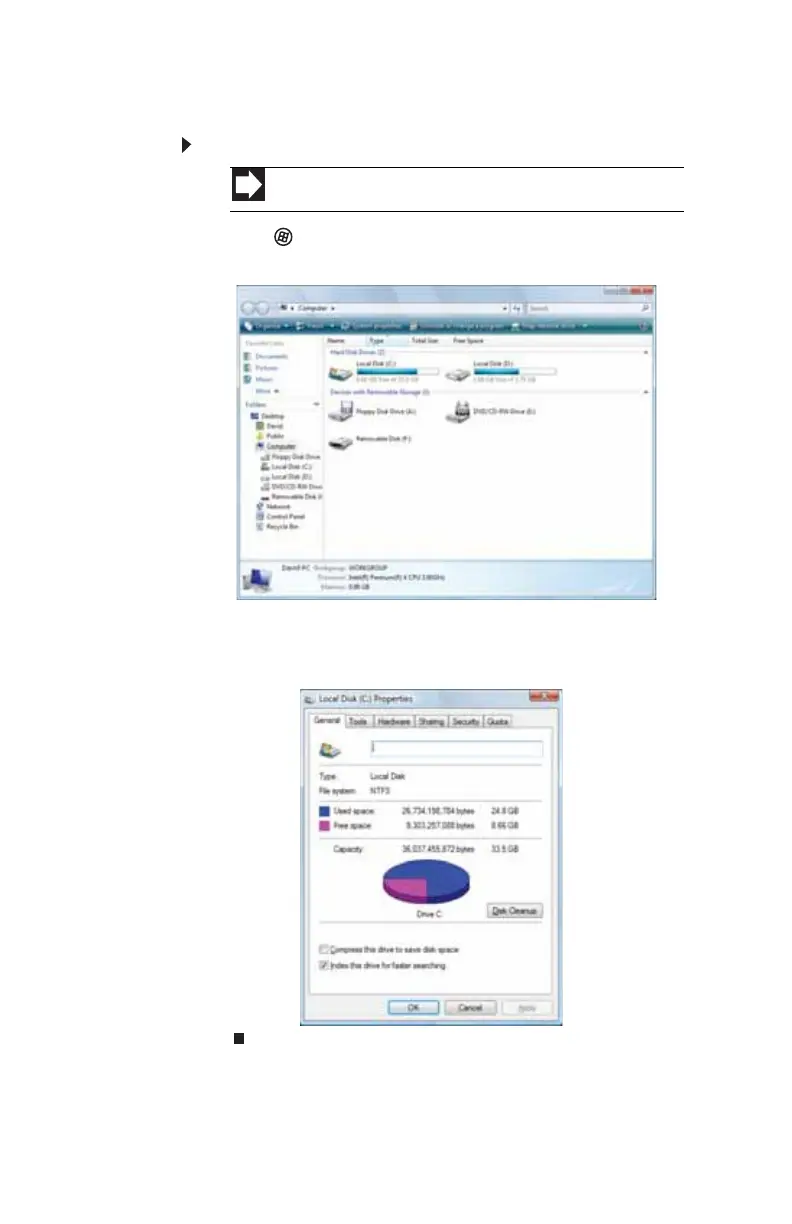
Checking hard drive space
To check hard drive space:
1 Click (Start) then click Computer. The Computer
window opens.
2 Right-click the drive that you want to check for available
file space, then click Properties. Drive space information
appears.
Shortcut
Start Ö Computer Ö right-click drive Ö Properties
8513152.book Page 62 Wednesday, May 14, 2008 4:57 PM















 To Next Page