www.emachines.com
45
Adding or replacing a
hard drive
To add or replace a hard drive:
1 Remove the side panel by following the instructions in
“Removing the side panel” on page 33.
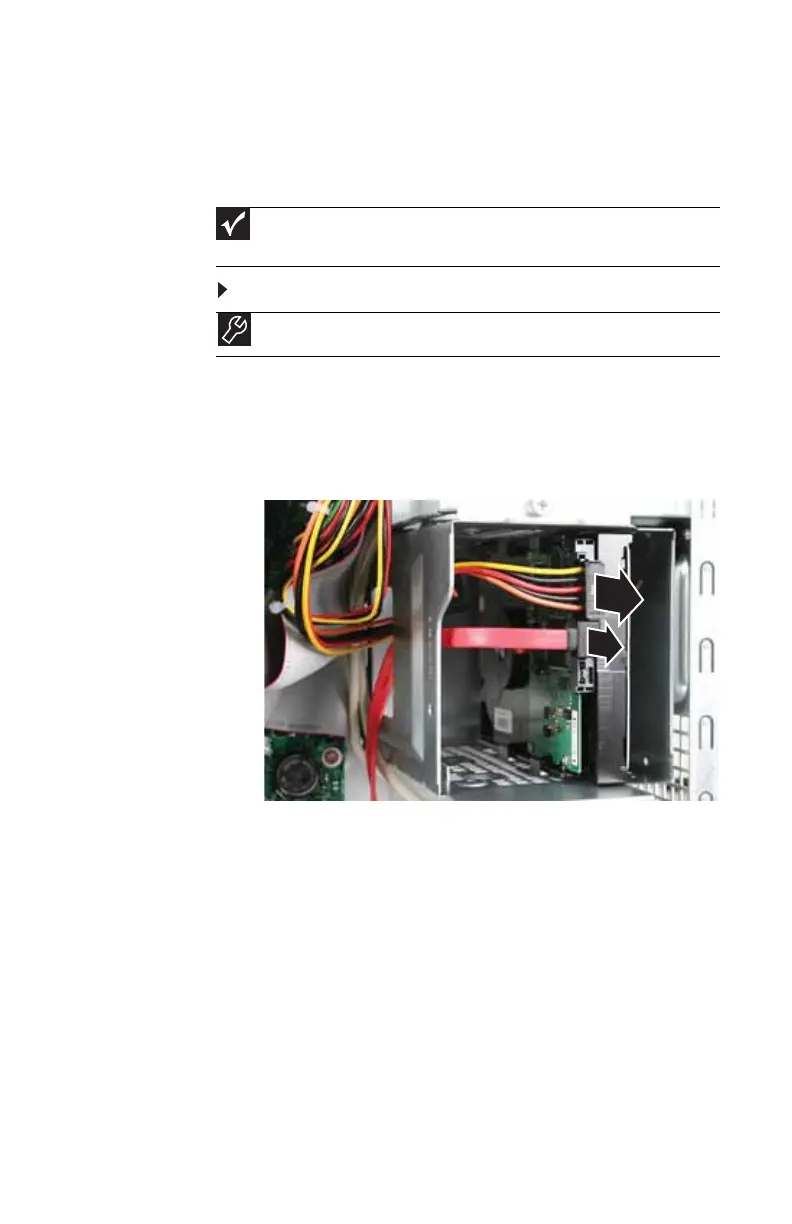
2 Disconnect and label all hard drive cables, noting their
locations and orientation. (You will reconnect the cables
after you install the new drive.)
Important
The number and type of hard drives in your computer may vary from that
shown.
Tools
You need a Phillips screwdriver to add or replace a hard drive.
8513152.book Page 45 Wednesday, May 14, 2008 4:57 PM















 To Next Page