Chapter 4: Upgrading Your Computer
48
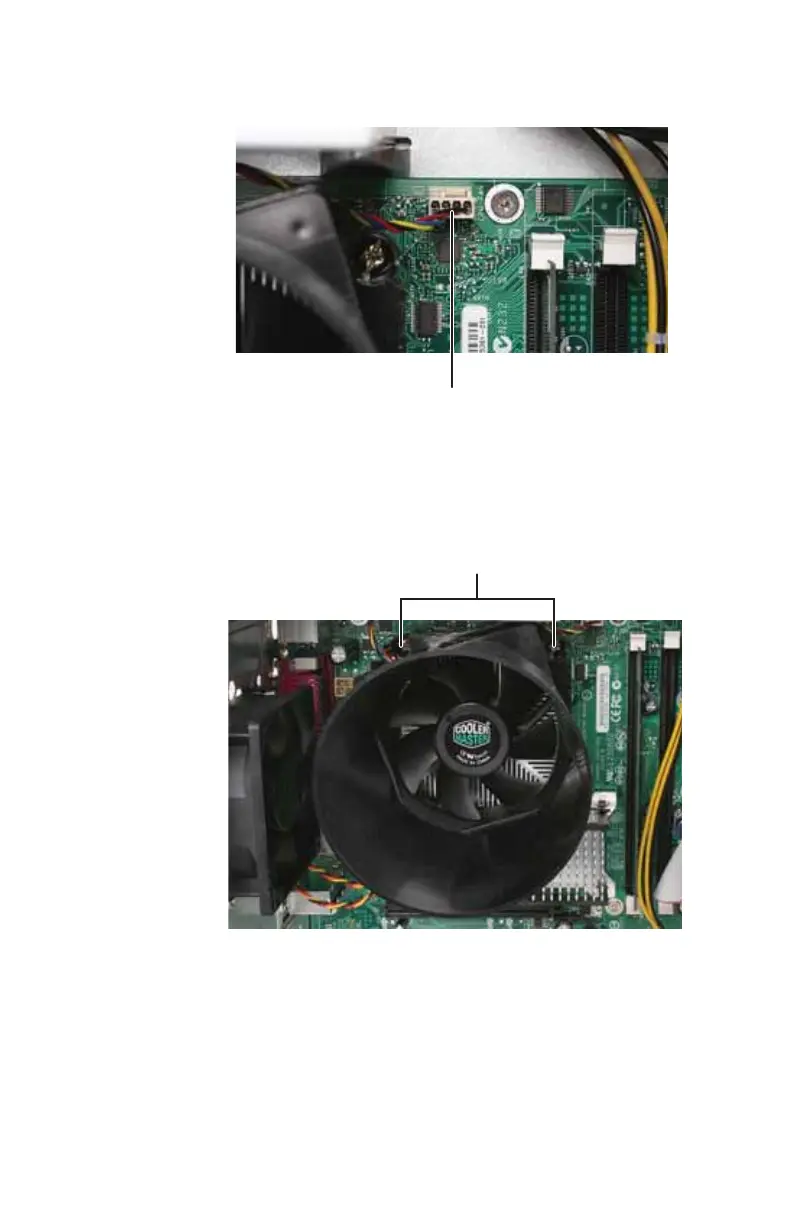
3 Unplug the heat sink fan cable from the system board.
4 Loosen the four captive screws that secure the heat sink
and fan assembly to the system board, then remove the
assembly and place it on a stable surface with the flat
surface of the heat sink (the side with the thermal
grease) up. (The four screws cannot be completely
removed.)
Processor fan cable
Screws (only two shown)
8513152.book Page 48 Wednesday, May 14, 2008 4:57 PM















 To Next Page