Chapter 3: Troubleshooting
40
• USB speakers and HDMI devices can support
hot-plugging. Analog speakers will always be
listed in the output device priority list
regardless of the presence or absence of the
speakers.
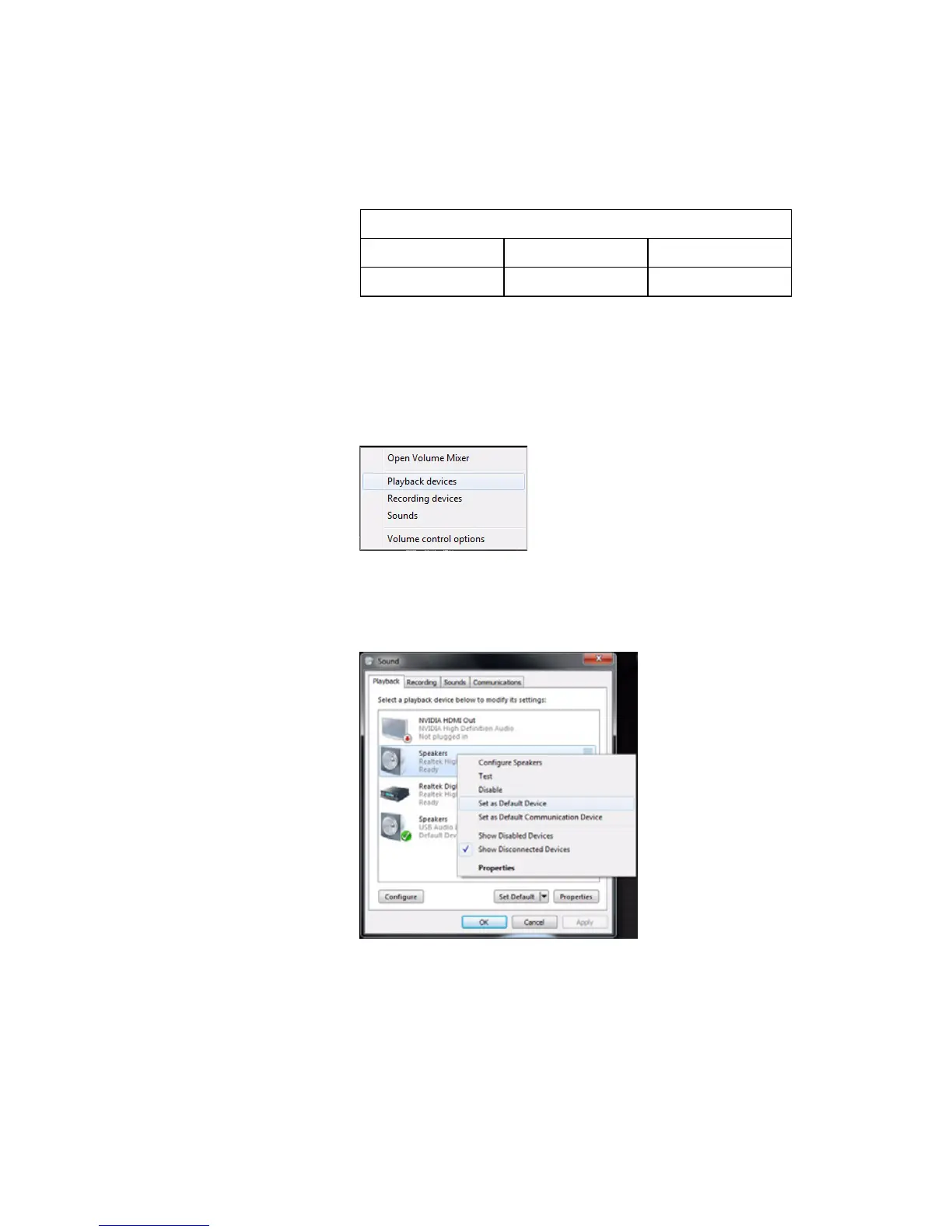
Switching audio output
• Right-click the Volume icon in the taskbar
Notification Area.
• Click Playback Device to open a window that
displays the available devices.
• Choose the device that you want to set as the
default output device. Right-click on it, then
click Set as Default Device. The default audio
output device will be changed.
Output device priority (if supported)
1st 2nd 3rd
USB Speaker Analog HDMI















 To Next Page