GOOGLE CAST
Cast from a Mobile Device
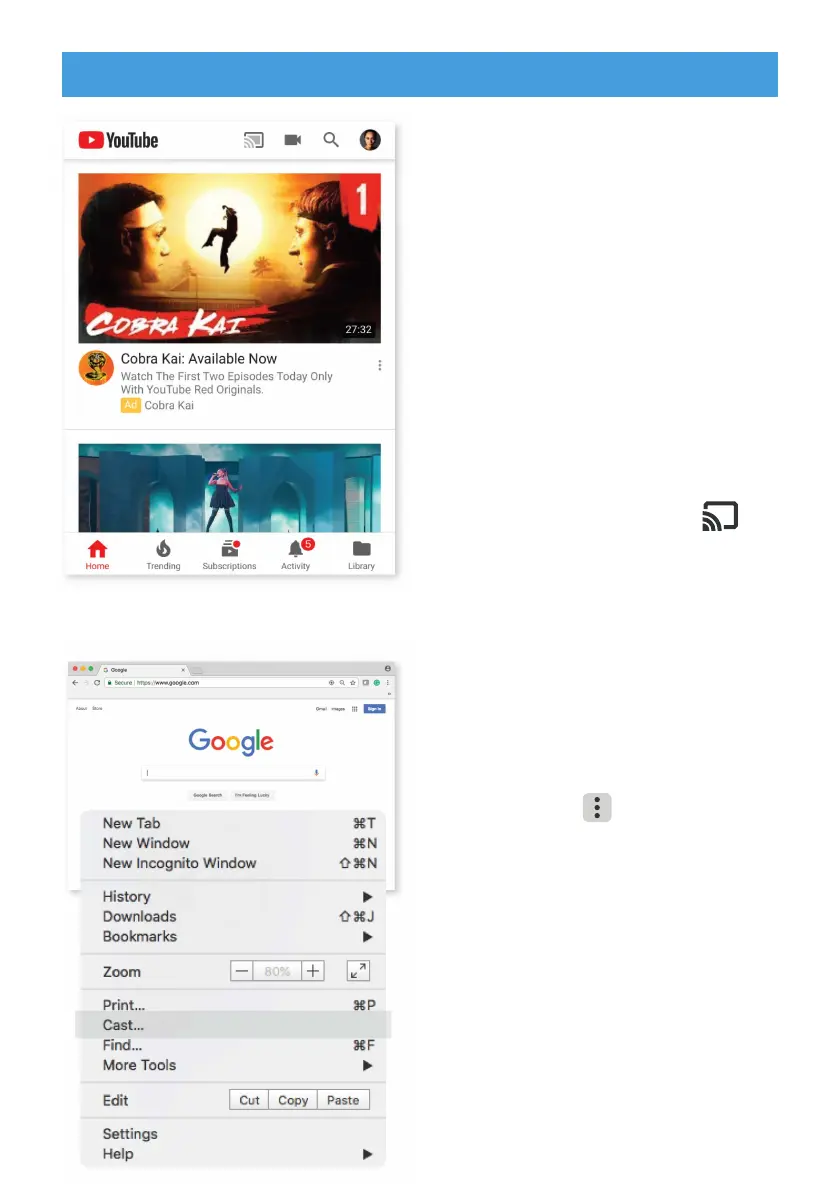
Certain apps allow you to cast
to your TV. To cast, simply
follow the following steps:
1. Open a Google cast
compatible app on your
mobile device
2. Navigate to the screen you
wish to cast
3. Tap on the Cast icon
and then select your Android TV
Cast from Google Chrome
This device has Google
Chromecast built-in. To cast
from Google Chrome, click the
Settings icon located on
the top right corner of the
browser, then click “Cast”.


 To Next Page