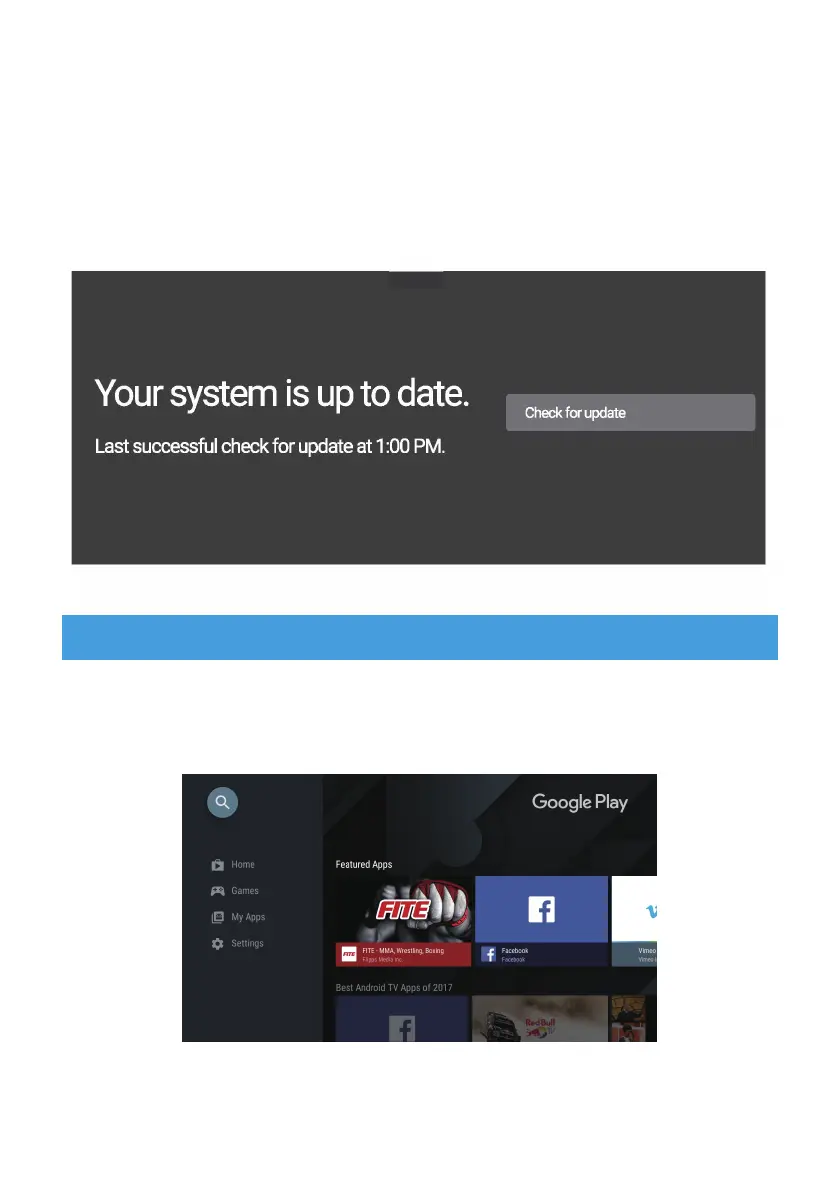
To Access Google Play:
1. Scroll down to the Apps row on your Android TV Home Page.
About
You can check information about your device by clicking on
About in the Settings menu. This panel will show you the
model of your device, version, firmware version, and more.
You can also update your system by clicking on System
Update from this menu.
All compatible apps are available for download on Google Play.
Do not install apps via USB drive, TF card, or hard disk drive.
DOWNLOADING APPS
64&:0634."351)0/&"4"3&.05&
#³3)/³%()1³.".³3)/³(³/-³3)/,³-',.*")(³-³³.)/"*³
.)³-#&3³(0#!.³3)/,³-,(®³#(-.³) ³/-#(!³."³,').h-³
#,.#)(&³/..)(-±³)/³(³0(³/-³3)/,³-',.*")(³.)³
.3*³#(³.".³&)(!³')0#³.#.&³3)/³1(.³.)³-,"¯³)1±
64&:0634."351)0/&"4"3&.05&
.
64&:0634."351)0/&"4"3&.05&


 To Next Page