Unpairing a Bluetooth Device
Select Settings in the menu launcher.
From the Remote & Accessories menu, click “Unpair”, then
select the Bluetooth device you want to unpair.
Adding Accounts
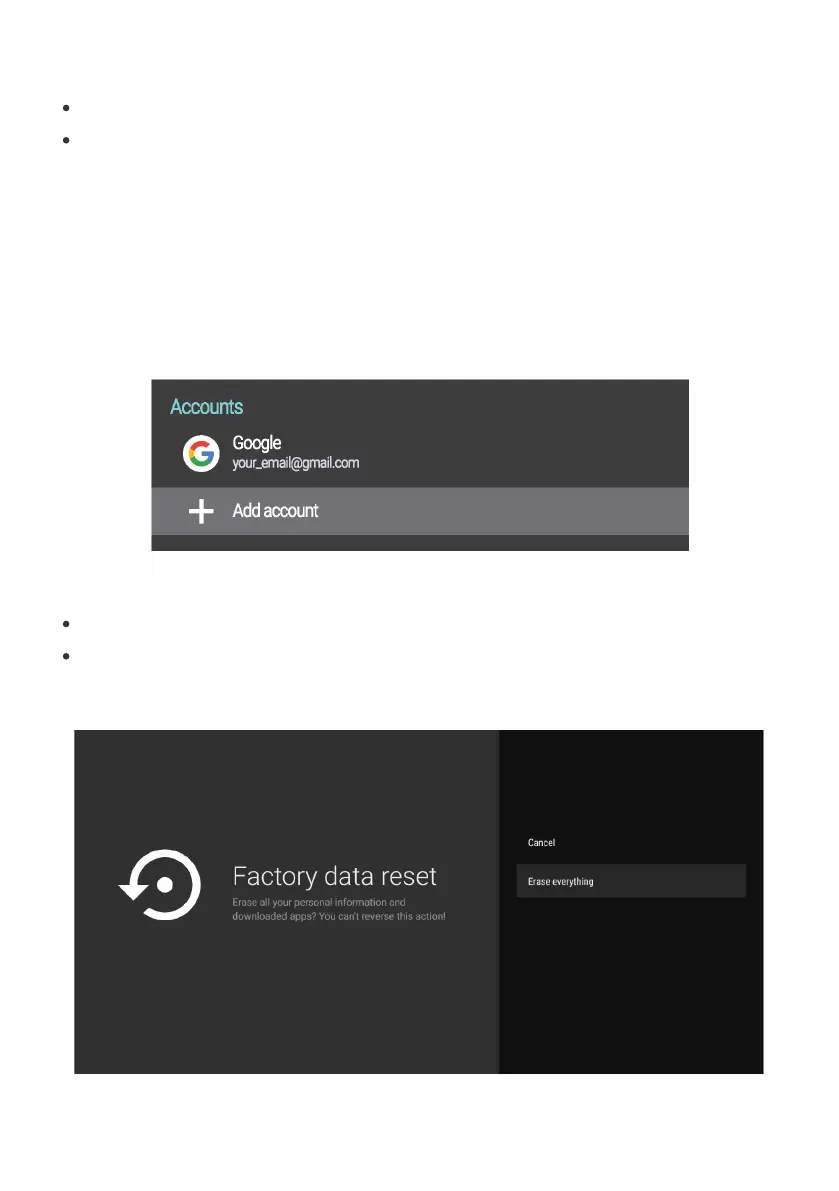
For new Google users, sign up for a new Google account using
the TV for easier login and payment security. Add an account
or switch accounts under Accounts in the Settings menu.
Under Settings, select Storage & Reset.
Click Factory data reset to erase everything.
Once this option has been selected, all manually installed
apps and user data information will be deleted.


 To Next Page