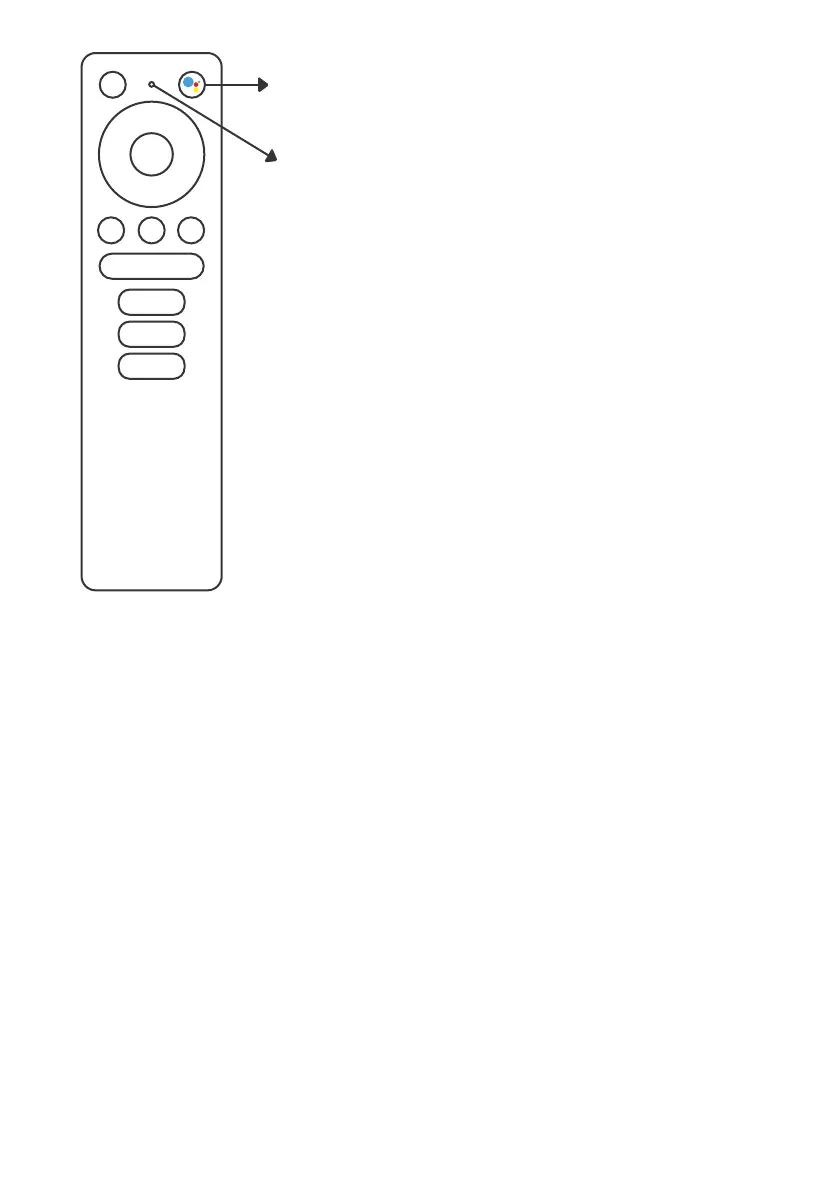
To get started, press the Google
Assistant button on your remote.
Speak into the microphone of
your Voice Search remote.
Learn more about the Google Assistant on
assistant.google.com or say “What can
you do?”
NOTE:
To be able to use Google Assistant on your
remote, you must first pair your Bluetooth
Remote to your TV Box.


 To Next Page