6
2.
Initial Setup
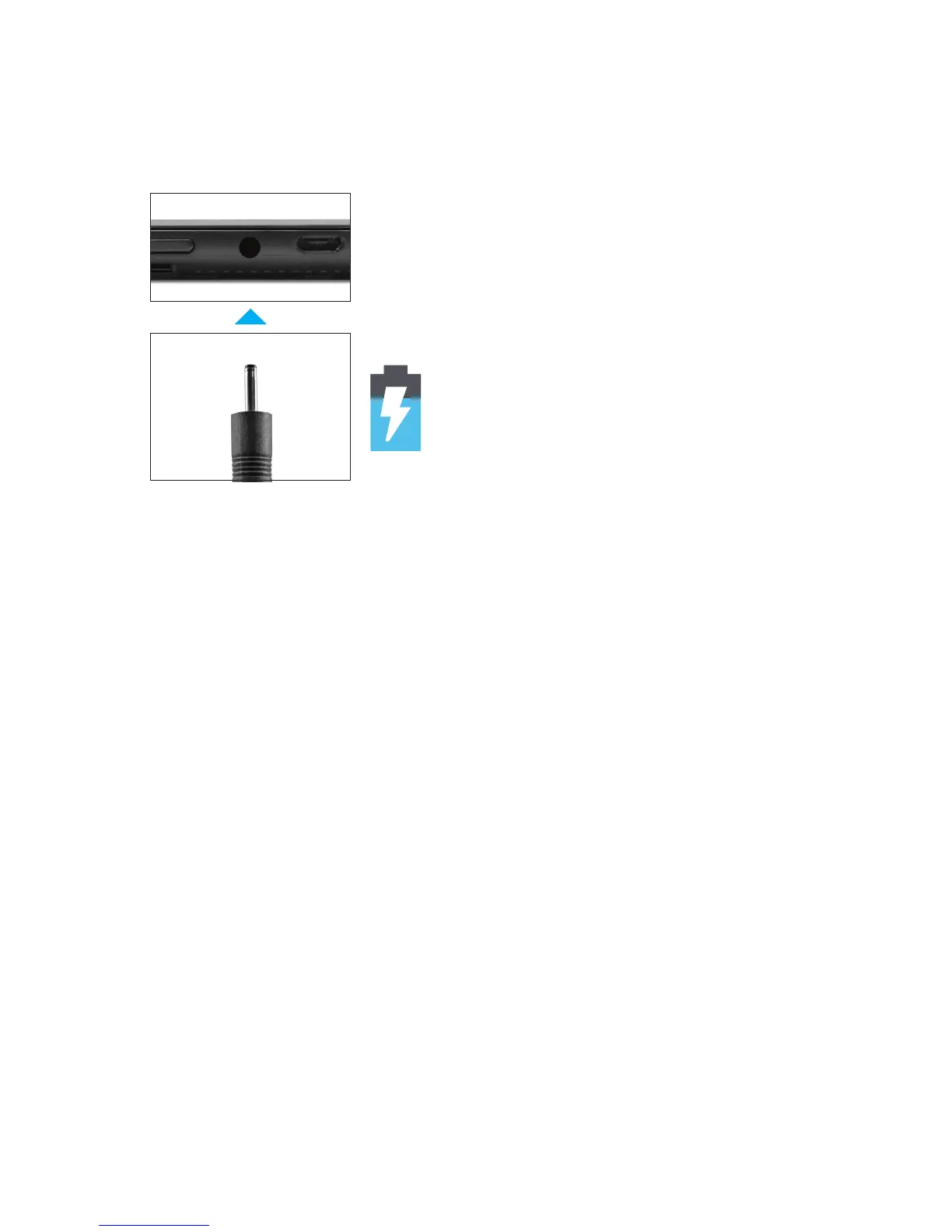
Charging
Turn on
Fullychargeyourtabletfor6hoursbeforetherstuse.
To start your tablet, press and hold the power key for
2 seconds. The Ematic logo indicates that the tablet is
loading.
Once the screen loads, choose your language and
connect to your Wi-Fi network. You will then be
prompted to sign in to your Google Account.
Use the included 5V wall char-
ger.
The battery indicator will show
that your device is charging.



 To Next Page