13
Viewing Photos
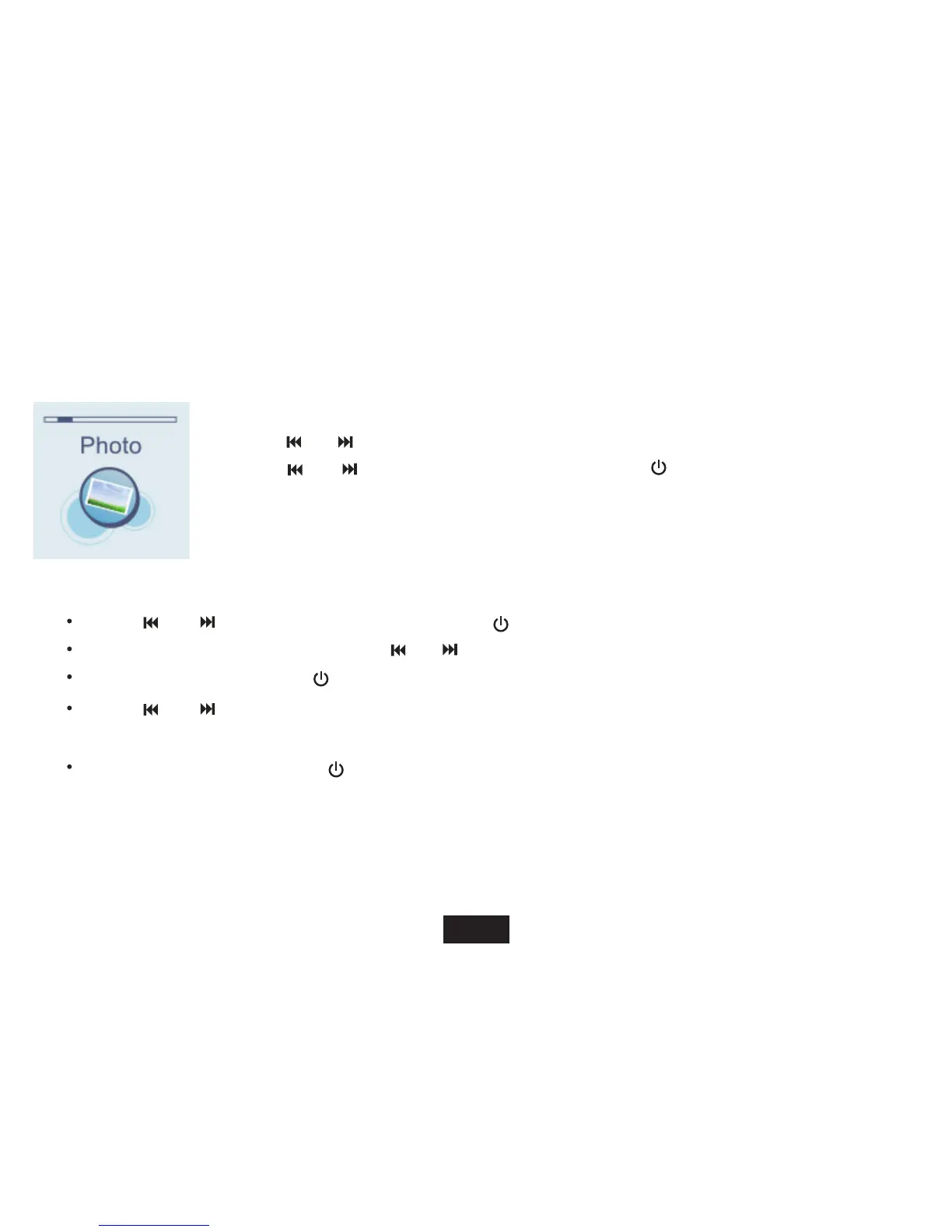
Viewing a Photo
1. Press and hold
[ M ] to access the main menu.
2. Use [ ] or [ ] to select PHOTO and press
[ M ]
. The photo list appears on the screen.
3. Use [ ] or [
] to select a folder or photo and press
[ ] to open the folder or view the
selected photo.
While viewing photos, you can:
Use [ ] or [ ] to select a folder or photo and press [
] to open the folder or view photos.
To select previous or next photo, press [ ] or [ ].
To return to photo list, press [ ].
Use [ ] or [ ] to select a folder or photo and press [ M
] to setting Local folder, Playback set, Delete file,
Delete all and Exit.
Power Off: Press and hold the [ ] button to turn off the player.



 To Next Page