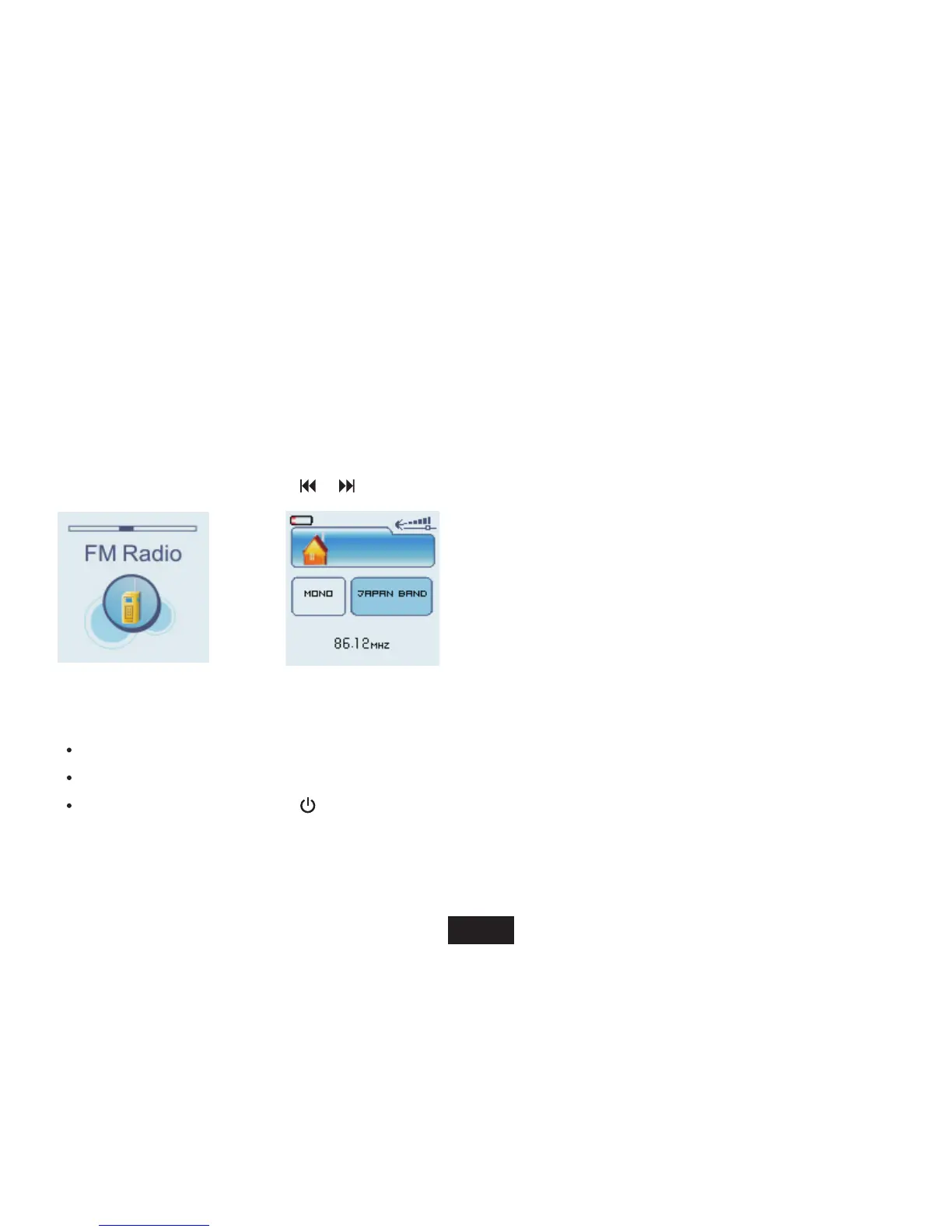
FM radio
Listening to FM radio
Important: Always connect your headphone to the headphone jack, because the headphone cable serves as antenna for
the internal radio.
1. Access Main menu by
holding [ M
].
2. Select “FM RADIO” with
[
] /[ ] then [ M ].
While listening to FM radio, you can:
Adjust Volume: Press [V+] or [V-] button to increase/decrease the volume.
FM radio function menu: Press [
] button to enter FM radio function menu, and press it again to exit.
Power off: Press and hold [ ] button to power off the player.
[ M ] button to enter FM radio function menu,and press it again to exit.
16
CH 0 1



 To Next Page