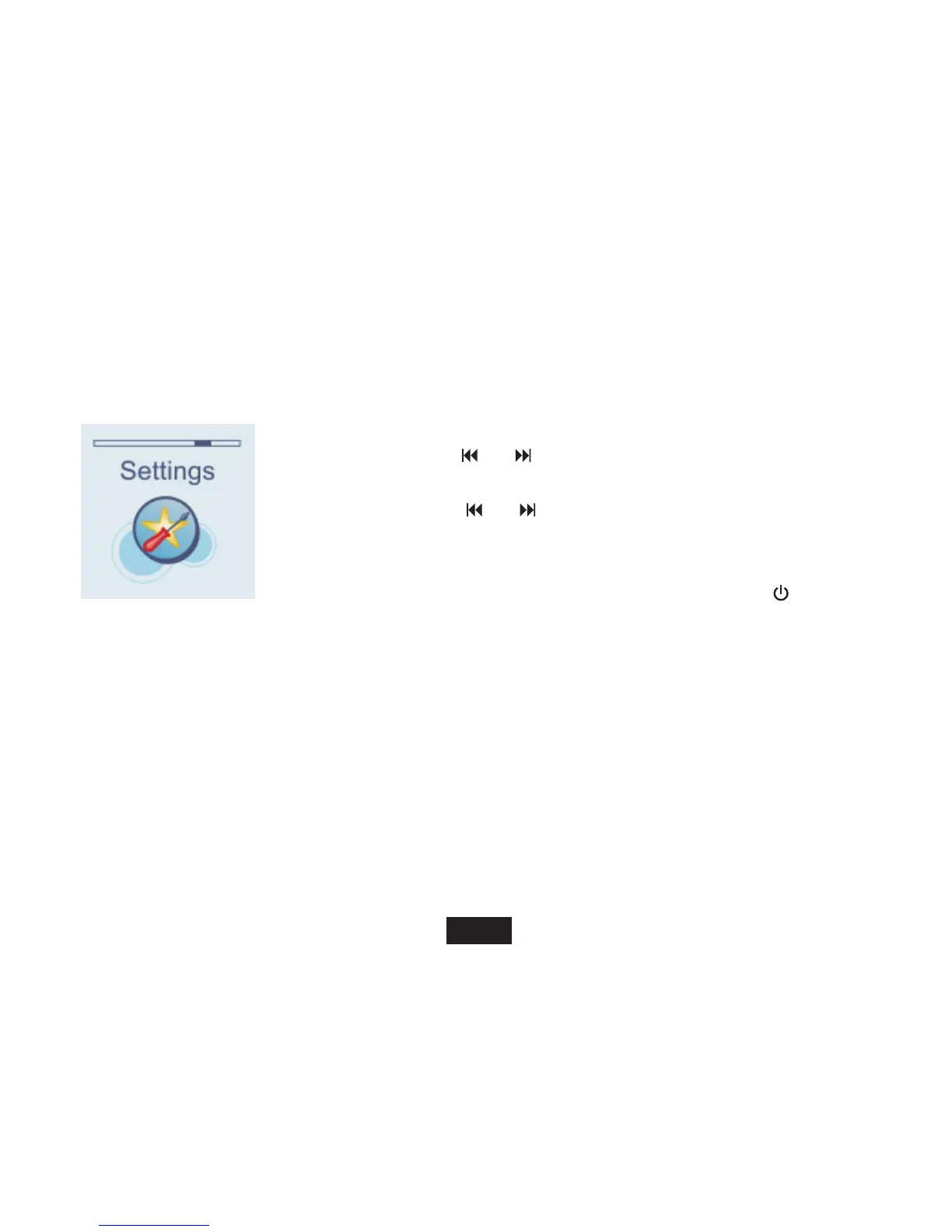
Changing Player Settings
The system settings let you customize and configure your MP3 player.
1. In standby or playing mode, press and hold [ M ] to access the
main menu.
2. Use [ ] or [ ] to select Settings
and press [ M ].
The setup menu
appears on the screen.
3. Use [ ] or [ ] button to select a setup item.
4. Then press the [
] button to enter the submenu.
5. Use the [V+] or [V-] button to select a value.
6. Press the [ M ] button to confirm. Or press the [
] button to exit
and not confirm.
22
M



 To Next Page