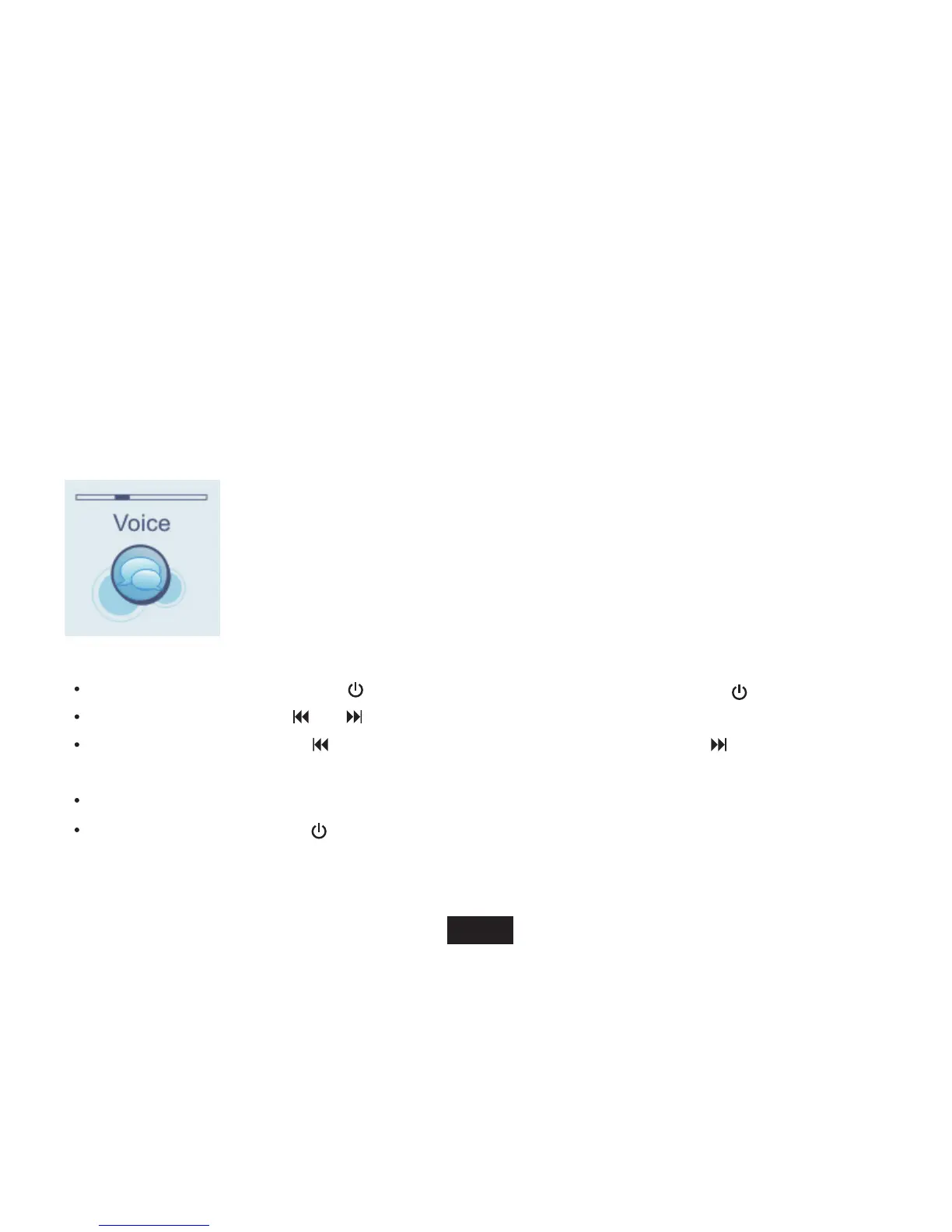
Listening to Voice
Playing voice
Make sure that the battery is sufficiently charged and the headphone is connected correctly.
1. Access Main menu by
holding[
M ]
While voice playing, you can:
Pause/Resume Playing: Press[
] button to pause playing. To resume playing, press[ ]button again.
Skipping Tracks: Press [
] or [ ] button to skip to previous/next track.
Searching: Press and hold [
] button to fast rewind within a track. Press and hold [ ] button to fast forward within
a track.
Adjust Volume: Press [V+] or [V-] button to increase/decrease the volume.
[ ]
button to pause playing.To resume playing,press[ ] button again.
Power off: Press and hold [ ] button to power off the player.
15



 To Next Page