28
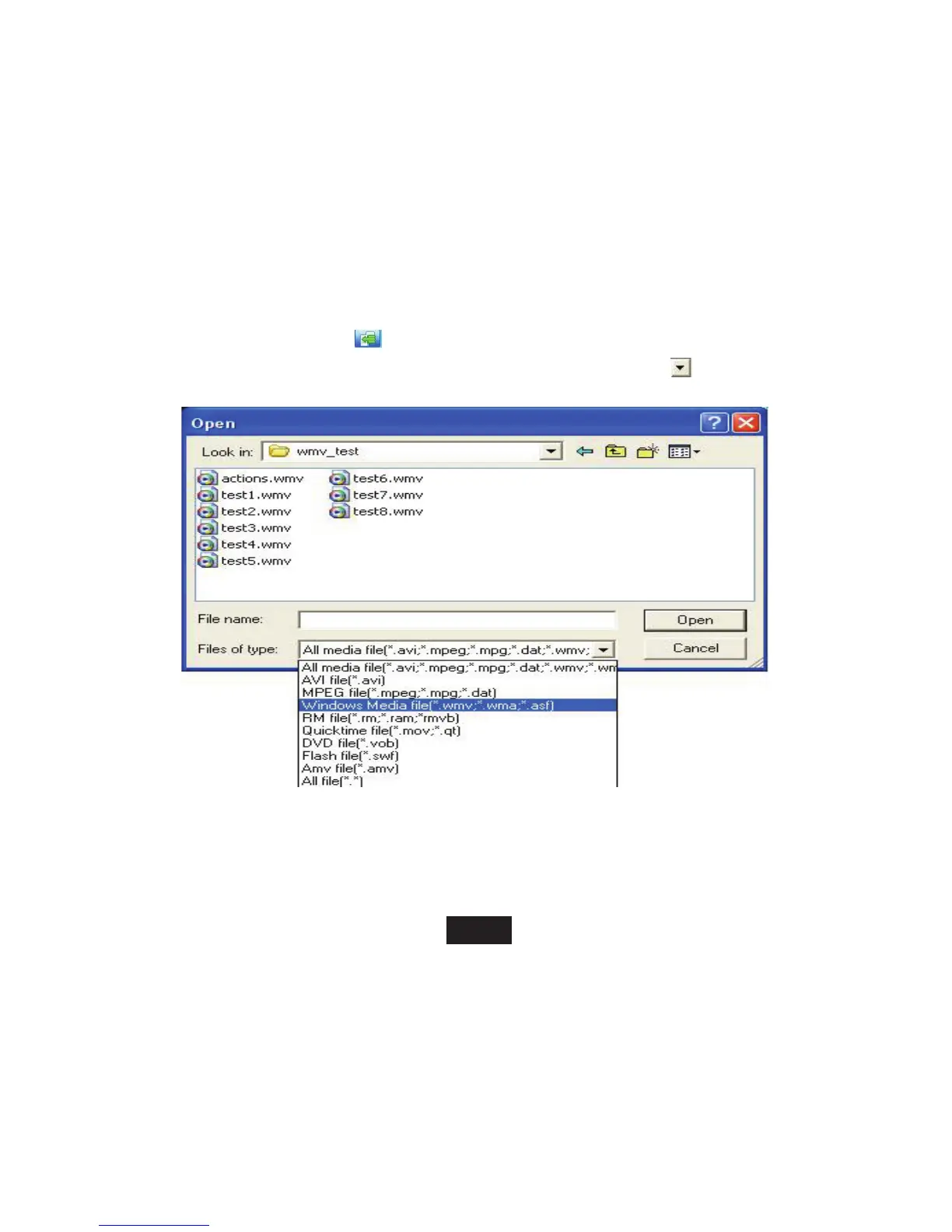
5. After running the tool, click "input file"
button right side of the column to choose the file you want to convert. After
clicking the button it will open the path window automatically. Click "files of type"
button to choose the file type.
Clicks "open" button after selecting files, the interface runs as follows: (this picture provides reference only).



 To Next Page