19
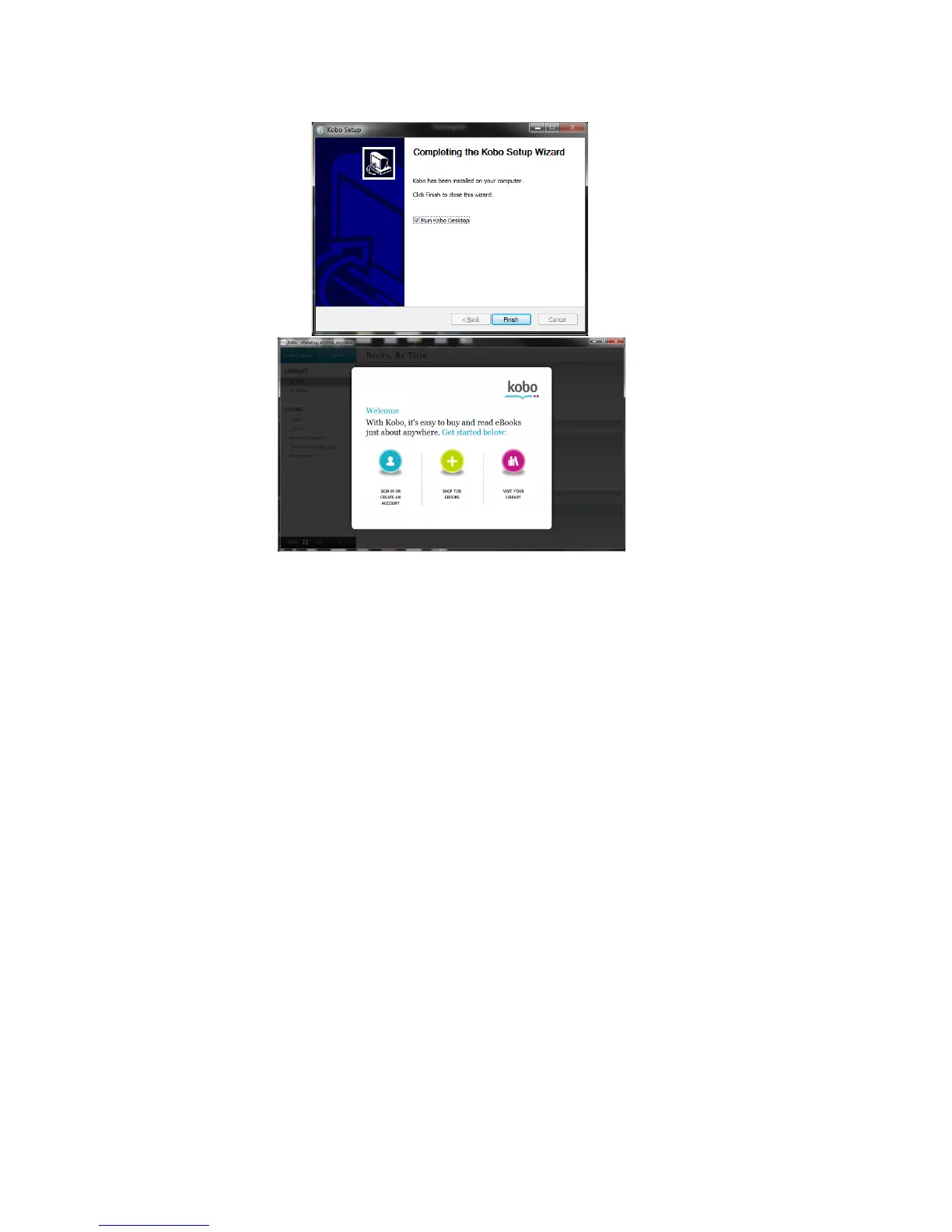
1. Download and install Kobo Desktop Application…. (needs to be
updated based on how Ematic preloads it on the device. IE "connect
the device and then go to the device in explorer and run the file" then
from step 2 on, all will be as written below.)
2. PC users will see the screen below after the setup is completed.
MAC users will see a new Kobo icon will appear on the desktop. Click
this icon. In the window that appears, drag the Kobo icon to your













 To Next Page