20
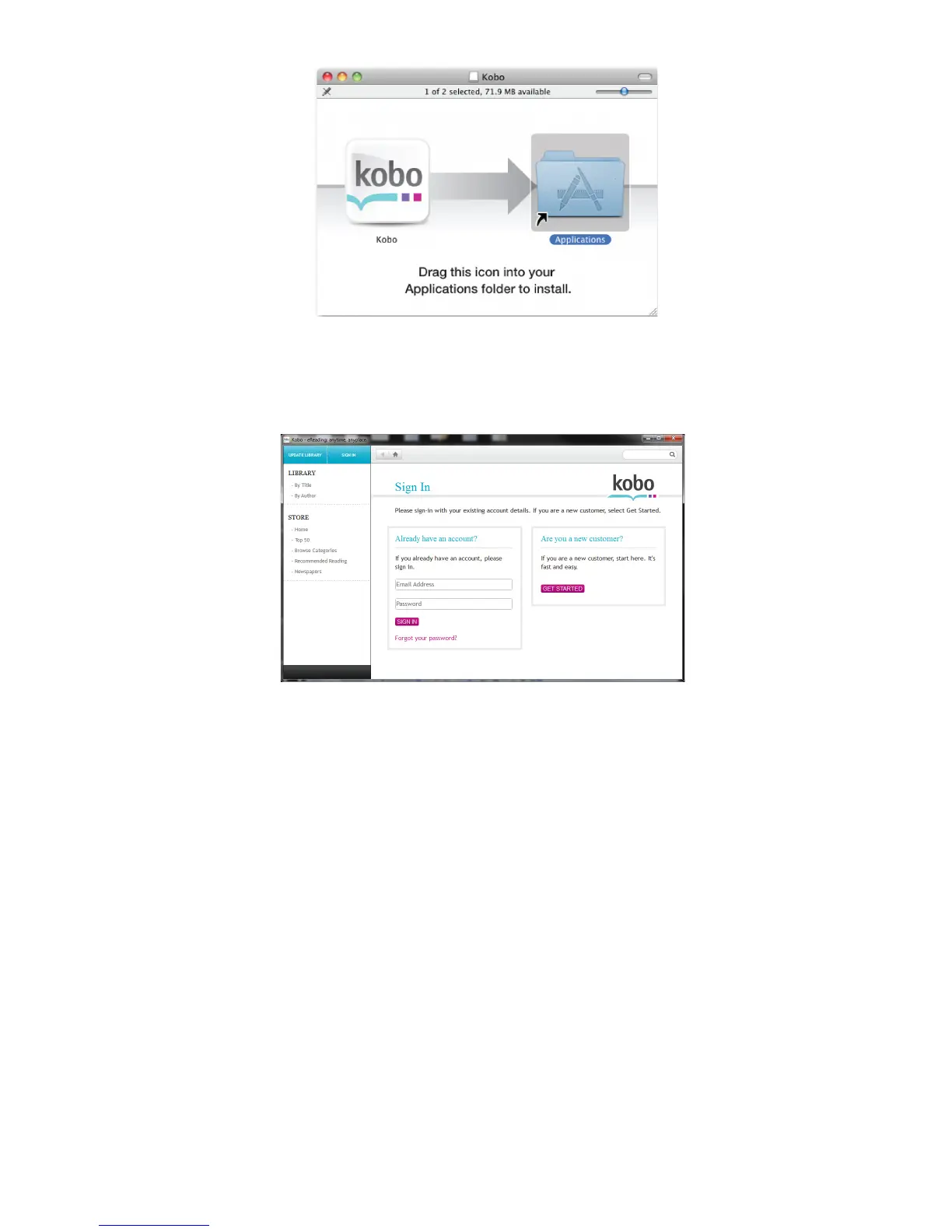
Applications folder.
Double-click the Kobo icon in your Applications folder to get started.
You are now ready to shop and sync to your Ematic Device.
3. If this is your first time trying to connect to Kobo store, please click
“Sign in or create an account” which will take you to the registration
page.
4. Please enter the required registration information and then click “Get
Started”.













 To Next Page