22
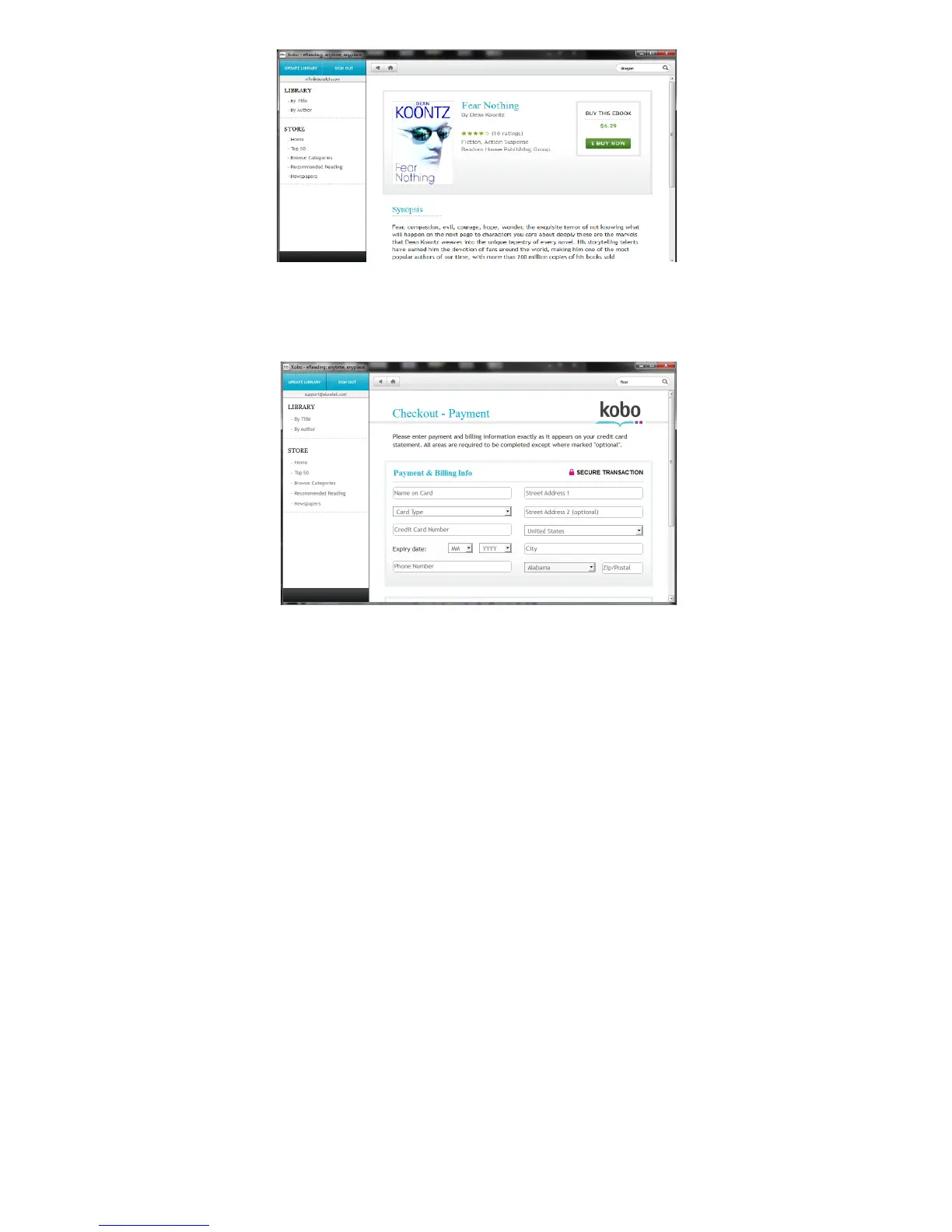
7. After clicking “Buy Now”, the browser will take you to the checkout
payment page. Please enter your payment information and then click
“Buy Now”. Please note, Kobo will keep this information on file for
subsequent purchases, you will only need to verify the details.
8. After the order is processed, you will see the checkout-complete
screen.













 To Next Page