23
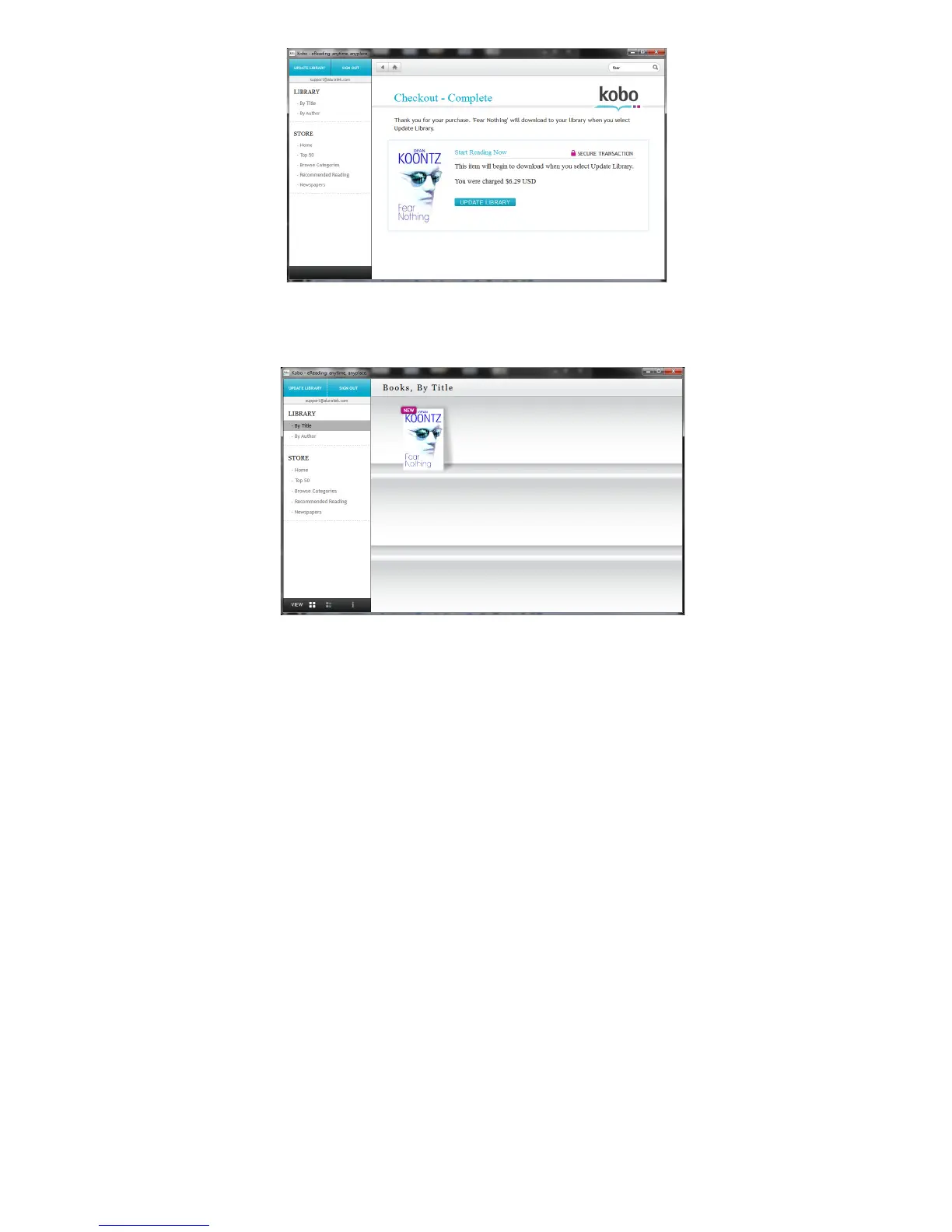
9. Please click “update library” to download the book to your library. It
is recommended to keep the account logged in so you don’t have to
wait for the books to be downloaded from the server every time you
start the software.
10. Please connect your Ematic device to your PC or MAC with the USB
cable if it is not connected already. Please click on Sync to transfer
the eBook from your Library to your device.













 To Next Page