Tinyhawk III Plus Freestyle
To switch power output and change telemetry/transmission rates, follow
these steps:
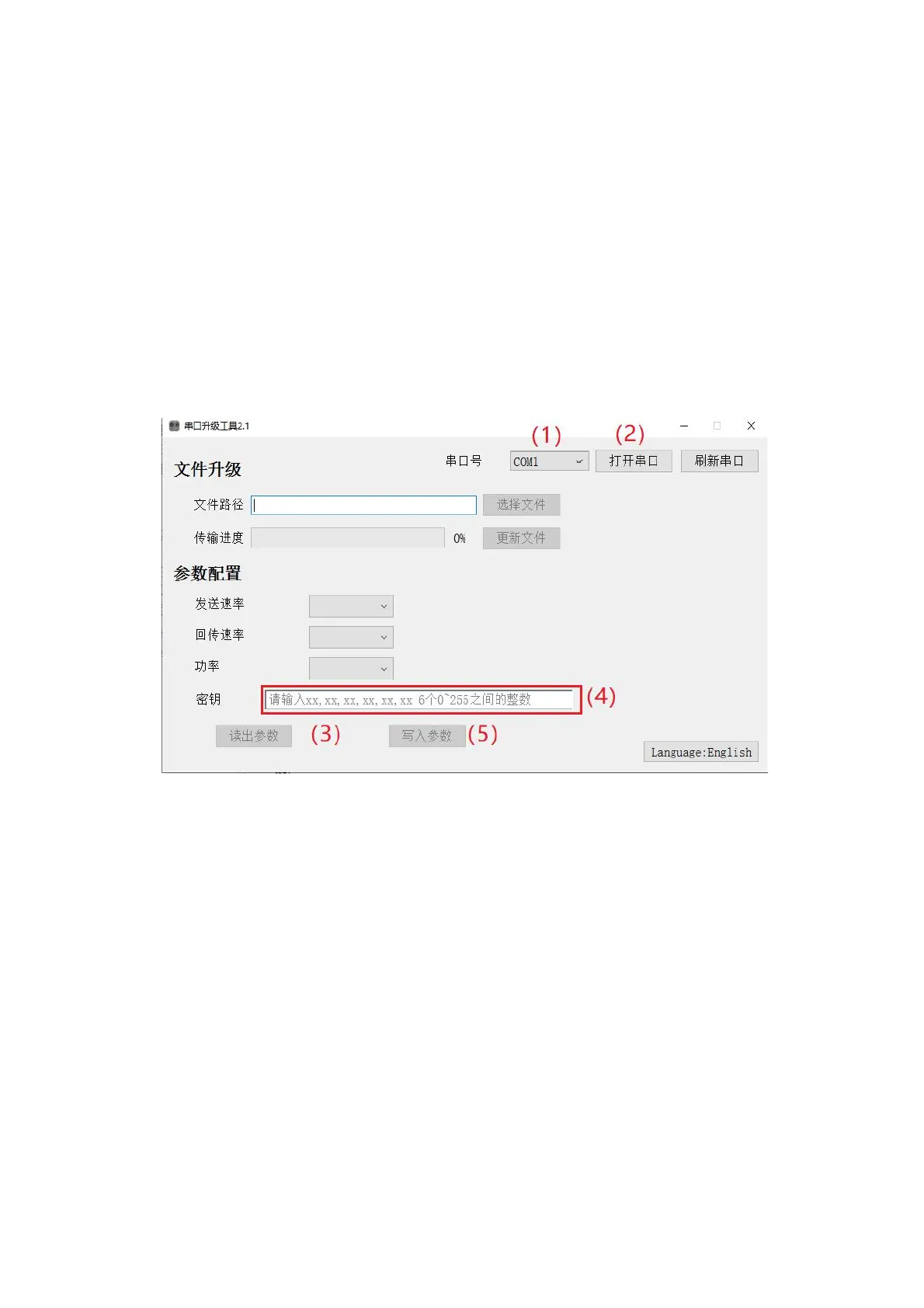
(1) Identical to the first step in the firmware update process.
(2) Identical to the second step in the firmware update process.
(3)In the parameter configuration section, click "Read Parameters." This will
display all the current parameters set on the transmitter.
Locate the options for transmission rate, telemetry rate, power, etc. Click
the corresponding dialog box and choose the appropriate parameters.
Write the parameters. Once the writing is complete, you will see a
confirmation message. Power off the transmitter and power it back on to apply
the changes.



 To Next Page