Tinyhawk III Plus Freestyle
2.4.2 Firmware Update (Boot Mode)
If the HD Goggles cannot start up normally (for example, the fan is running
but there's no image output), switch to Boot mode for firmware update. Follow
these steps:
Format the TF (microSD) Card: Power off the HD Goggles and format the TF
card.
Extract Firmware: On your computer, extract the Emax Transporter II HD
firmware update package to the root directory of the TF card.
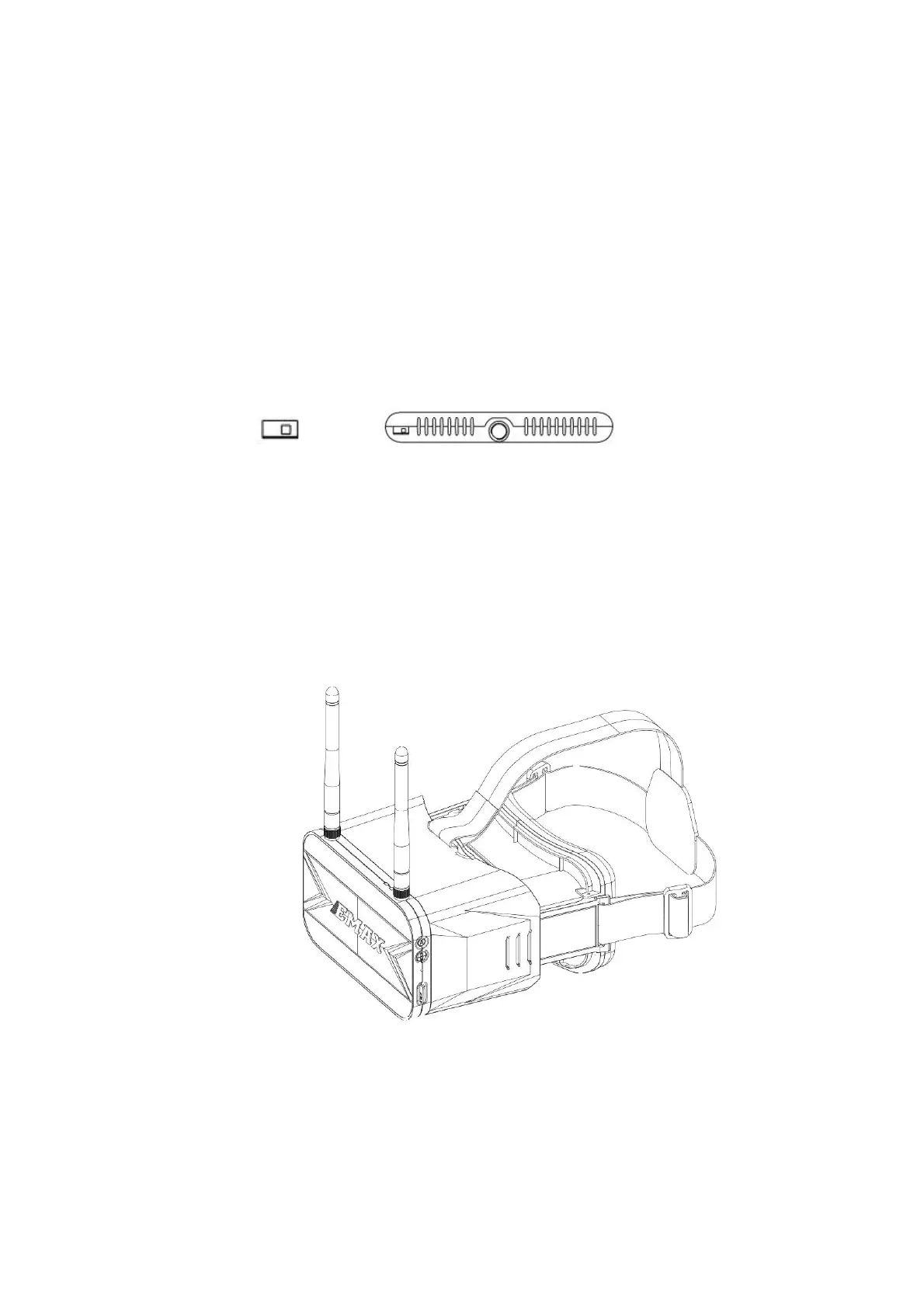
Switch to Boot Mode: Slide the "Boot Switch" to the right side, as shown in
the diagram.
By following these steps, you can update the firmware in Boot mode when
the HD Goggles fail to start up properly.
3.Transporter II
3.1Transporter II



 To Next Page