Tinyhawk III Plus Freestyle
Other: Supports Smartaudio protocol, can update VTX firmware via the
flight controller.
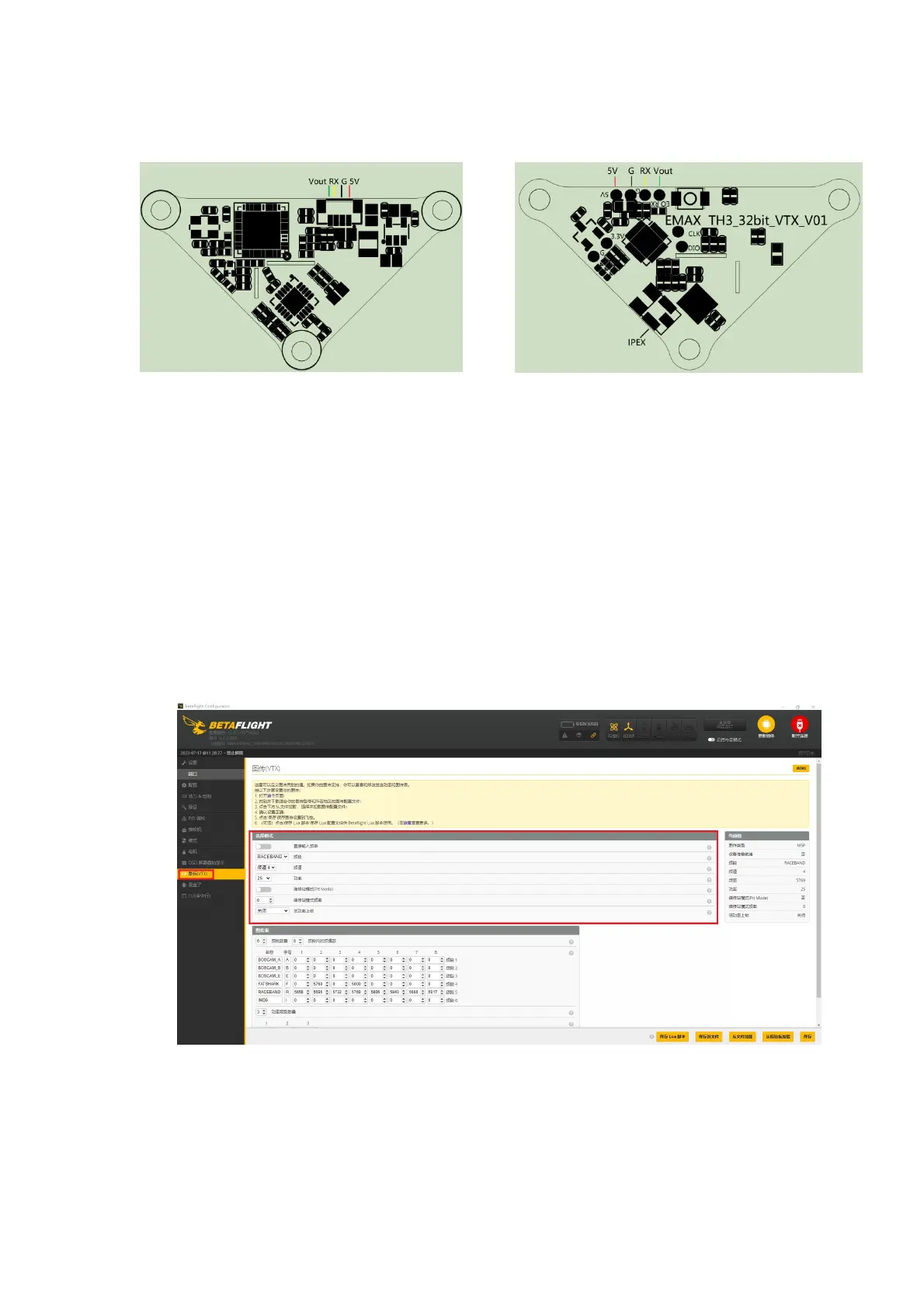
4.5Changing Video Transmission Settings
The default video transmission setting for the Tinyhawk III Plus Freestyle is
R:4:25mW. If you wish to change it, follow these steps:
Open the Betaflight Configurator software.
Locate the video transmission settings.
Modify the desired settings, including frequency, channel, power, and low
power lock.
After making the changes, click "Save."
Restart the drone. The new settings will take effect.
Note: The low power lock function ensures that the video transmission
operates at low power until unlocked. Once unlocked, the transmission operates
at the set power level. This process applies to both the HD and analog versions.
4.6 Changing OSD Settings
(1)The Tinyhawk III Plus Freestyle comes with preconfigured OSD settings. If
you wish to change them, follow these steps using the Betaflight Configurator
software:
Open the Betaflight Configurator software.



 To Next Page