Tinyhawk III Plus Freestyle
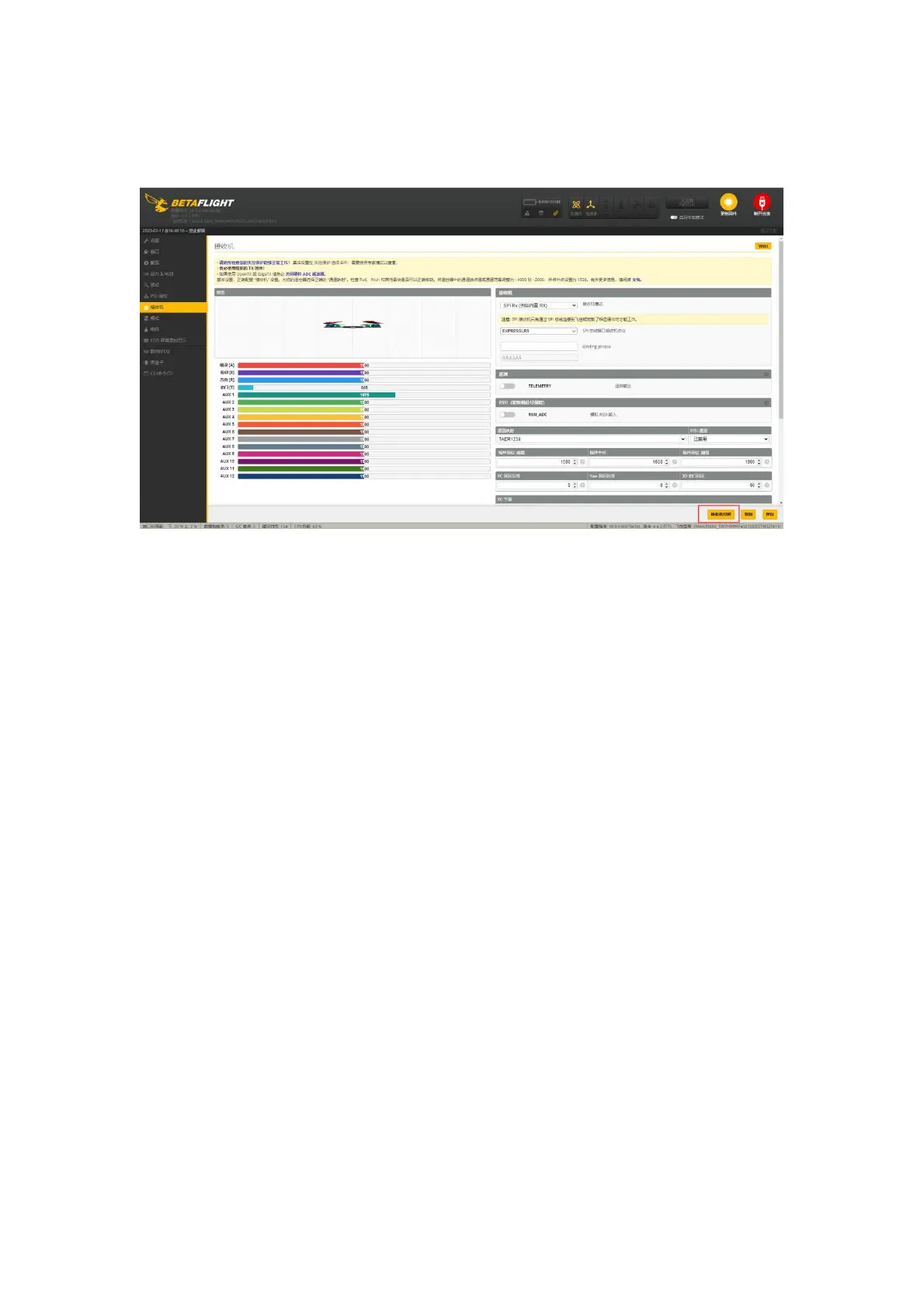
(2) You can also enter the Betaflight Configurator, go to the receiver section,
and click on the receiver bind button to enter binding
mode.
Using the Betaflight Configurator software and the EMAX serial upgrade
tool, you can separately read the current binding keys of the aircraft and the
remote control. You have the option to write the aircraft's binding key to the
remote control using the EMAX serial upgrade tool or write the remote control's
binding key to the flight controller using the Betaflight Configurator software.
To change the flight controller's binding key through the Betaflight
Configurator software, follow these steps:
Open the Betaflight Configurator software.
Use the following command in the command line, replacing with your
desired binding key values (using 0, 1, 2, 3, 4, 5 as examples):
Click "Save."
Press Enter, and wait for the flight controller to reboot and re-enter the
Betaflight Configurator. This indicates a successful modification of the binding
key.



 To Next Page