Tinyhawk III Plus Freestyle
5.7 Flashing Firmware for Flight Controller:
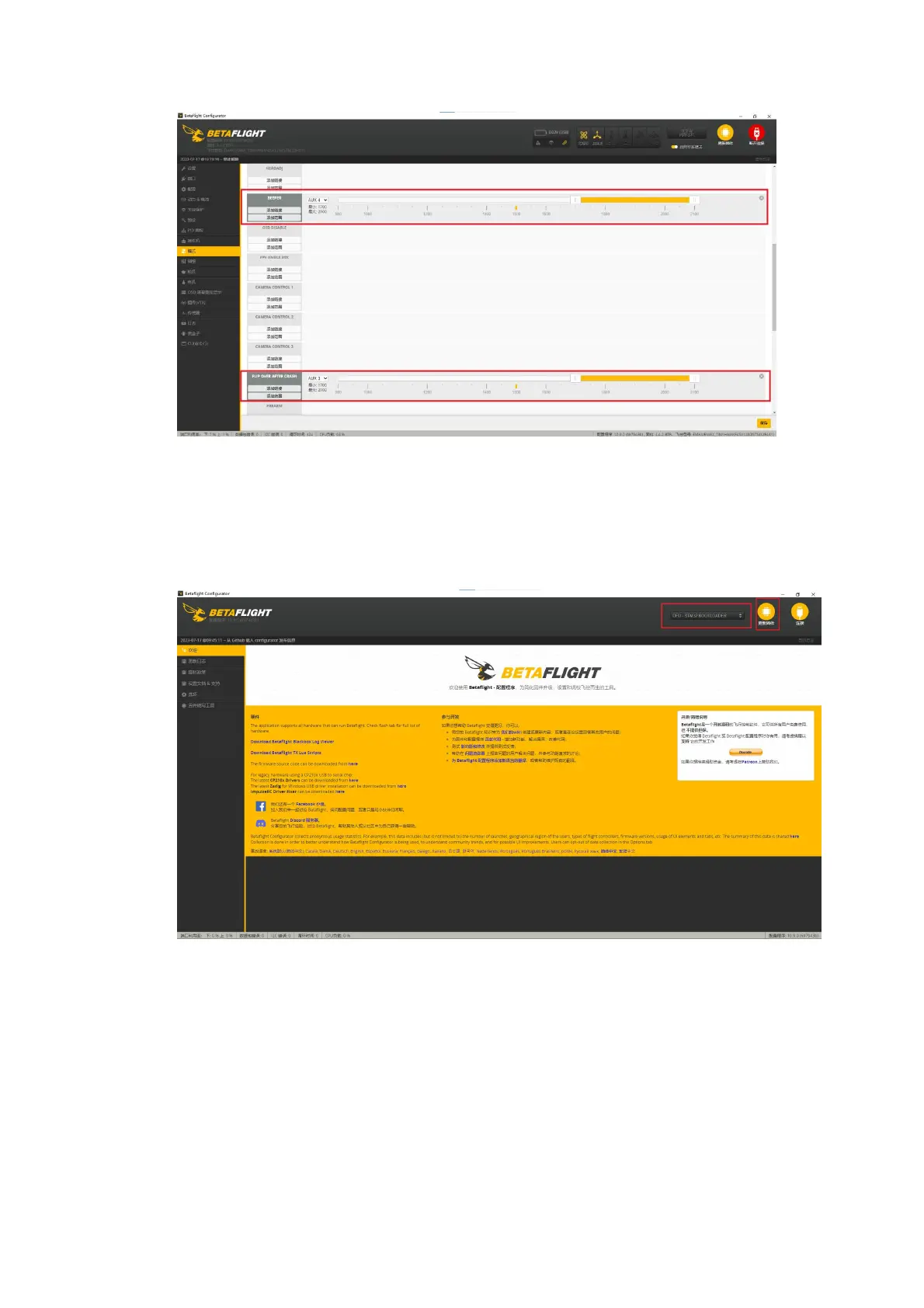
First, locate the Boot button on the flight controller mainboard. While
holding down the Boot button, connect the flight controller to your computer
using a Type-C cable to enter DFU mode. Then, click on the "Update Firmware"
option. If you encounter issues entering DFU mode, please check the data cable
and ensure that the necessary drivers are installed on your computer.
(1) Choose "EMAX_TINYHAWKF4SX1280, 4.4.2" as the firmware and select a
manual baud rate of 256000 from the dropdown menu.
(2) Select either "Load Firmware from the Internet" or "Load Firmware from
Local Computer" and wait for the download to complete.
(3) Finally, click on "Flash Firmware" and wait a few seconds for the flashing
process to complete.



 To Next Page