Tinyhawk III Plus Freestyle
6.2 Flight Modes
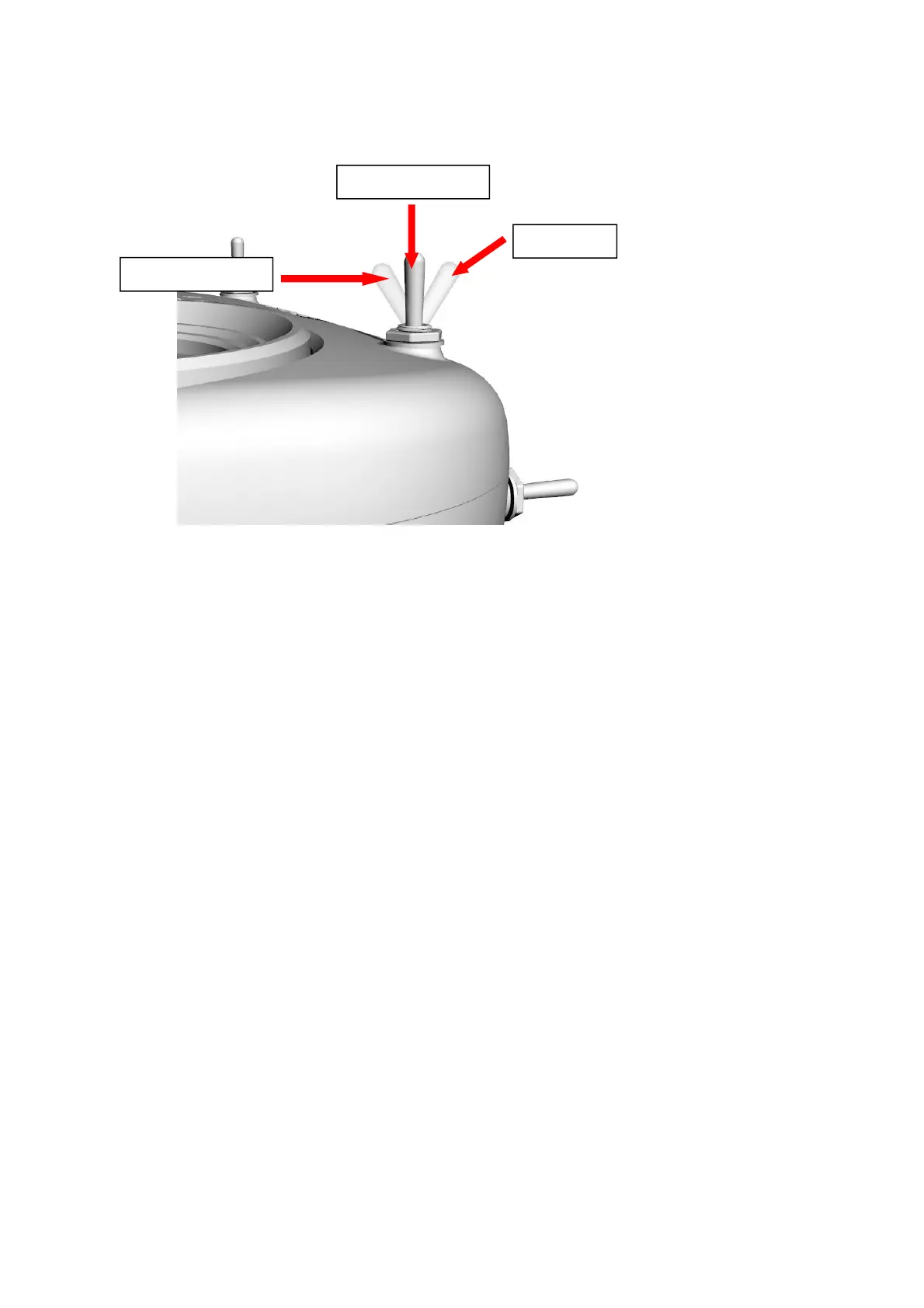
The Tinyhawk III Plus Freestyle has three flight modes:
Simple Mode (Stabilized Mode ARM): This is a basic flight control mode
where the maximum angle of the Tinyhawk III Plus Freestyle is limited during
flight to help restrict speed and make flying easier. In this mode, the aircraft's
control is attitude-based. Pitch and roll inputs from the transmitter control the
pitch and roll angles of the aircraft. For instance, a 20-degree roll input on the
stick translates to a 20-degree roll angle for the Tinyhawk III Plus Freestyle.
.Intermediate Mode (Horizon Mode): This mode has a higher angle limit for
faster flight. Attitude control remains the same. The only difference is that at the
endpoints of pitch and roll stick inputs, the aircraft will flip in that direction.
Advanced Mode (Acro Mode): This mode gives you full control over the
aircraft. There are no angle limits anymore, and control is rate-based. This
means that control inputs from the sticks set a rotation rate around the
respective axis.
Straight Flight
To learn how to pilot the Tinyhawk III Plus Freestyle, start by flying it within
line of sight (without wearing video goggles). Power on the Tinyhawk III Plus
Freestyle and place it in a safe and open area. Start the Tinyhawk III Plus
Freestyle and use the left stick to raise the throttle to hover. Begin by attempting
to maintain a stable altitude. Control the throttle pitch with your thumbs to
control the elevation of the aircraft, allowing the Tinyhawk III Plus Freestyle to fly
smoothly. It takes practice to become proficient, so repetition is necessary to
achieve mastery.



 To Next Page