Setting Up Your New System
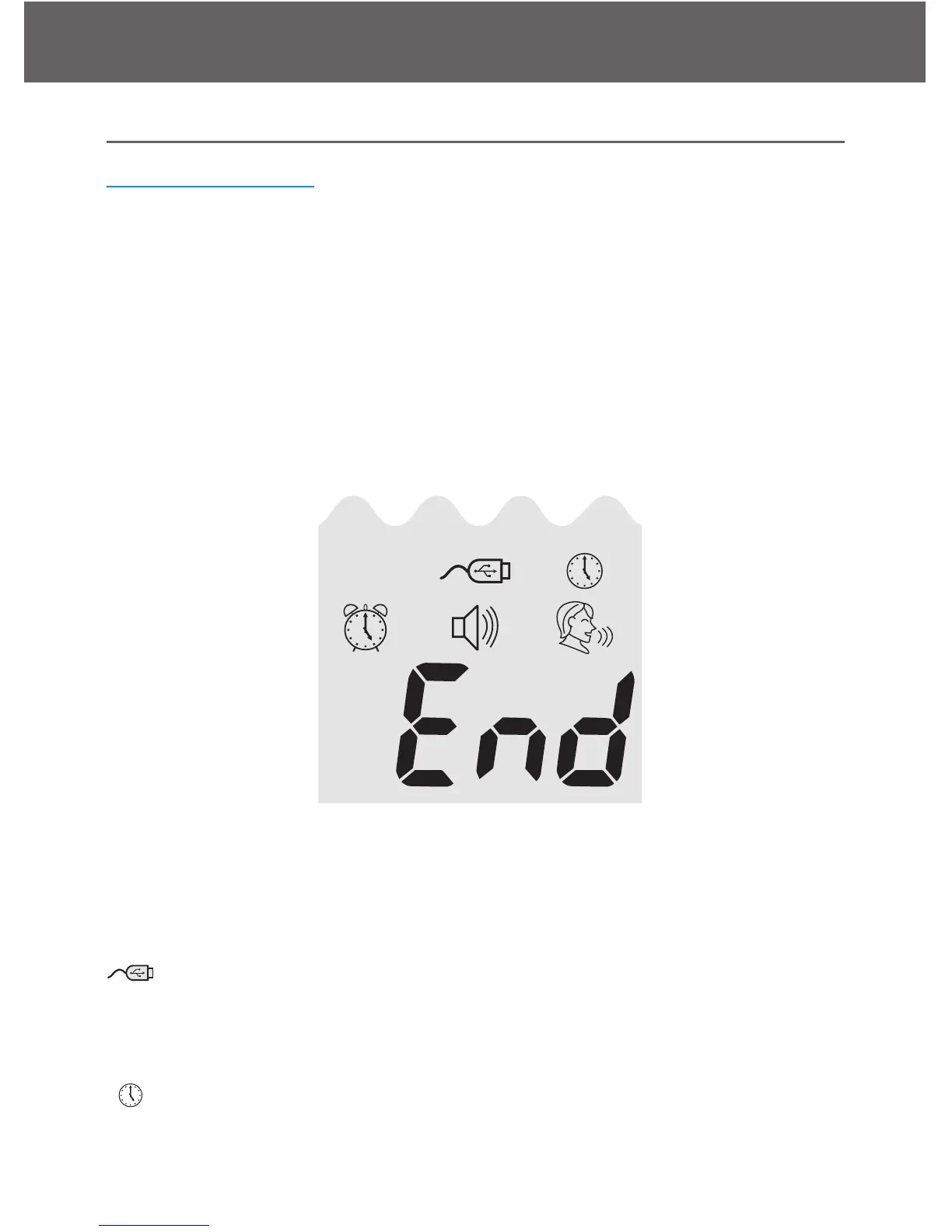
The Setup Screen
The Setup Screen of the Embrace Meter allows you to take advantage
of the advance functions of this meter. The buttons on the side of the
meter will assist you to select the function you want, simply push the
middle button and use the up or down arrows until you reach the de-
sired functional icon, and press the middle button to enter that function
when the icon is flashing. Use the arrows to End at the display screen
to exit the Setup Screen. The meter will also announce each function
when the talking feature is turned on.
........press the middle button to enter Memory Recall to retrieve
stored results. Your meter can store up to 300 memories with
date and time. (see page 36)
........Press the buttons to enter PC Link Mode for data transfer
onto a PC*
*Software purchased separately
........Press the buttons to enter Time and Date Setup (see page
11).



 To Next Page