Viewing Your Meter’s Memory
Your Embrace Meter automatically stores up to 300 test and control re-
sults with date and time. The meter also provides 7, 14, and 30 days
averaging to help track your blood glucose trend. You must set up your
meter to use the memory and day averaging function, see Setting Up
Your New System on page 10. The meter will not store test or control
results if the date and time is not set.
Viewing Stored Readings and 7, 14, 30 Days Average from
Memory
You will need:
√ Your Embrace Meter
Step 1:
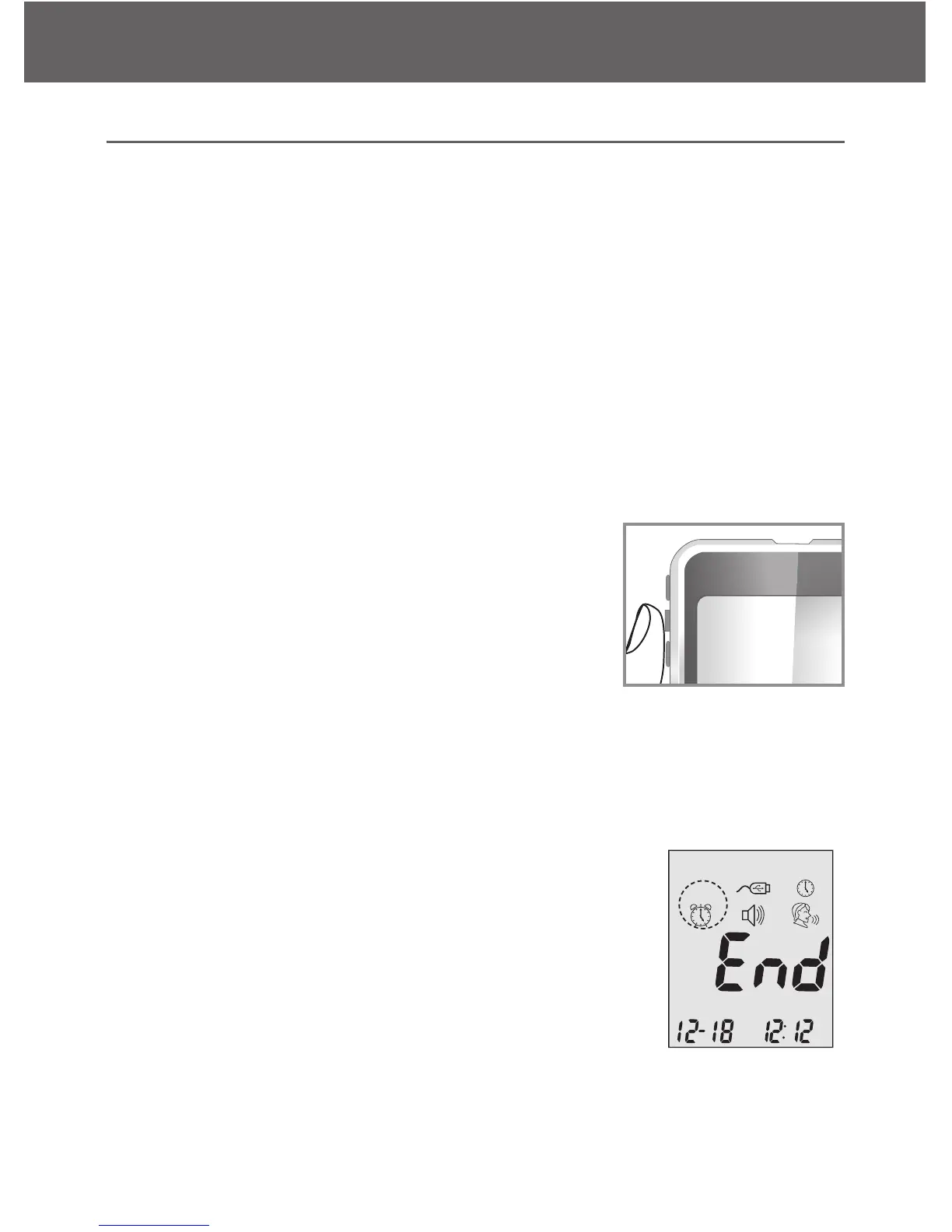
Press and hold the middle button to turn on the
meter.
Step 2:
Press the middle button once and arrow up or
down until mem starts to flash. If the talking func-
tion is on, the meter will say “memory recall.”
Press the middle button to enter. Use the arrow
keys to view prior tests. Press the middle button
when complete to exit the memory section.
nil will appear on the display screen after the last
recorded test result if less then 300 readings are
stored. Use arrow buttons to review prior results.



 To Next Page